

JPEG
Application photo
Create an application JPEG and check the finished result and file size before saving.
Prepare your application photo and passport-page PDF in your browser. No app installation is required.
Application photoJPEG Passport-page PDFPDF
Create Photo and PDFCreating and reviewing are free. You pay only when you save the finished files. from JPY 700
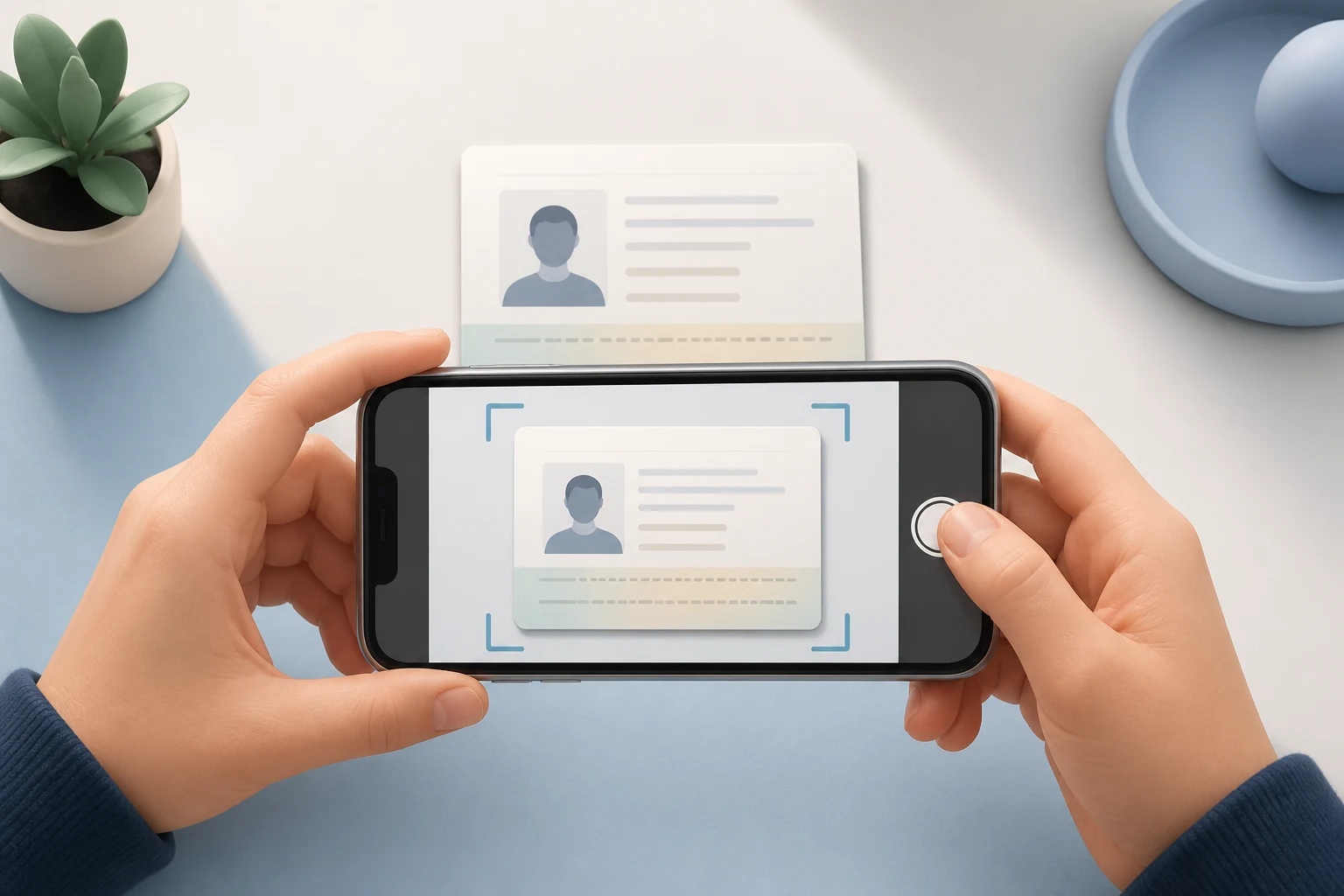
Create an application JPEG and check the finished result and file size before saving.
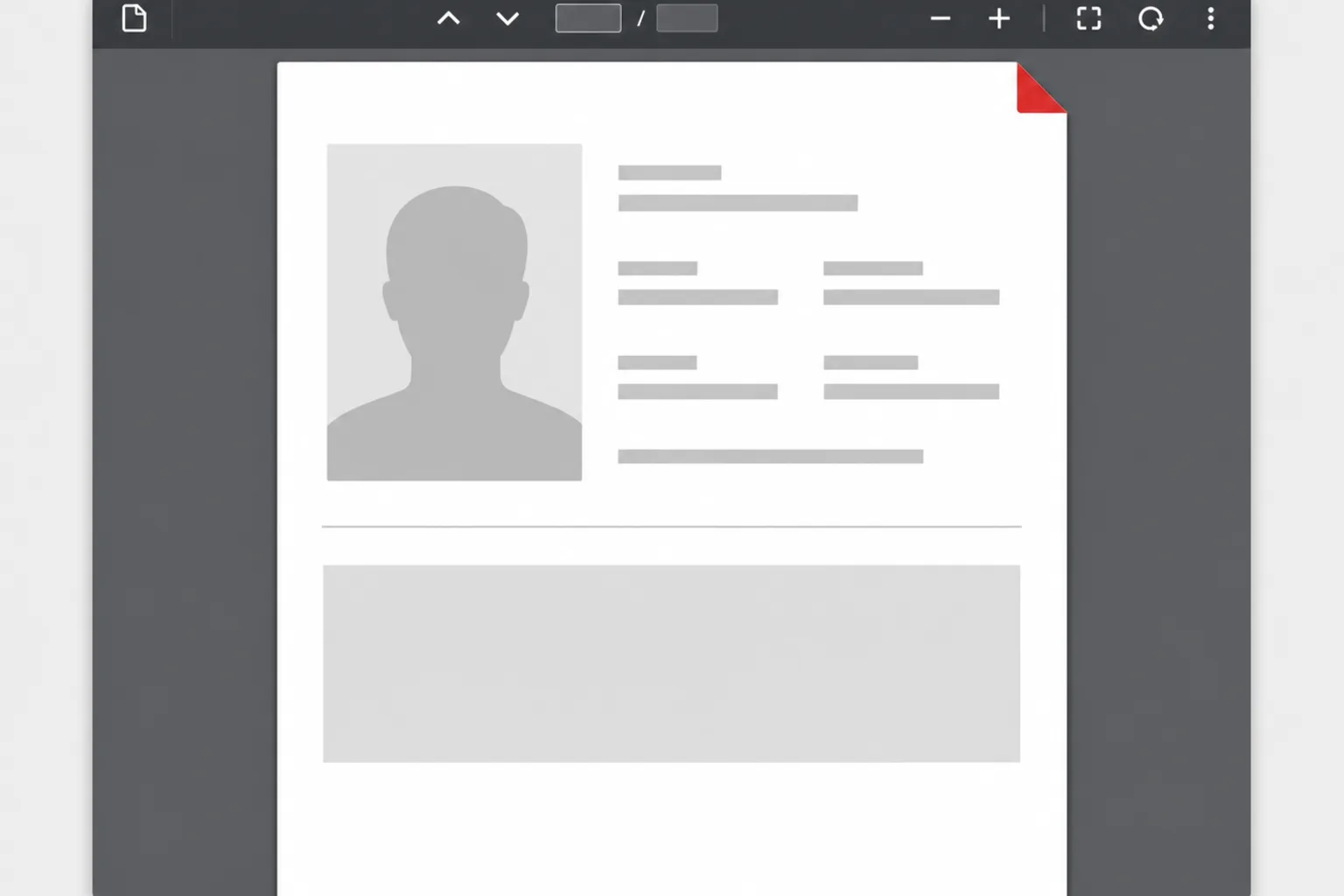
Turn the passport page with your photo into a one-page application PDF and check its size and readability.
Add the photo and passport page, check the finished files, then save them together.
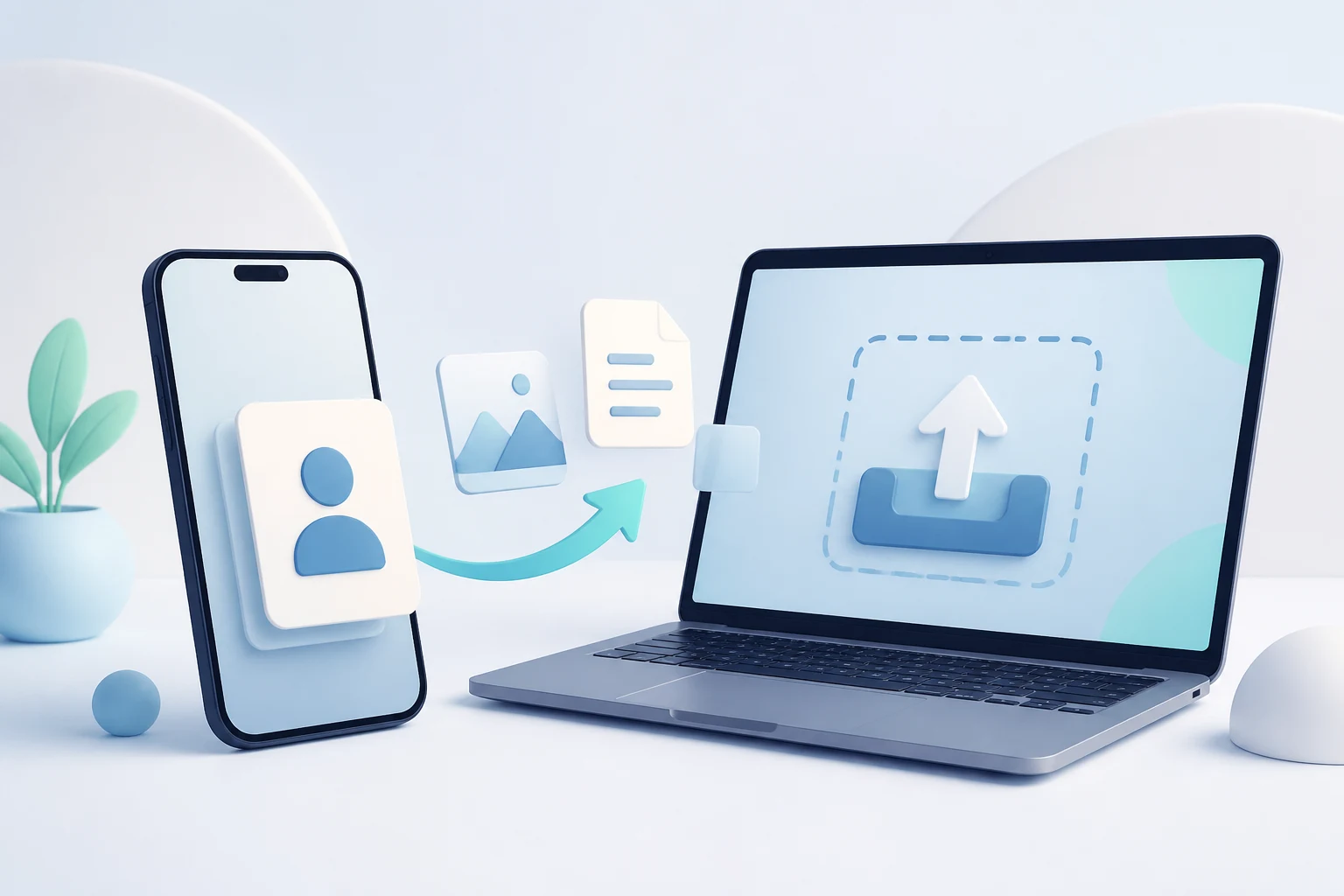
Select or capture a face photo, then add the passport page with your photo.
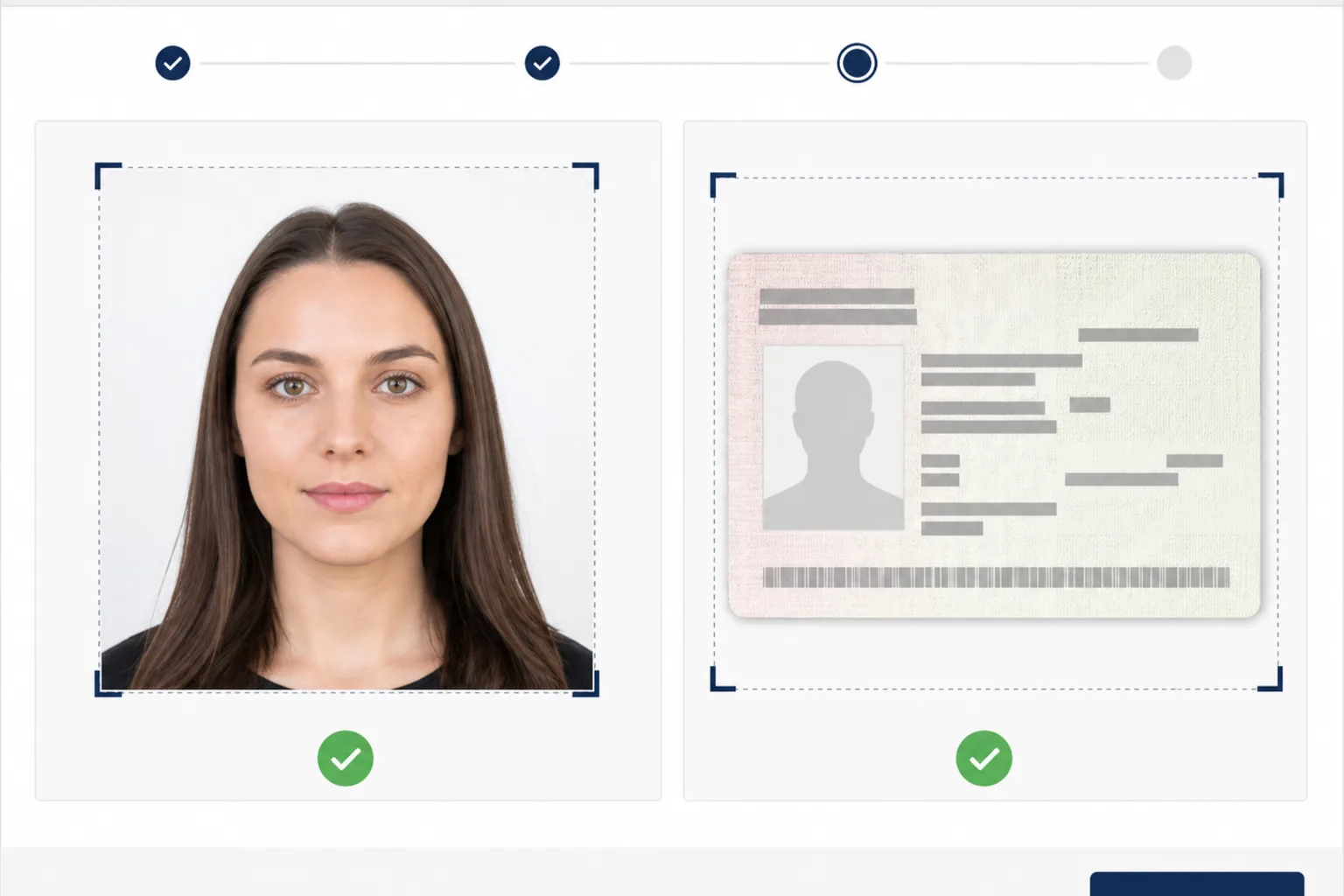
Check the face position, size, format, file size, and PDF readability.
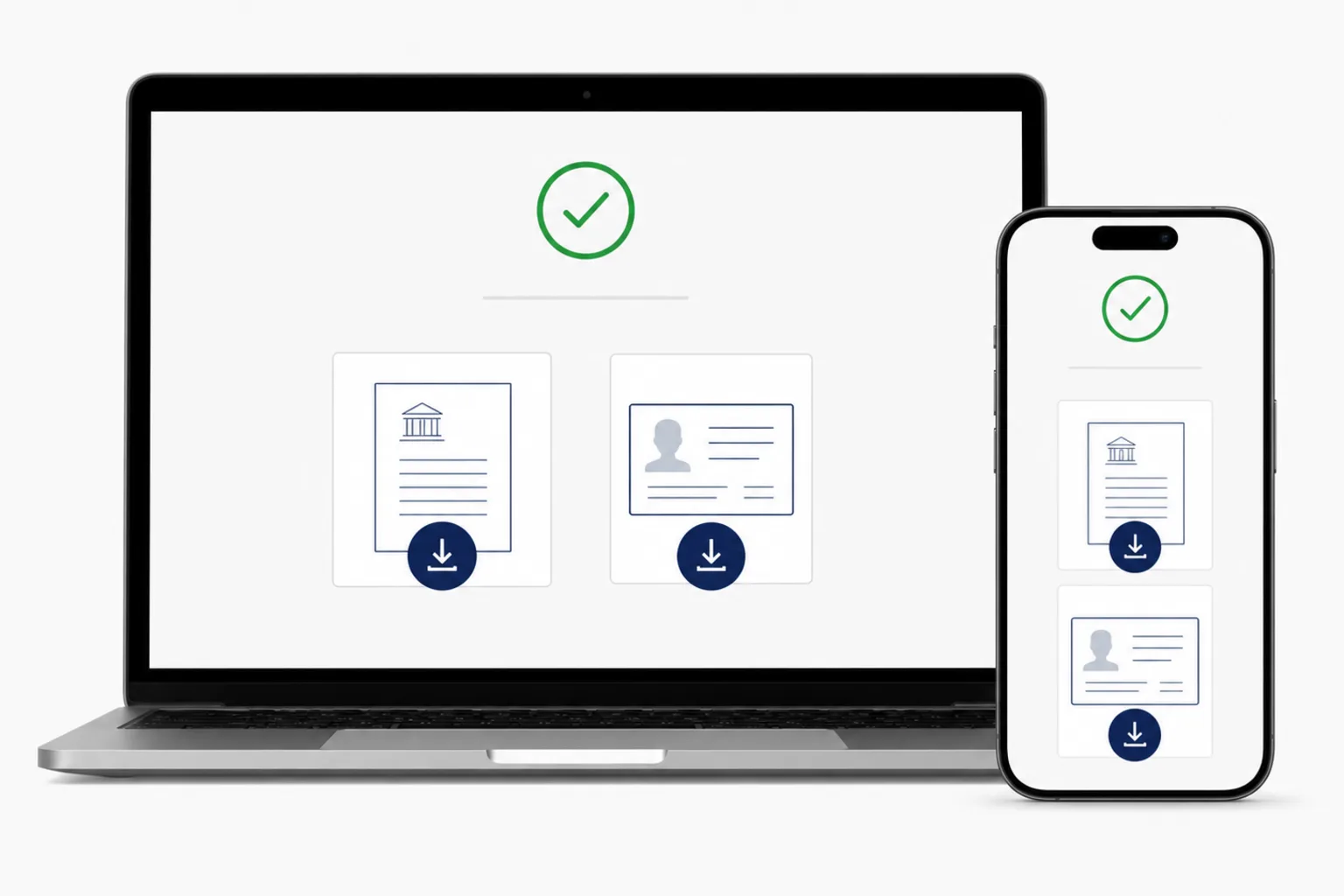
After reviewing, pay once and save the face-photo JPEG and passport PDF to your device.
Check the main file conditions for an India e-Visa application. See the requirements guide for background and face-visibility details.
Indian Visa Online - India e-Visa · Checked: 2026-10-04
Indian Visa Online - India e-Visa · Checked: 2026-10-04
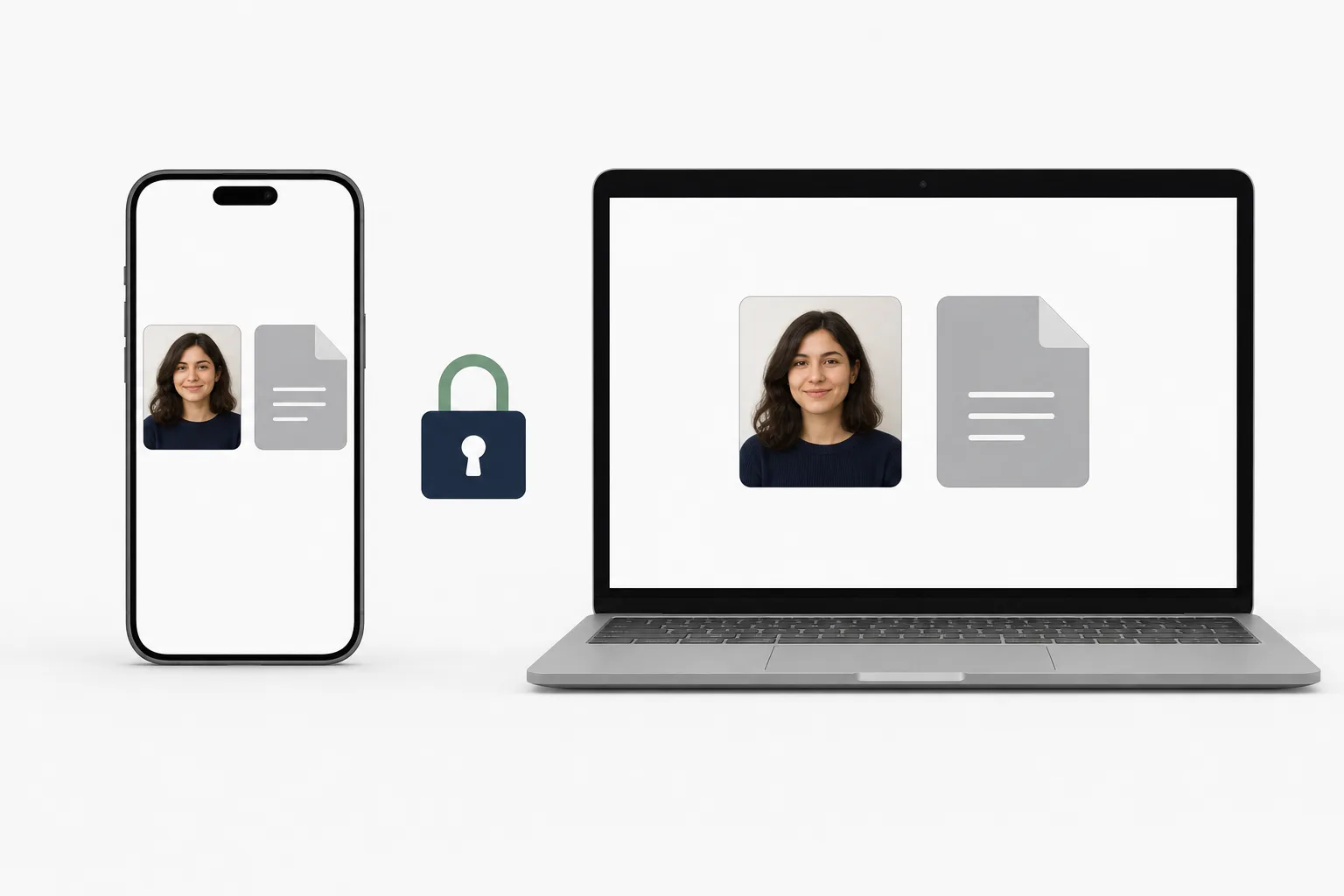
Your photo and passport page are processed in your browser. Save the finished JPEG and PDF directly to your phone or computer.
Creating and reviewing are free. You see the price before saving and pay once when you save.
from JPY 700Approximate price. The final amount is shown in your local currency at checkout.
For a paper or in-person Regular Visa application, prepare the photo in the separate Regular Visa tool.
Create a Regular Visa photoYes. You can handle the face photo and passport page in a supported browser.
No. This page opens the browser-based creation screen.
Yes. It creates an application JPEG and a one-page PDF of the passport page with your photo.
Creating and reviewing are free. You see the price and pay once when saving the finished files.
No. It prepares files only and does not review, submit, issue, or guarantee an application.
Create the face photo JPEG and passport PDF together.
Create Photo and PDFIf you prefer an installed app, you can use the India e-Visa Photo app for iPhone.
See the iPhone app