India Visa photo guide
India e-Visa photo requirements
A practical guide to the digital photo required for India e-Visa applications — the file requirements to meet, the photo rules to check, and the limits that differ from the Regular Visa route.
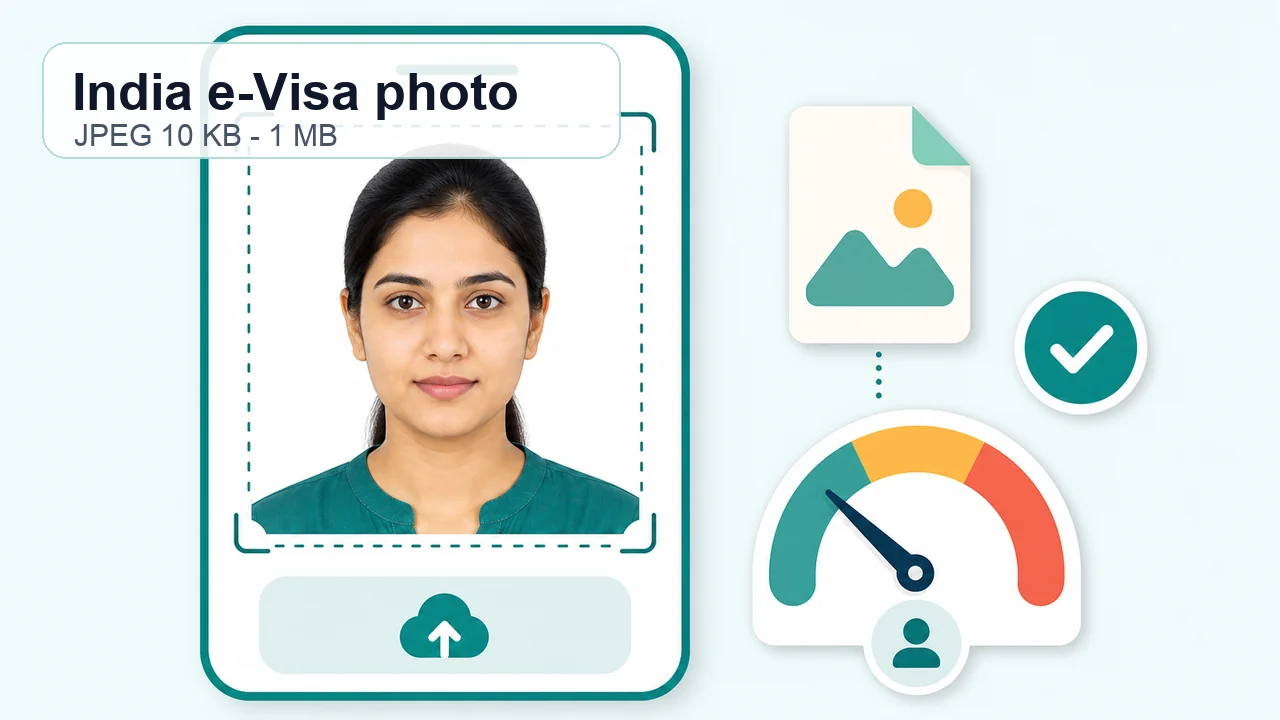
The photo conditions to check first
- Format
- JPEG
- File size
- 10 KB – 1 MB
- Aspect ratio
- 1:1
Face, background, and glasses
The face should be front-facing with eyes open.
- Glasses
- Remove glasses before you shoot.
- Background
- Plain white or light, with no shadows on the face or background.
- Frame
- No borders or extra frames.
- Editing
- If you edit the background, avoid cut-out edges around hair, ears, or the face outline — do not damage the face outline.
Do not mix Regular Visa limits
Over-compressing to fit a Regular Visa limit can make an e-Visa face photo unnecessarily blurry.
Practical pre-upload check
- JPEG format
- File size 10 KB – 1 MB
- Square crop
- Face front-facing, eyes open
- Plain background, no shadows
- Glasses off
Passing the upload screen is not a guarantee of acceptance. Follow any warning or resubmission message from the official system.
Create your photo in the browser
Prepare the photo for India e-Visa directly in your smartphone or computer browser. Creating and reviewing are free.
Open the web toolAlso available as an iPhone appOpen the App Store
Photo conditions that can cause problems
-
Mixing the 1 MB and 300 KB limits
Check which route you are actually applying through before you compress.
-
Renaming HEIC to .jpg
Changing the file extension does not create a real JPEG. Export the image as JPEG and confirm the saved format.
-
Keeping glasses for the e-Visa photo
The e-Visa guidance says without spectacles. Remove glasses even when there is no glare.
-
Heavy background whitening
Strong background replacement can cut the face outline and make the photo look over-edited. A plain background while shooting is safer.
-
Over-compressing the file
Forcing the file far below the e-Visa 1 MB limit can blur the eyes and face detail. Keep detail clear within the correct size range.
How the app helps
Square JPEG crop
Export a real square JPEG from your phone or browser.
Route-aware size check
Check the file against the limit for your route before you export.
Background and glasses pre-check
Review background, shadows, and glasses on the final file.
Images stay on your device
Photo processing happens on your phone. The image is not sent to this website.
An independent helper tool. It is not a visa application service and does not guarantee acceptance.
India Visa photo FAQ
Does an e-Visa photo need to be under 300 KB?
The e-Visa guidance lists a 1 MB maximum. The 300 KB limit belongs to Regular Visa online photo guidance, so do not mix it into e-Visa preparation.
Can I wear glasses in an e-Visa photo?
The official e-Visa guidance says without spectacles. Even without glare, it is safer to take the e-Visa photo without glasses.
Will this photo definitely be accepted?
No. The official system, Government of India, mission, or application center makes the final decision.
Do e-Visa and Regular Visa use the same file-size limit?
No. The official e-Visa page lists a 1 MB maximum, while Regular Visa online photo guidance lists a 300 KB maximum.
Do I still need to confirm the latest requirements with the official source before submitting?
Yes. Printed-photo size, copy count, and submission-center practice can vary by route and location.
Official references
- Indian Visa Online - India e-Visa Checked: 2026-10-04
- Indian Visa Online - Regular Visa instructions Checked: 2026-10-05
- Indian Visa Online - VSS_IMAGE photo upload guidance Checked: 2026-10-05