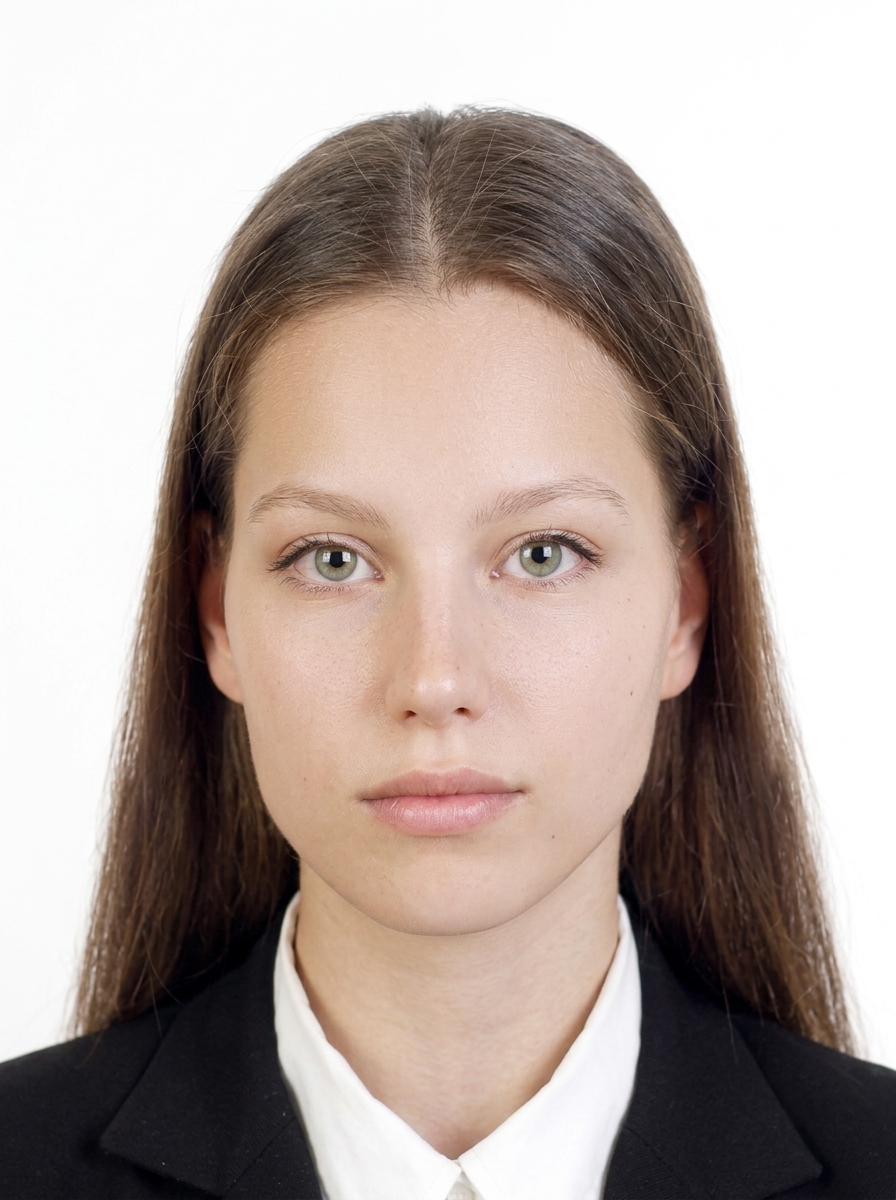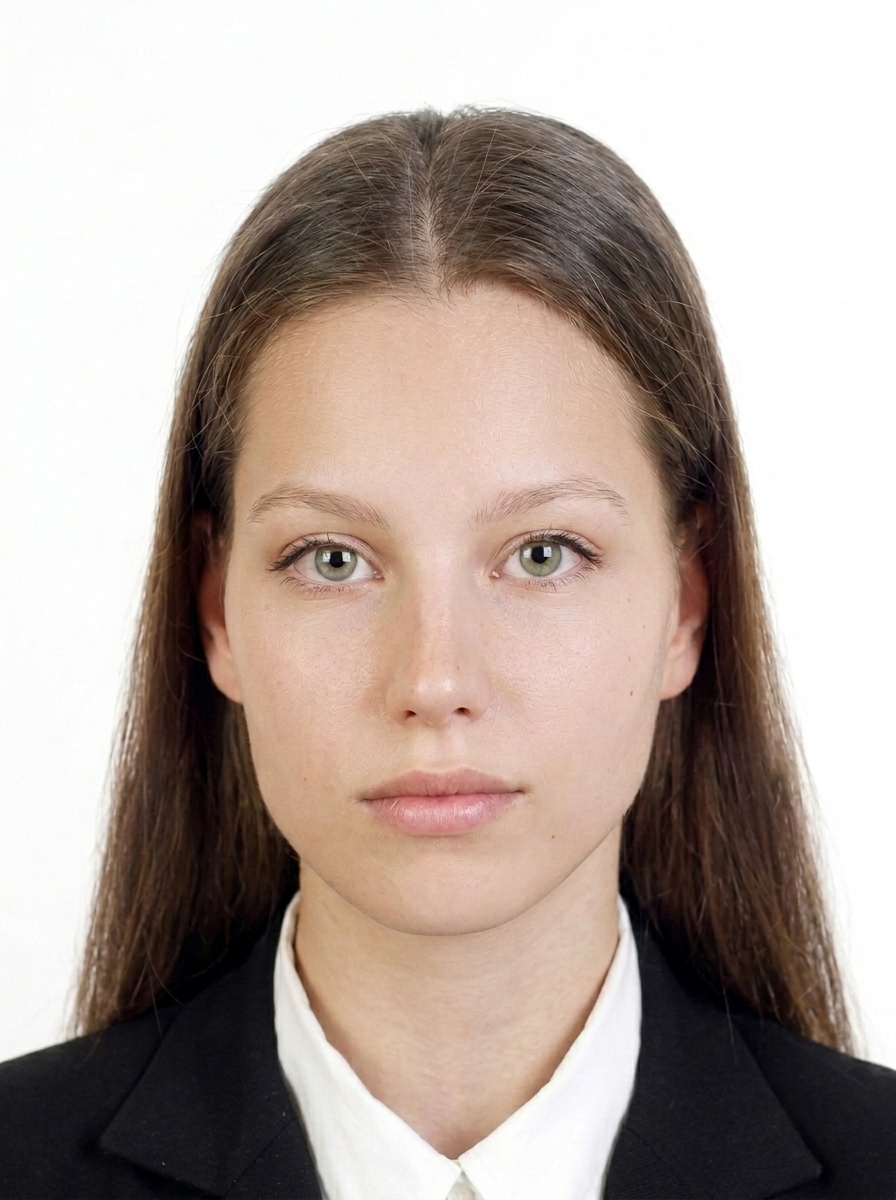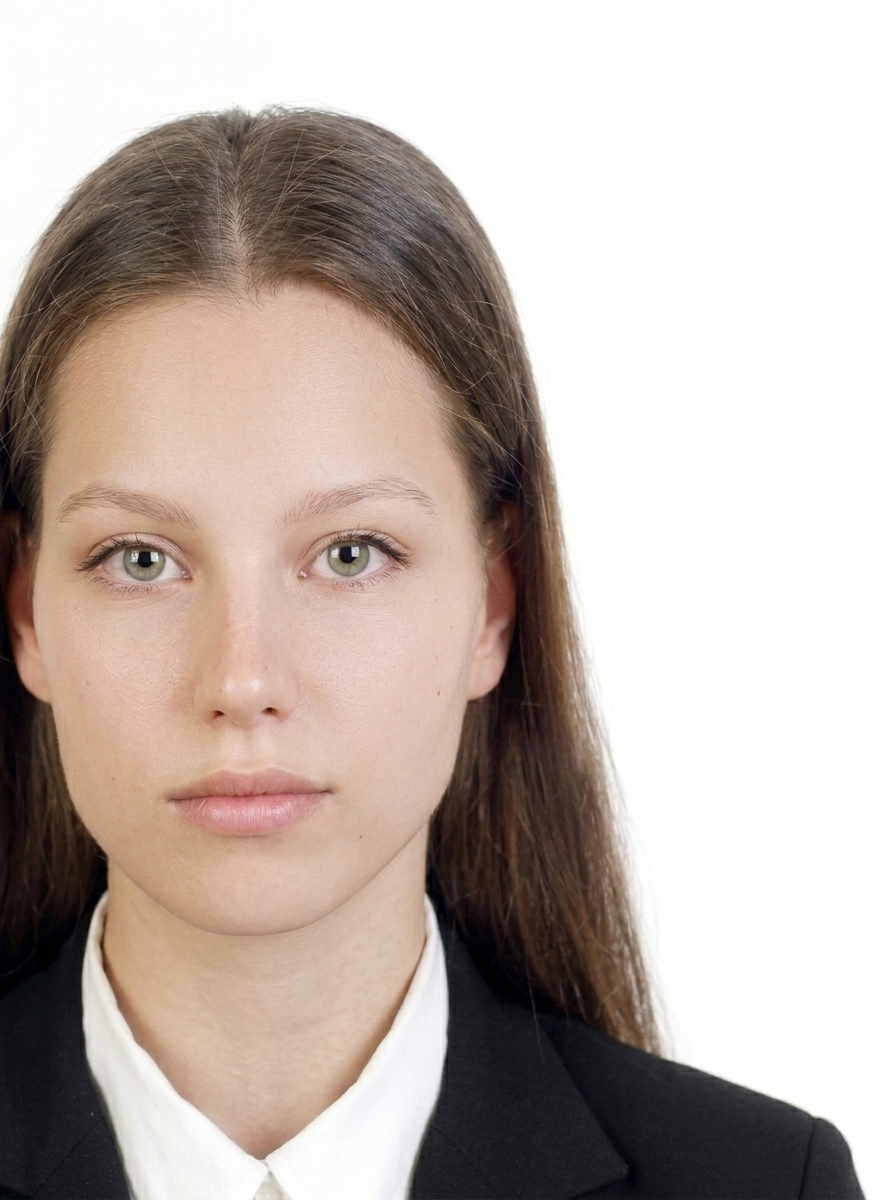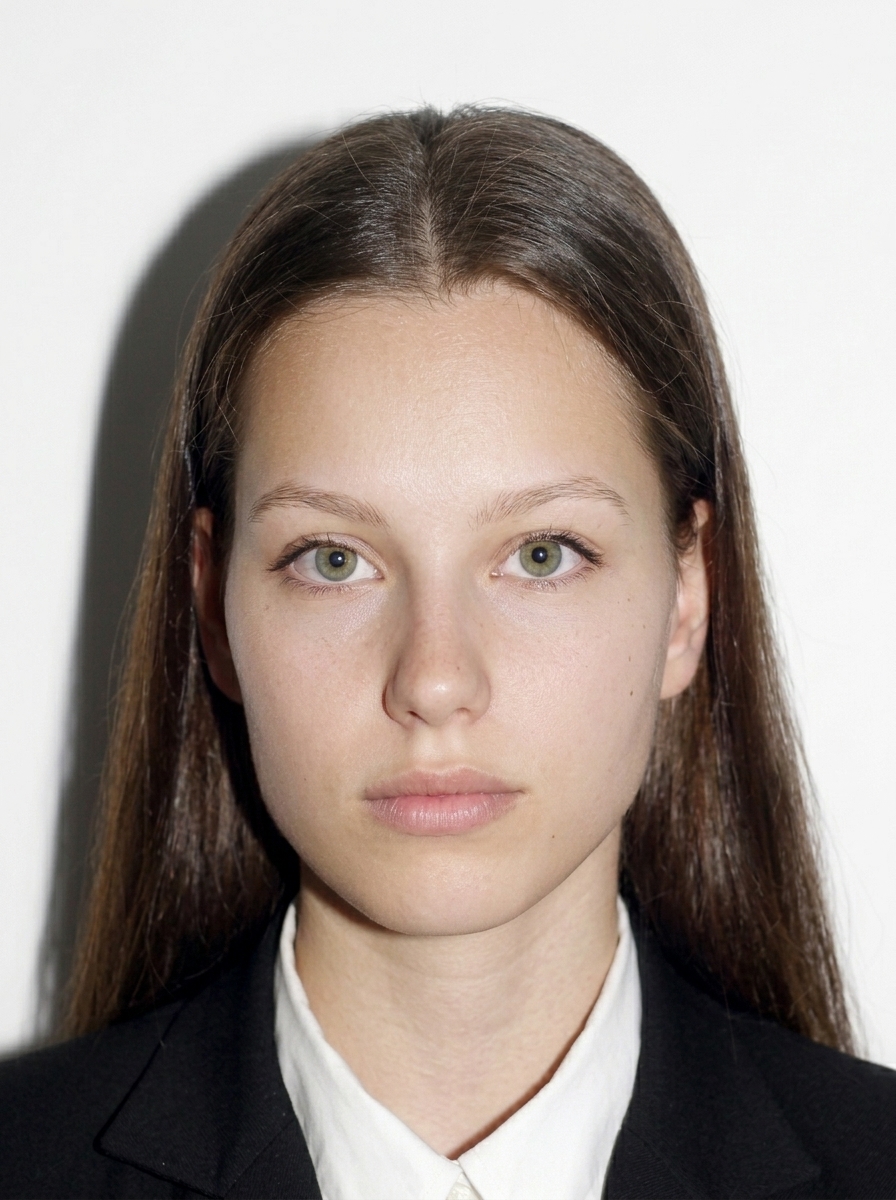
UK Passport & Visa Photo app icon

UK Passport & Visa Photo

Digital photo & passport print support for iPhone

Create passport and visa application photos on your iPhone following GOV.UK photo requirements. Supports UK Passport Digital Photo, UKVI/Visa Digital Photo, and passport print layouts. This app does not issue HMPO photo codes. No server upload, no acceptance guarantee.

即將在 App Store 上架

主要功能

FACE POSITION

Face positioning guidance

On-screen face positioning guide aligned with UK passport and UKVI photo composition.

APP TYPES

Three application types

UK Passport Digital, UKVI/Visa Digital, or passport print — each in the required format.

PRINT

Passport print sheets

4×6 inch or L-size print sheets with passport-size photos, ready for photo-lab or convenience-store printing.

ON DEVICE

On-device processing

Import, face detection, adjustments, and export all run on your iPhone — nothing uploaded.

JPEG OUTPUT

JPEG digital output

Export JPEG files that meet GOV.UK digital upload requirements.

PRE-SUBMISSION CHECK

Pre-submission checks

Review face position, head size, background, and glasses before you save.

價格

匯出方案

僅在儲存時付費

購買前可預覽

  • Digital JPEG output for UK passport / UKVI
  • Passport print layout sheet
  • Preview before you pay

照片指南

照片檢查清單

即使照片僅有輕微不符合規定,也可能在申請時被退件。儲存前請確認以下項目。

  • Digital photos must meet GOV.UK minimum requirements. This app exports higher-resolution output. Only the applicant should be in the frame.
  • Use a photo taken within the last month. Face the camera directly with a neutral expression and mouth closed.
  • Use a plain light-coloured background (light grey or cream) with no shadows. Digitally altering the background is not permitted.
  • Both eyes must be open and clearly visible. Do not wear glasses unless you have to; if you must, no tinted lenses, glare, reflections, shadows, or frames covering your eyes.
  • No appearance-altering filters, AI face modification, heavy retouching, mirrored images, or digitally altered backgrounds.

尺寸與構圖

GOV.UK specifies minimum pixel requirements for digital photos. This app exports higher-resolution output. For digital uploads, include your head, shoulders, and upper body — do not crop the photo too tightly yourself.

UKVI visa — digital upload

Minimum pixels 600 × 750 px minimum
Aspect ratio 4:5
Format JPG / JPEG
Max file size within 6 MB
Background Plain light background
Pose Head, shoulders and upper body visible; not mirrored
Recency Newly taken

UK passport — digital photo

Minimum pixels 600 × 750 px minimum
Aspect ratio 4:5
Format JPG / JPEG
Max file size within 10 MB
Background Plain light background
Recency Taken within 1 month

UK passport — printed photo

Size 45 × 35 mm
Face height 29–34 mm
Quantity 2 identical photos required
Background Plain light background

資料來源:HM Passport Office — 英國政府

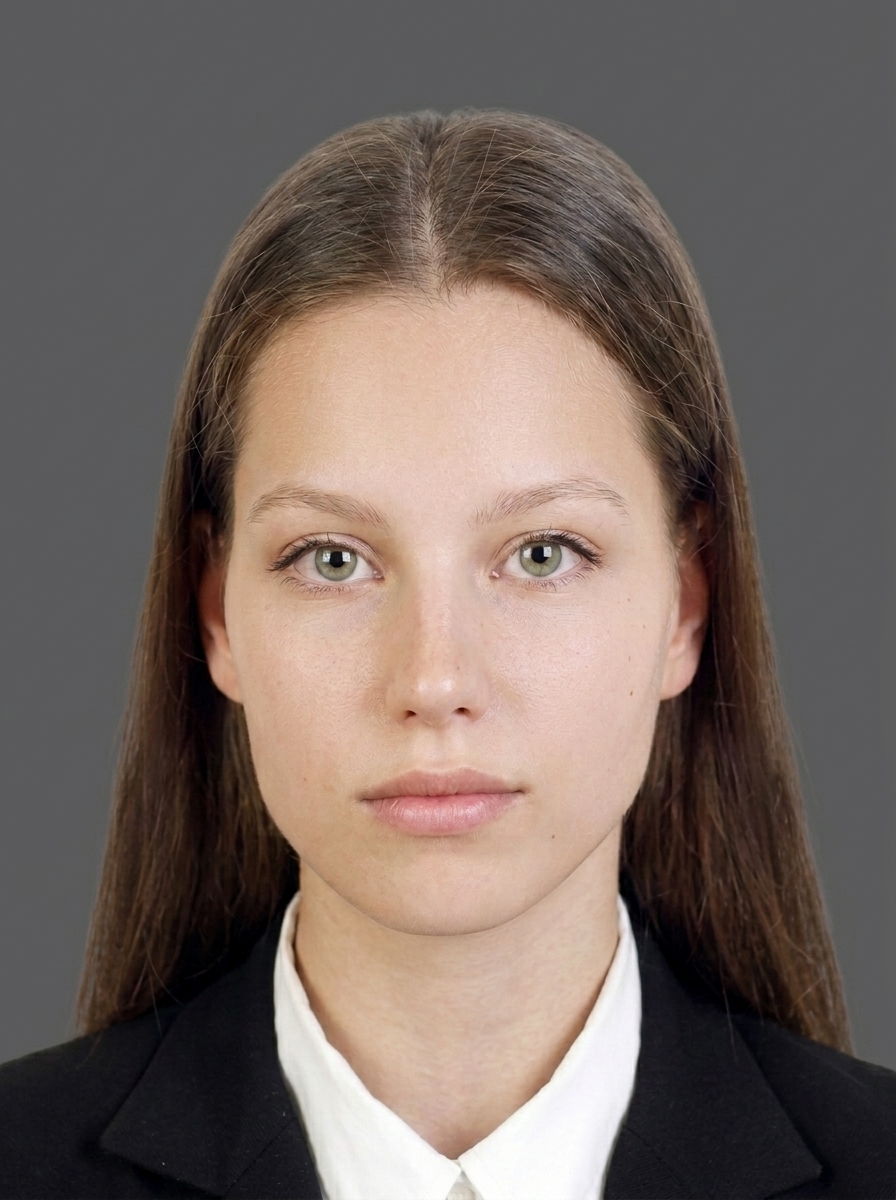
合格範例

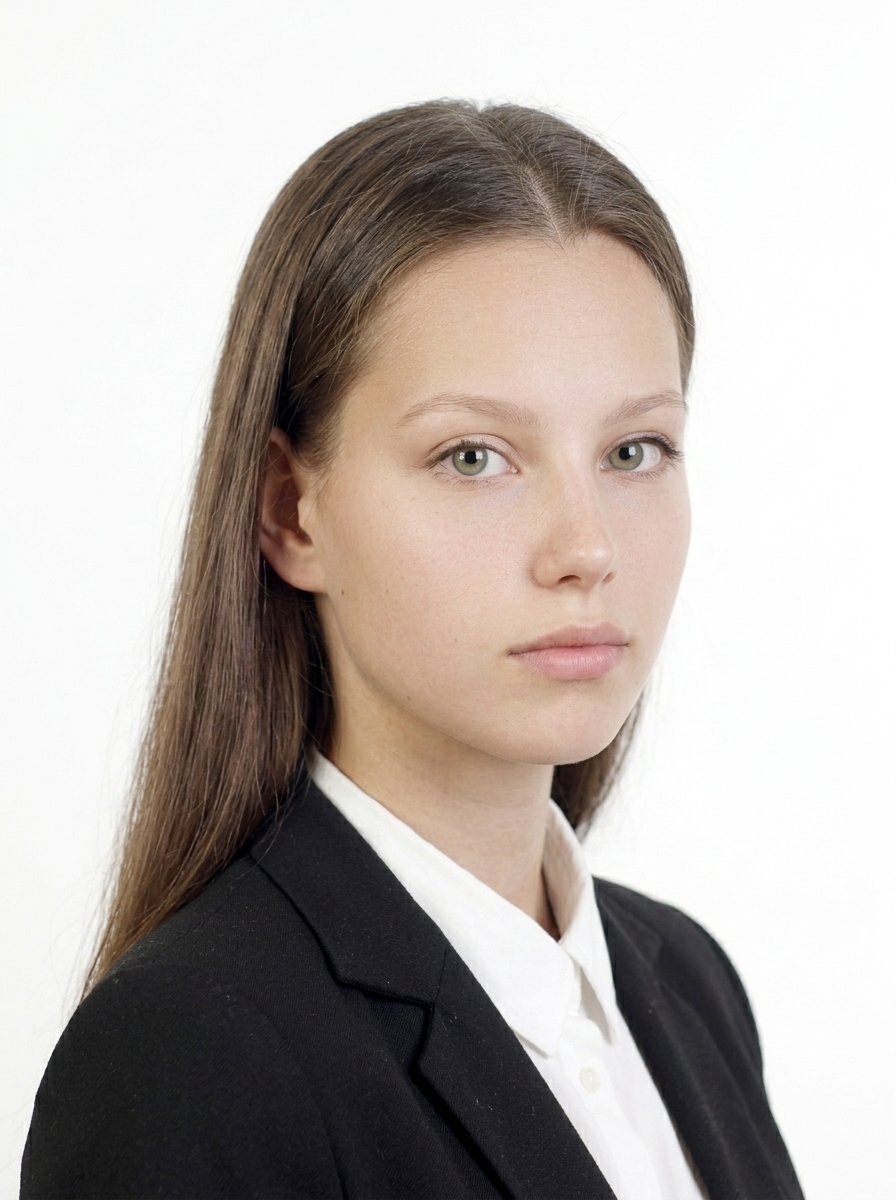
人物正面朝前,背景為淺色純色,臉部清楚可見且表情自然。

合格照片範例 1
正面朝前,淺色純色背景。
合格照片範例 2
臉部清晰,無明顯陰影。

常見的不合格範例

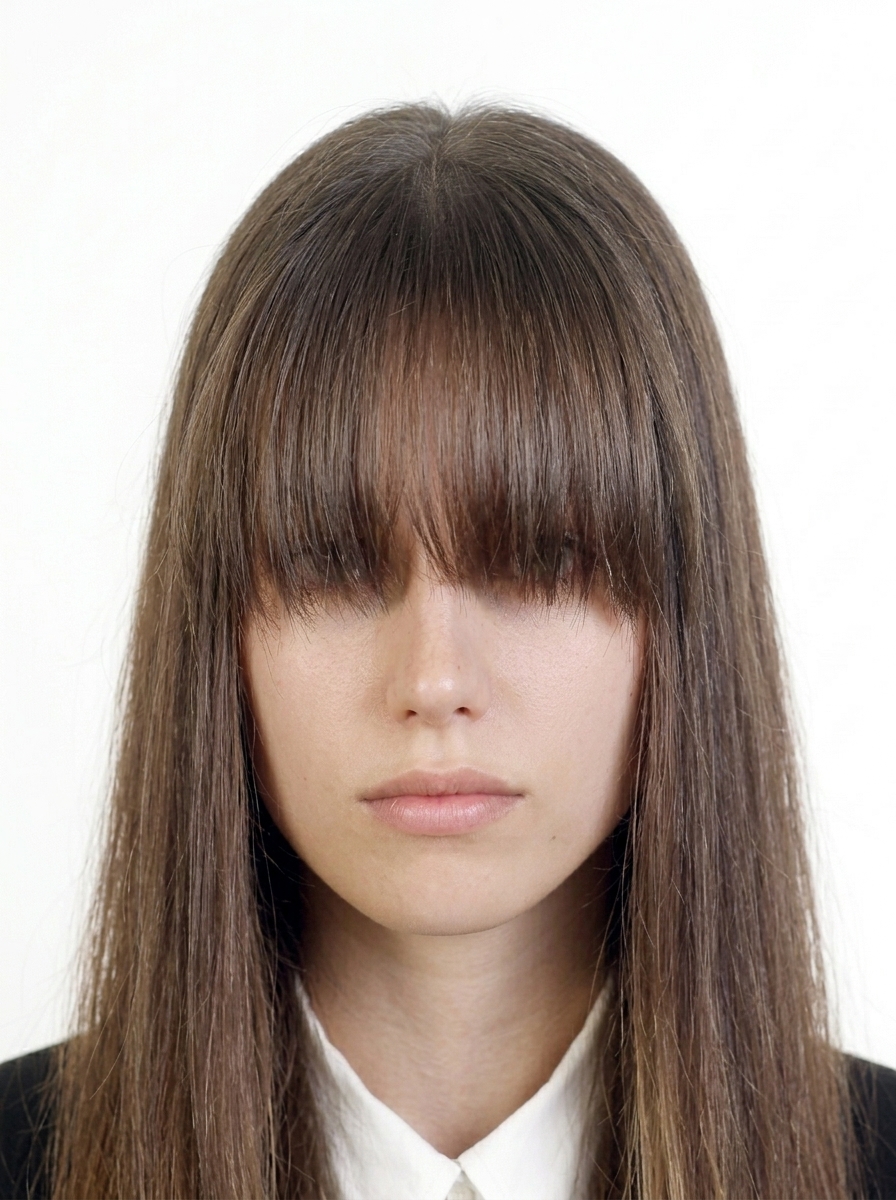
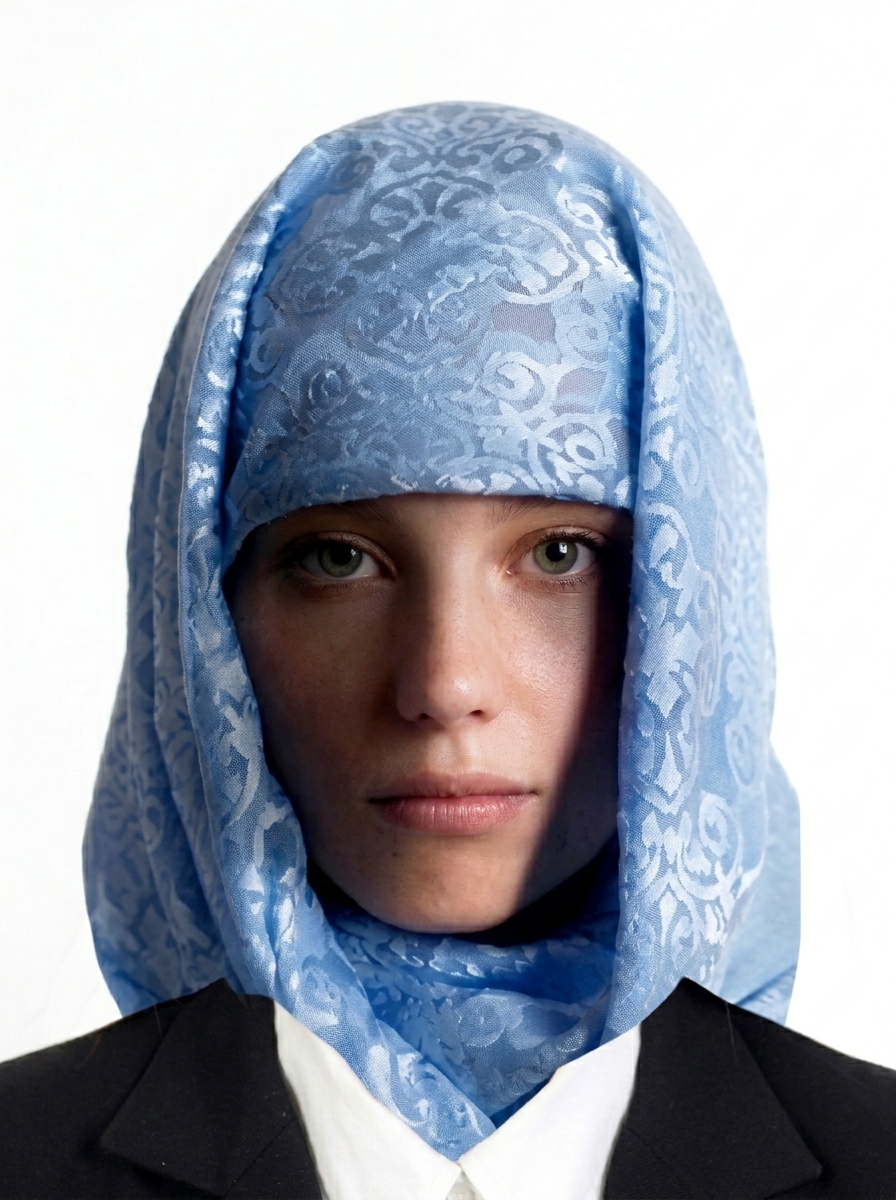
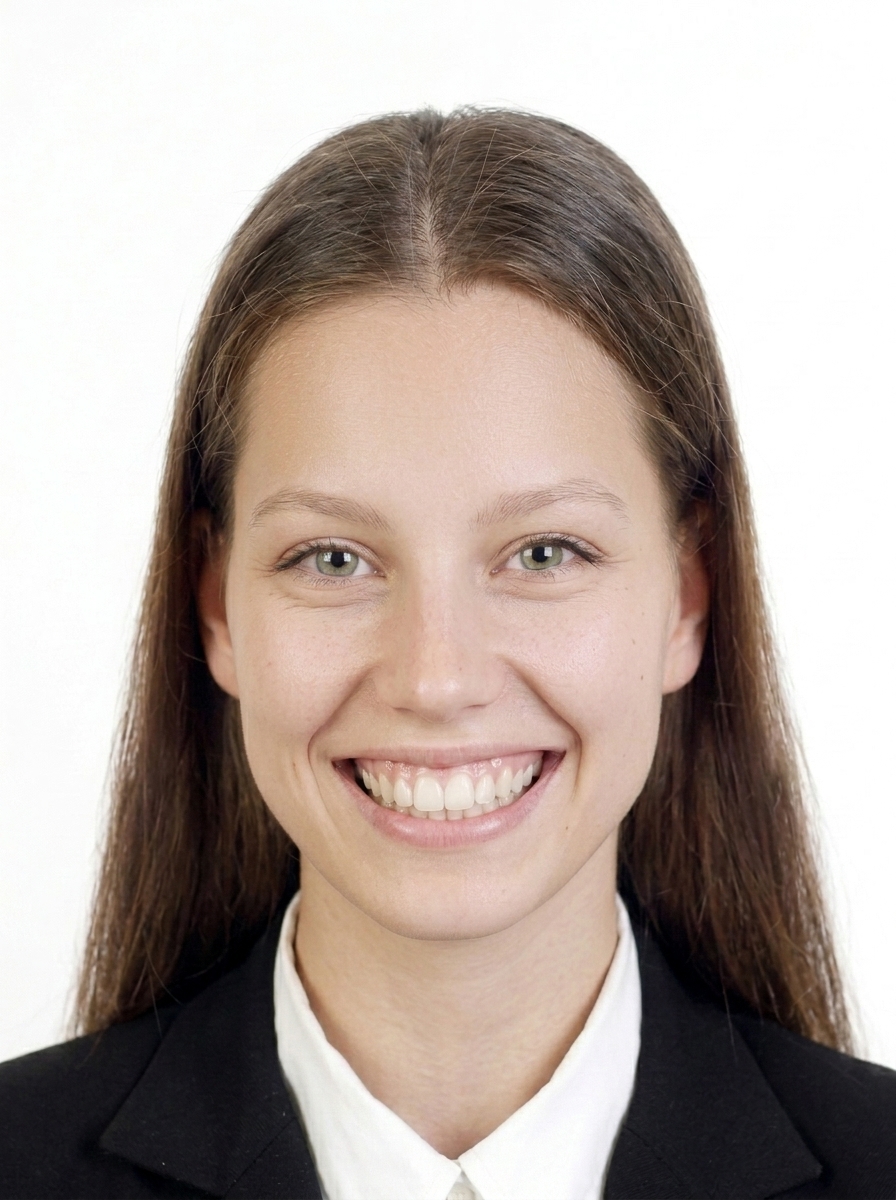
以下為 HM Passport Office 常見的退件原因。
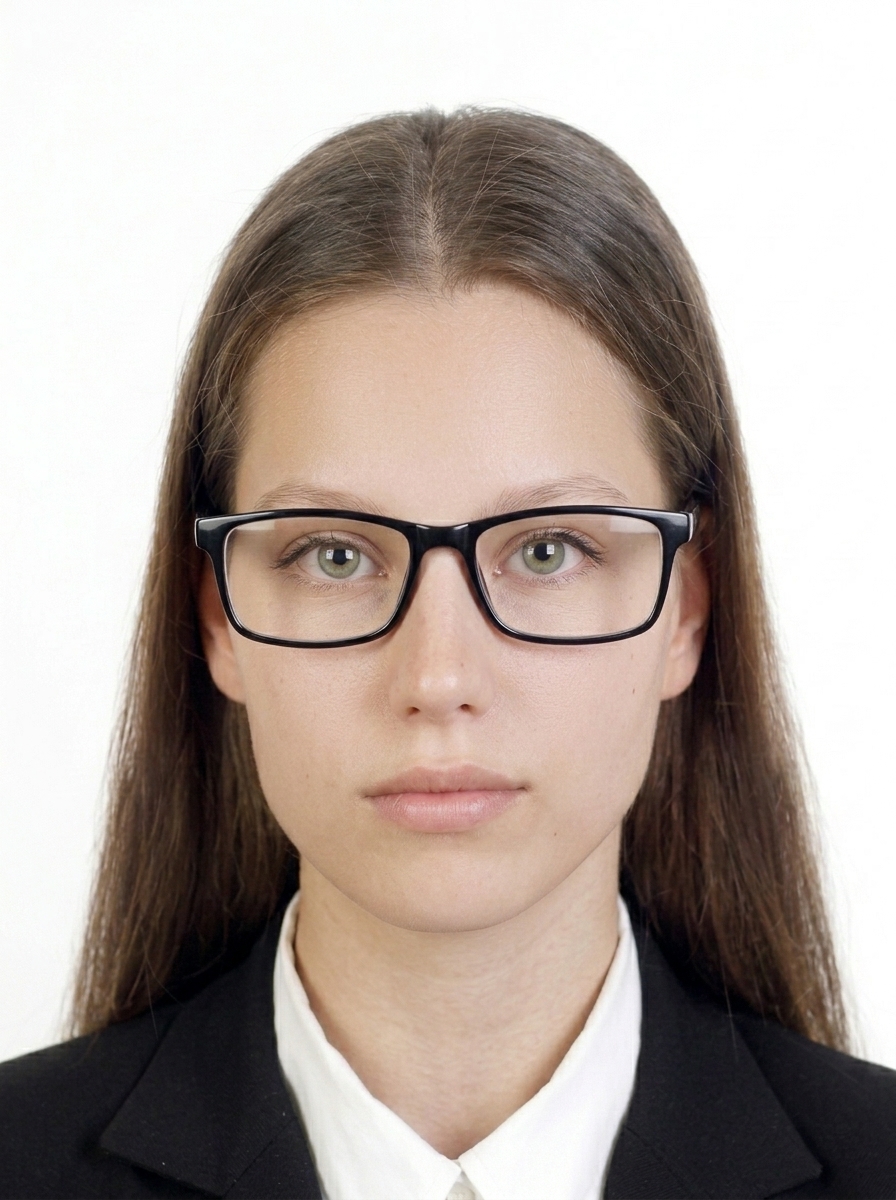
臉部偏離中心的照片
臉部距離中心過遠。
背景有陰影的照片
背景陰影使輪廓難以辨識。
側臉照片
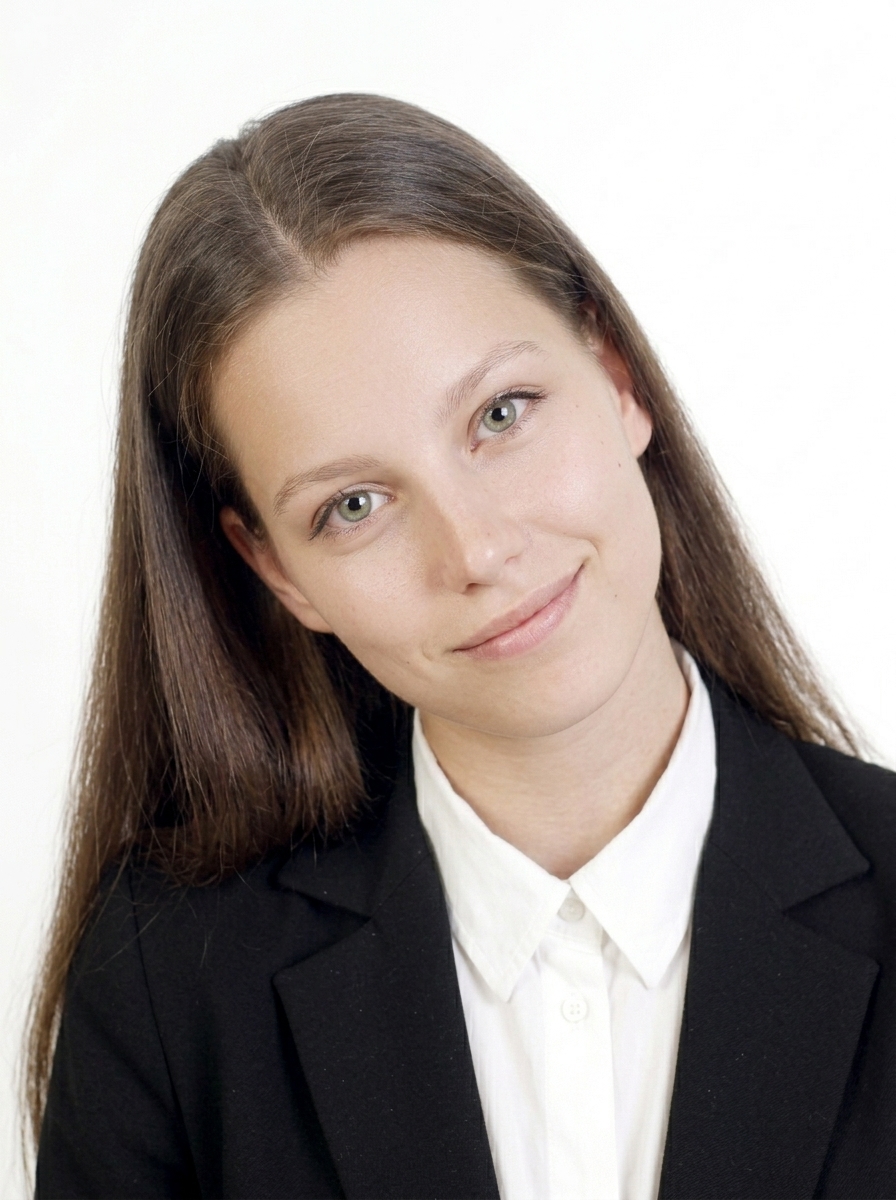
必須正面面對相機。
頭部傾斜的照片
請保持頭部端正水平。
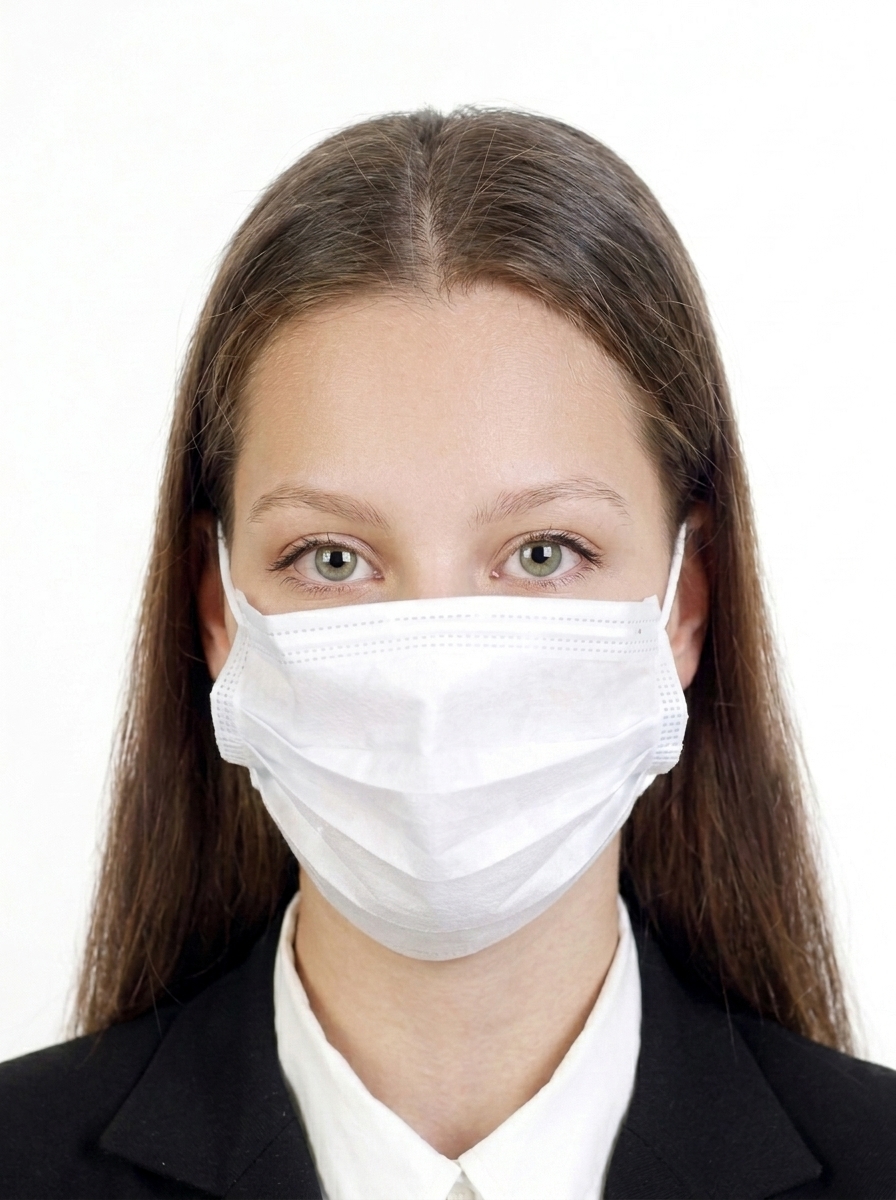
臉部部分遮蔽的照片
臉部必須完整可見。
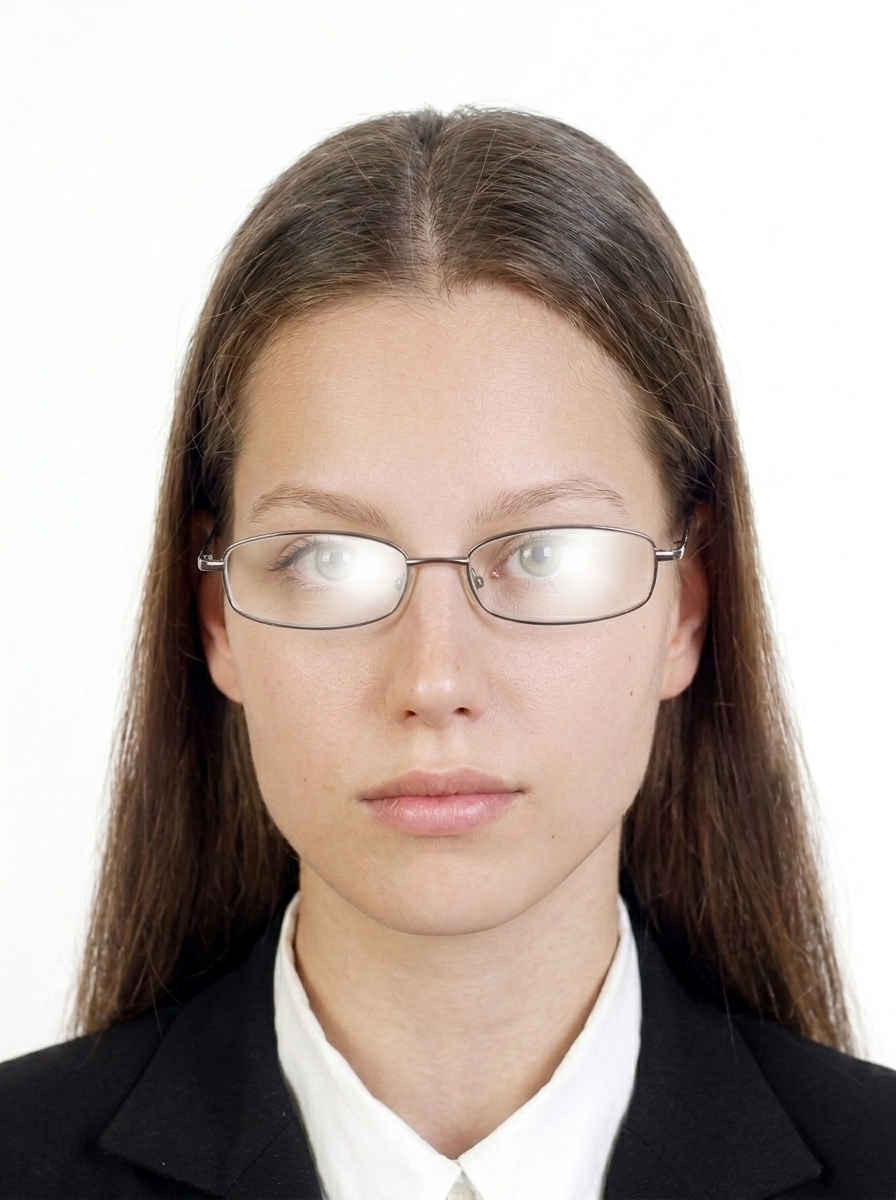
配戴眼鏡的照片
英國護照照片禁止配戴眼鏡。
眼鏡反光的照片
拍照前請取下眼鏡。
頭髮遮住眼睛的照片
頭髮不得遮住眼睛。
臉部有衣物或陰影的照片
臉部必須完整可見,不得有任何遮蔽。
表情不自然的照片
請保持自然、中性的表情,嘴巴閉合。
背景過暗的照片
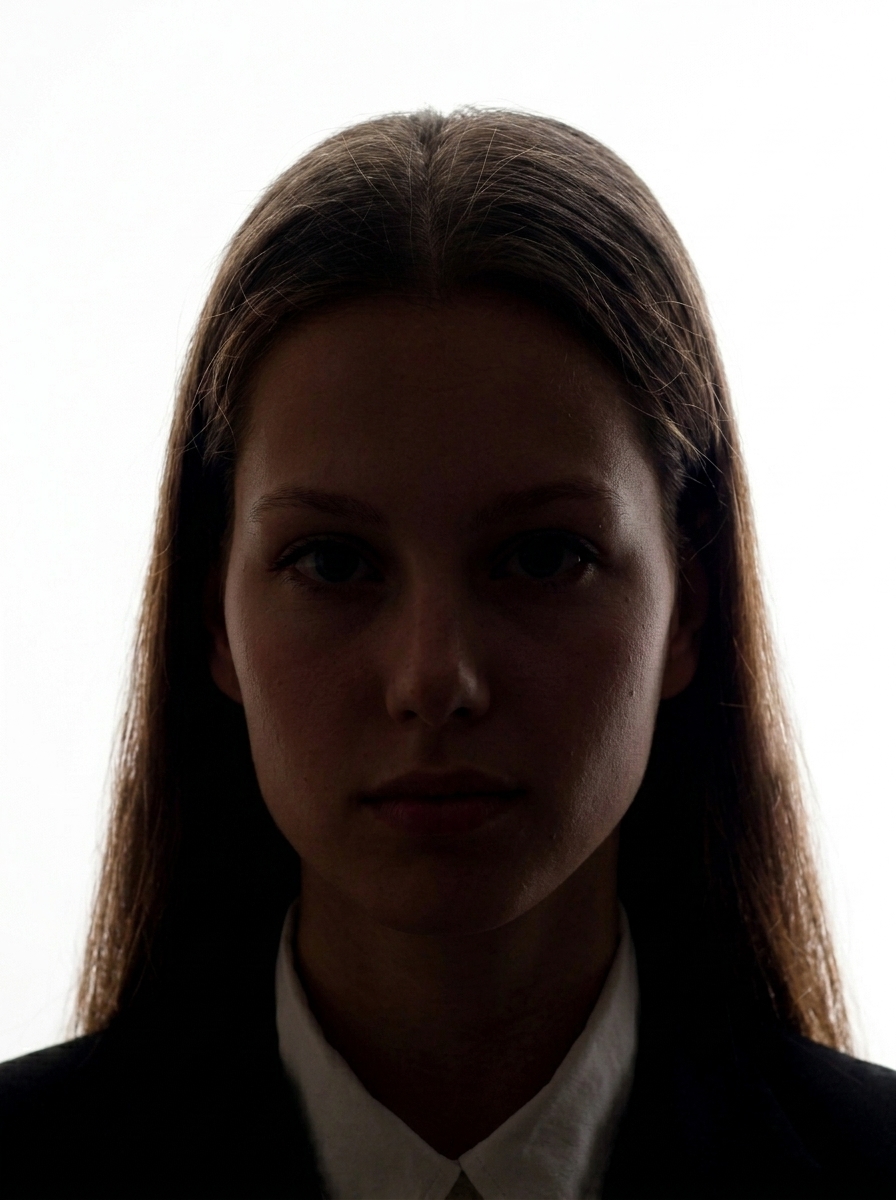
背景必須為淺灰色或米色純色。
模糊的照片
照片必須清晰對焦。
臉部有陰影的照片
光線均勻,臉部不得有明顯陰影。

關於修圖

HM Passport Office 不接受經數位方式改變外貌的照片,包括放大眼睛、過度磨皮、修改臉部特徵、移除痣或疤痕,或使用 AI 進行的修改。本 App 僅提供構圖與調整尺寸功能,不提供針對英國數位輸出的背景更換或美顏濾鏡功能。

官方指引 HM Passport Office 照片規格

常見問題

UKVI 簽證數碼相片的要求是什麼?

UKVI 數碼相片的官方要求:600 × 750 px minimum、JPG / JPEG、最大within 6 MB、Plain light background、縱向。必須顯示頭部、肩部和上半身。應用輸出:1200 × 1500 px(產品規格),最大≤6 MB。

英國護照(數碼申請)相片的要求是什麼?

英國護照數碼相片的官方要求:600 × 750 px minimum、JPG / JPEG、最大within 6 MB、Taken within 1 month、Plain light background、縱向。必須顯示頭部、肩部和上半身。應用輸出:1200 × 1500 px(產品規格),最大≤6 MB。

英國護照(紙本申請)列印相片的要求是什麼?

英國護照列印相片的官方要求:45 × 35 mm(高×寬)、臉高29–34 mm(下巴到頭頂)、2 identical photos required、淺色純色背景。

是否有英國申請路線不需要提前準備相片檔案?

有。以下路線會在預約時或透過官方應用拍攝官方相片,因此您無需自己提前準備相片檔案:UKVCAS(生物識別預約)、VAC(簽證申請中心)、UK Immigration: ID Check 應用。

我可以用這個應用拍攝 ETA 申請相片嗎?

對於 ETA(Electronic Travel Authorisation),拍攝來源和使用者上傳資格尚未解決。我們不保證此應用的輸出可用於 ETA 提交。

UKVI 簽證和英國護照數碼相片有什麼區別?

主要區別在於檔案大小限制。UKVI 簽證:最大within 6 MB。英國護照:最大within 10 MB。兩者都需要相同的最小像素(600 × 750 px minimum)、淺色純色背景和相似的構圖。應用輸出:UKVI 用 1200 × 1500 px / 護照用 1200 × 1500 px(均為產品規格)。

What are the digital photo requirements for a UK passport?

UK passport digital photo requirements vary by application route. Please check the Size and Composition section below for route-specific official requirements.

What are the photo requirements for a UKVI visa application?

UKVI visa photo requirements vary by application route. Please check the Size and Composition section below for route-specific official requirements.

What is the difference between UK passport and UKVI digital photos?

The main differences are the file size limit and recency requirements. See the Size and Composition section below, or the first questions in the FAQ for details.

英國護照照片可以戴眼鏡嗎?

不可以。英國護照照片禁止配戴眼鏡。拍照前請取下眼鏡。若因醫療原因無法取下,請隨申請附上醫師簽名的證明。

背景顏色有什麼要求?

必須使用淺灰色或米色的純色背景。有花紋、深色或鮮豔的背景將導致照片被退件。本 App 提供指引,協助您準備合規的背景。

哪些照片常被退件?

常見退件原因:尺寸錯誤、檔案過大、臉部偏離中心或大小不當、臉部或背景有陰影、配戴眼鏡、頭髮遮住眼睛、背景太深、影像模糊、表情不自然、頭部傾斜或經數位方式修改外貌。

這個 App 能保證我的照片一定被接受嗎?

不能。本 App 協助您依據 HM Passport Office 公布的規格製作照片,但最終是否接受由審核機關決定。規格亦可能變更,請務必查閱最新的官方指引。

這個 App 與 HM Passport Office 或英國政府有關聯嗎?

沒有。本 App 是一款照片檔案製作工具,與 HM Passport Office、UKVI、Home Office 或任何英國政府機構無關聯、未獲認可、亦無連結。

這個 App 有提供線上護照續期的照片代碼嗎?

沒有。本 App 製作的是數位照片檔案(JPEG),供您自行上傳。不會產生照片代碼。如需照片代碼,請前往提供數位照片代碼服務的照相館。

我的照片會上傳到伺服器嗎?

不會。所有照片處理、臉部偵測與 JPEG 匯出都在您的 iPhone 上進行。只有 App Store 付款會使用網路連線,且絕不包含您的照片資料。

How do I print the passport photos?

The app generates a print sheet. Save it to your photo library and print at a photo lab or home printer. For paper applications, always check official print requirements.

兒童護照照片有什麼規定?

6 歲以下兒童的照片須為淺色純色背景,儘可能正面朝前。1 歲以下嬰兒不要求雙眼張開。對於無法坐立的嬰幼兒,可讓孩子躺在淺色床單上,從上方拍攝。

立即製作您的英國護照或簽證照片

拍攝與預覽免費。僅在儲存時付費。

在 App Store 下載(免費)

需要協助?

歡迎聯絡我們詢問使用方式、匯出、購買或網站相關資訊。

開啟聯絡表單