What are the digital photo requirements for a UKVI visa?
Official requirements for UKVI digital photos: 600 × 750 px, JPG / JPEG, up to 6 MB, plain light background, portrait orientation. Your head, shoulders, and upper body must be visible. App output: 1200 × 1500 px (product specification), up to ≤6 MB.
What are the digital photo requirements for a UK passport application?
Official requirements for UK passport digital photos: 600 × 750 px, JPG / JPEG, up to 6 MB, taken within 1 month, plain light background, portrait orientation. Your head, shoulders, and upper body must all be visible. The app outputs 1200 × 1500 px (product specification), up to ≤6 MB.
What are the printed photo requirements for a UK passport application?
Official requirements for UK passport printed photos: 45 × 35 mm (height × width), face height 29–34 mm (chin to crown), 2 identical photos, plain light background.
Are there UK application routes where I do not need to prepare a photo file in advance?
Yes. For the following routes, an official photo is captured during your appointment or via the UK Immigration: ID Check app, so you do not need to prepare a photo file yourself: UKVCAS (biometrics appointment), VAC (Visa Application Centre), UK Immigration: ID Check app.
Can I use this app for an ETA application photo?
It depends on the route. For the online ETA application, you upload a digital face photo that follows the current GOV.UK digital photo rules, and this site's UK ETA (online) web tool prepares that file. The UK ETA app route is different: the UK ETA app captures your passport and face itself, so you do not prepare a photo file. GOV.UK does not currently publish how the ETA portal validates uploaded photos, so acceptance is not guaranteed.
What is the difference between UKVI and UK passport digital photos?
The main difference is the file size limit. UKVI visa: up to 6 MB. UK passport: up to 10 MB. Both require the same minimum pixels (600 × 750 px), plain light background, and similar composition. App output: 1200 × 1500 px for UKVI / 1200 × 1500 px for passport (both product specifications).
What are the digital photo requirements for a UK passport?
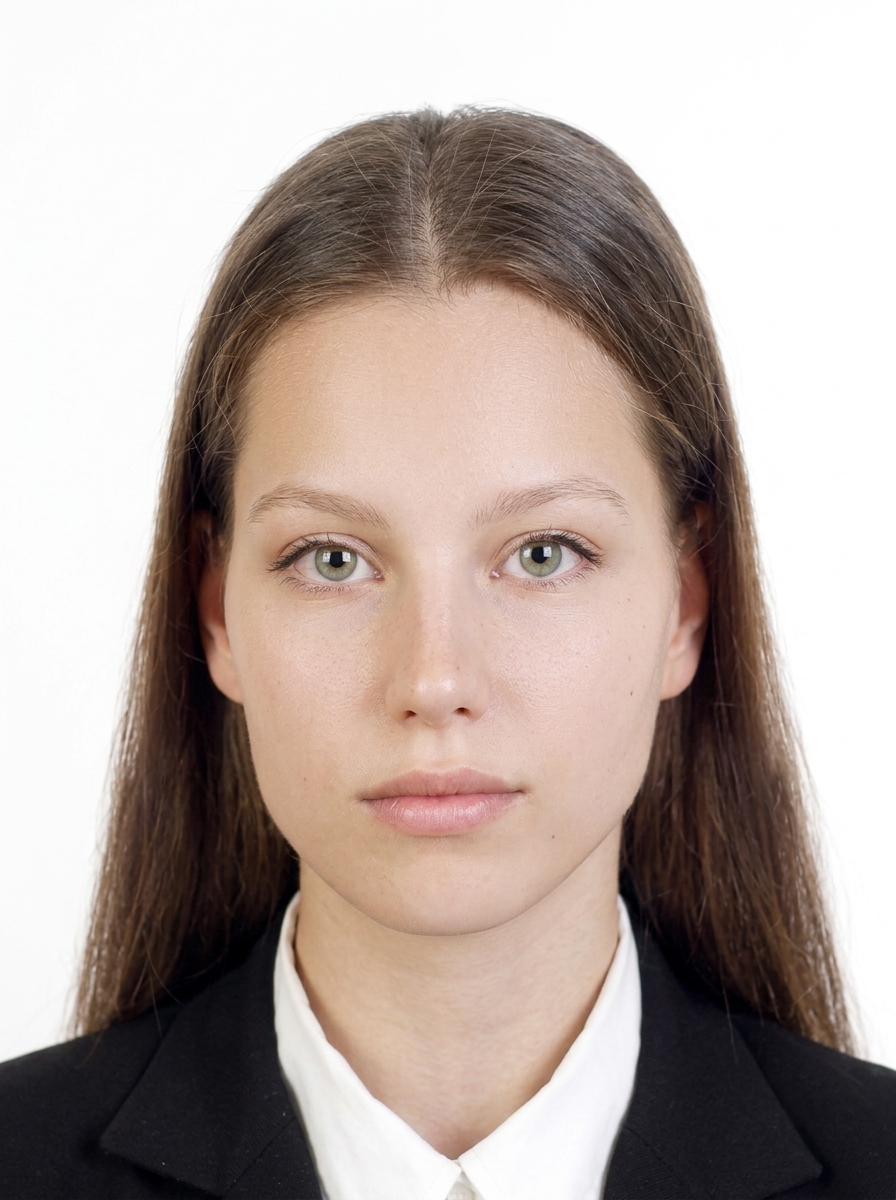
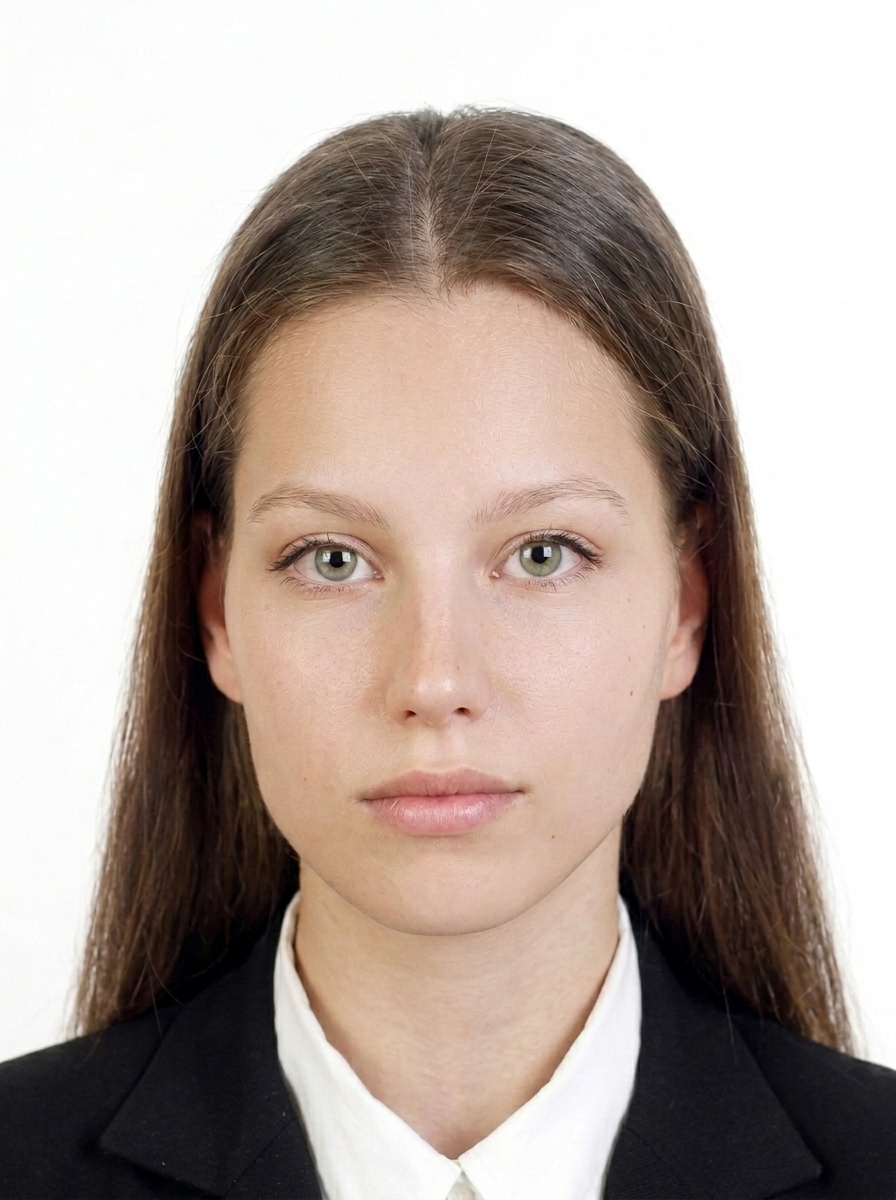
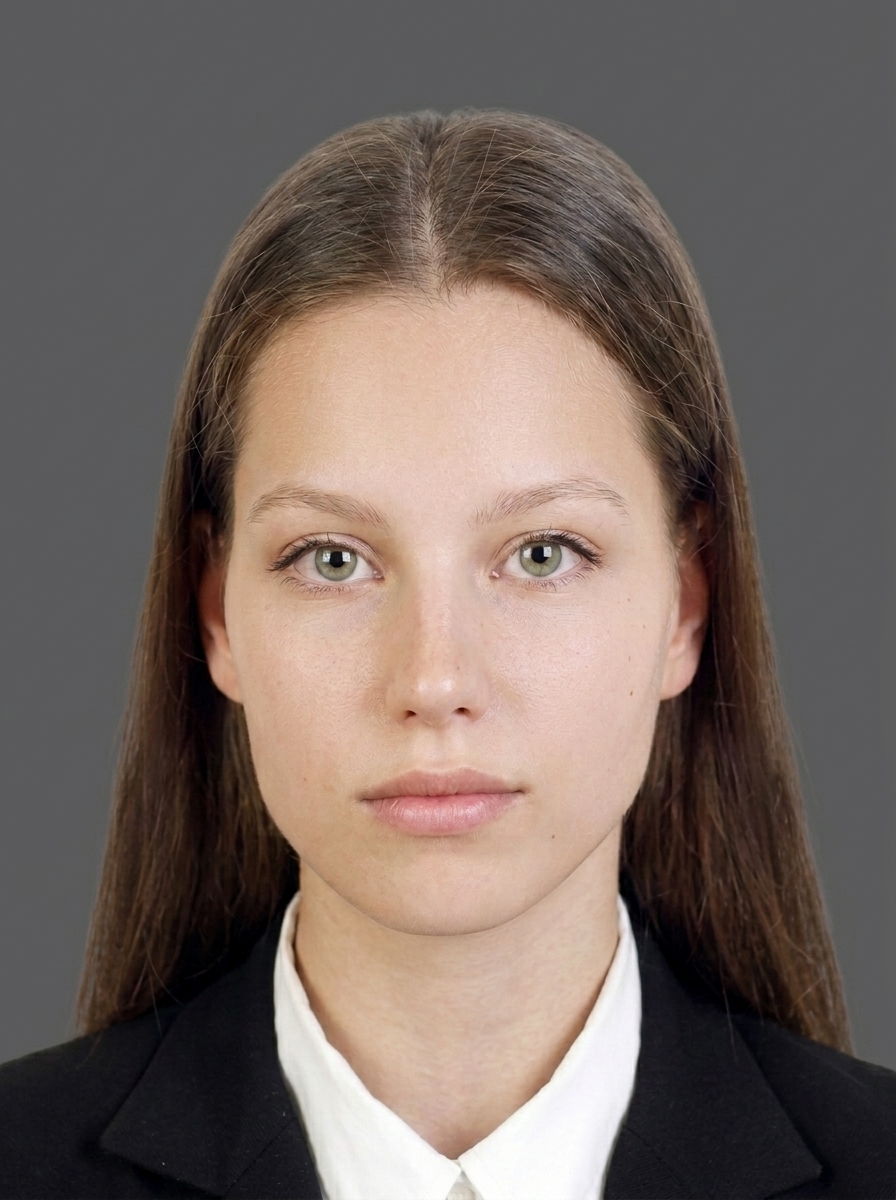
Use a clear colour photo taken within the last month, against a plain light-coloured background (light grey or cream). Face the camera directly with a neutral expression and your mouth closed. The digital pixel and file size limits are listed in the Size and Composition section below.
What are the photo requirements for a UKVI visa application?
UKVI applications follow the same GOV.UK photo quality rules: use a clear colour photo taken within the last month against a plain light grey or cream background, and do not wear glasses unless you have to. The pixel dimensions and file size limits are set out in the Size and Composition section below.
What is the difference between UK passport and UKVI digital photos?
The main differences are the file size limit and recency requirements. See the Size and Composition section below, or the first questions in the FAQ for details.
Can I wear glasses in my UK passport photo?
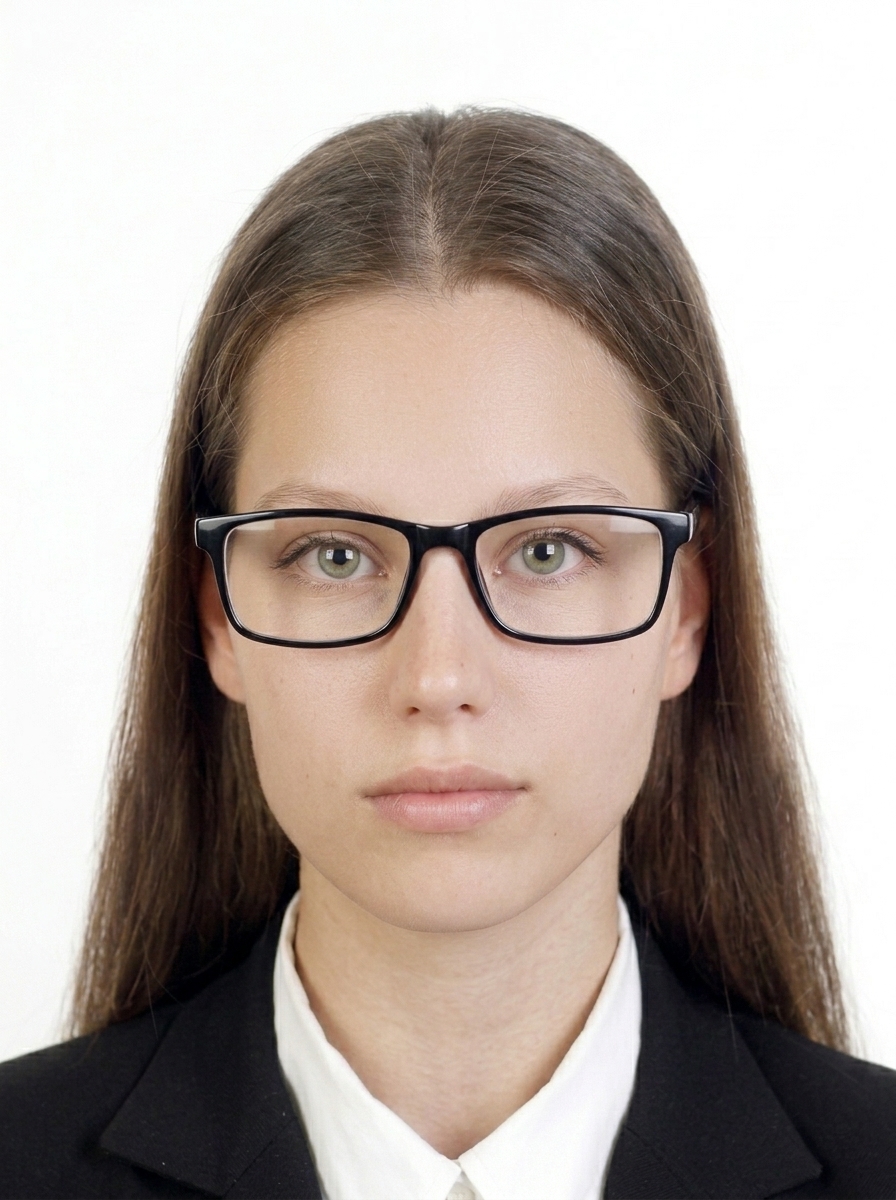
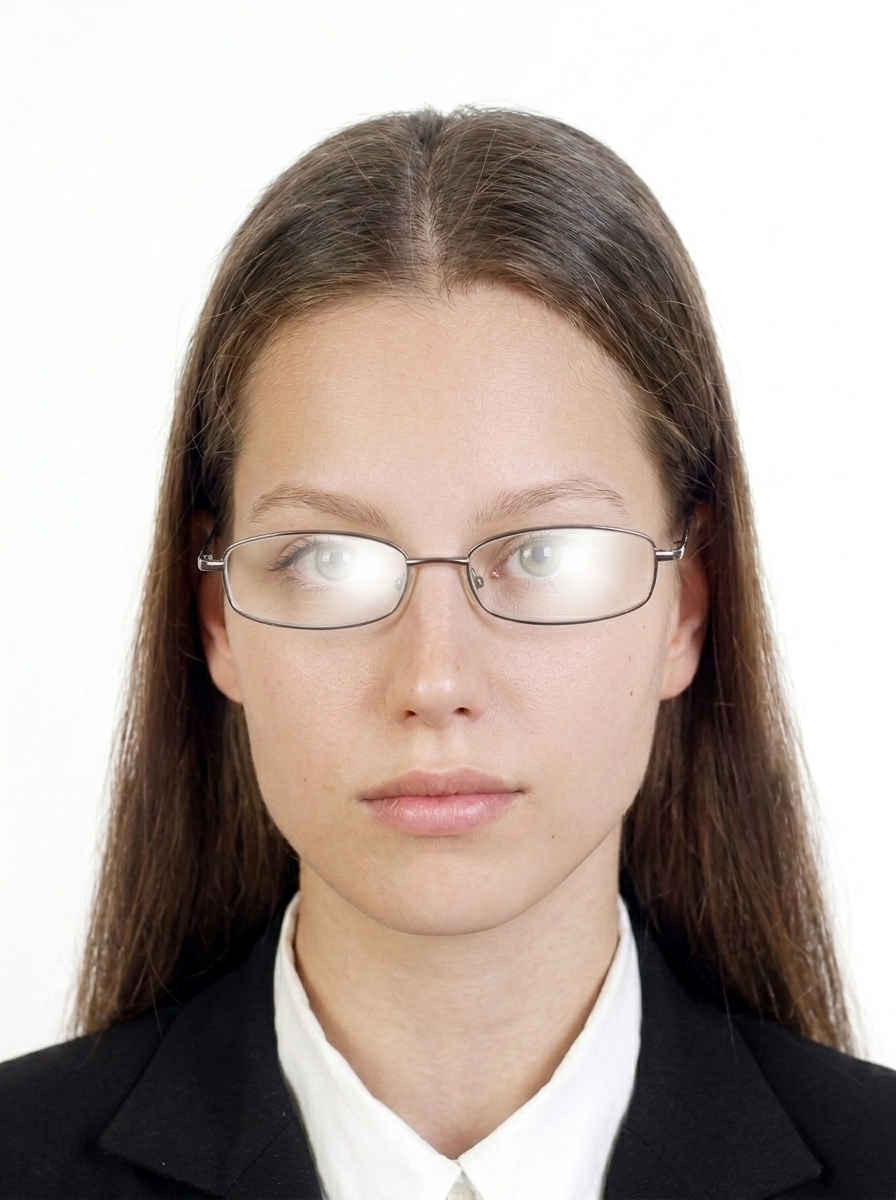
Wear glasses only if you genuinely need them. They must not be sunglasses or tinted lenses, and your eyes have to stay clearly visible with no glare, reflections, shadows, or frames covering them. Taking them off is the safest option.
What background colour is required?
A plain light grey or cream background is required. Photos with patterned, dark, or coloured backgrounds will be rejected. The app provides guidance to help you achieve a compliant background.
What photos are commonly rejected?
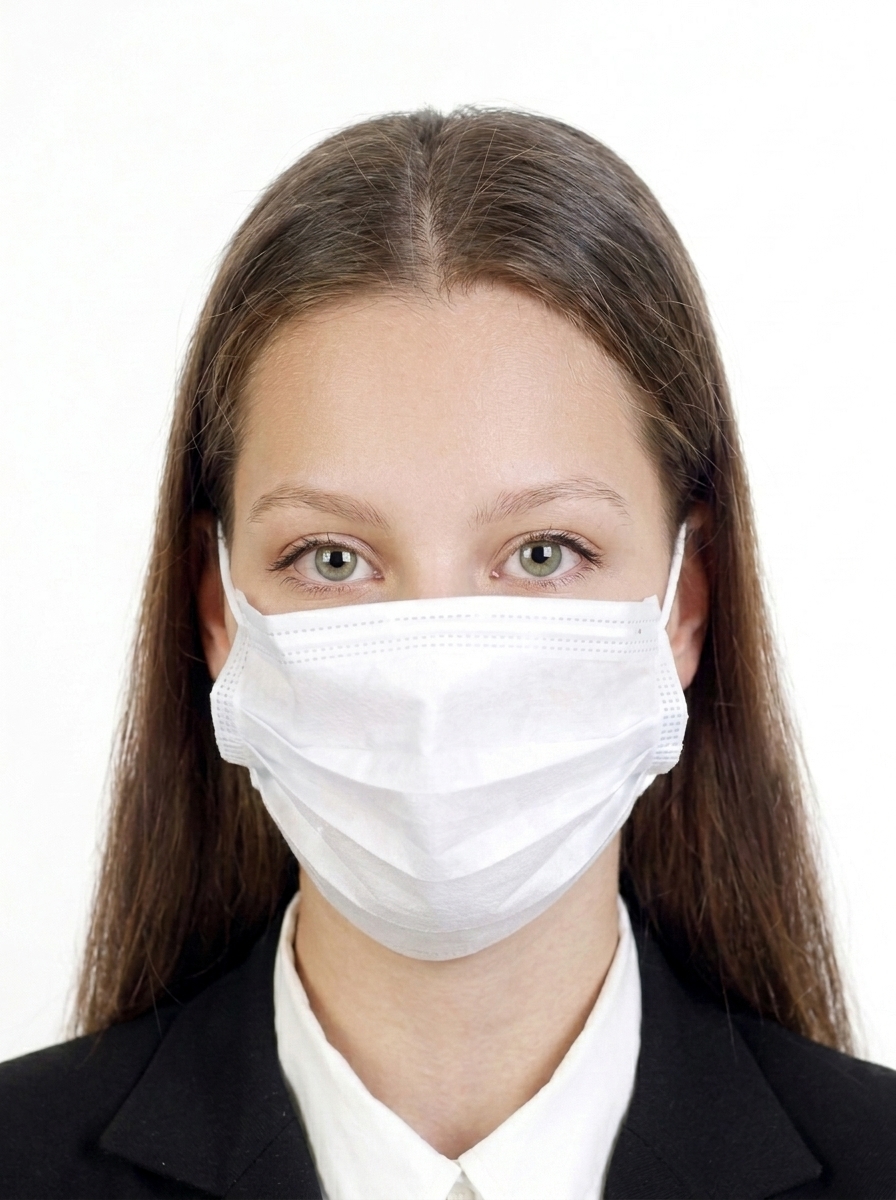
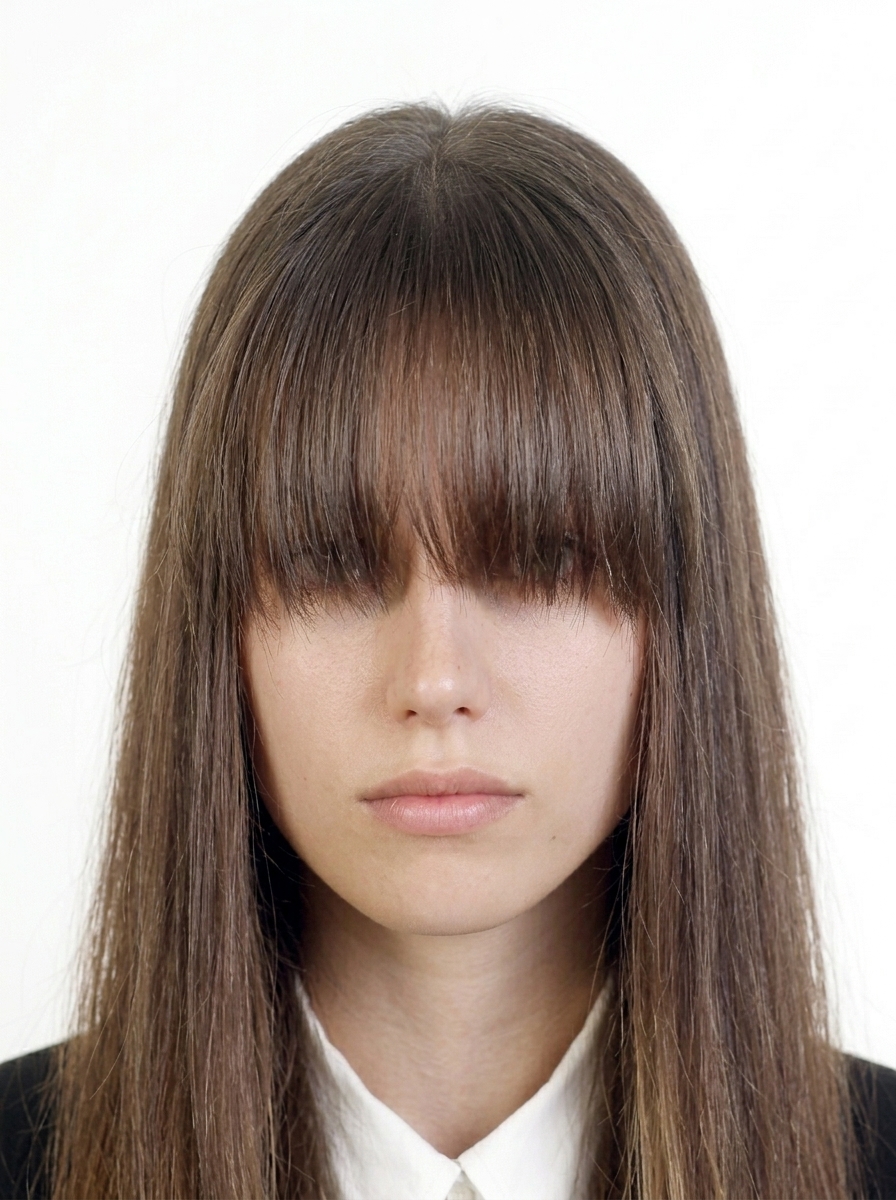
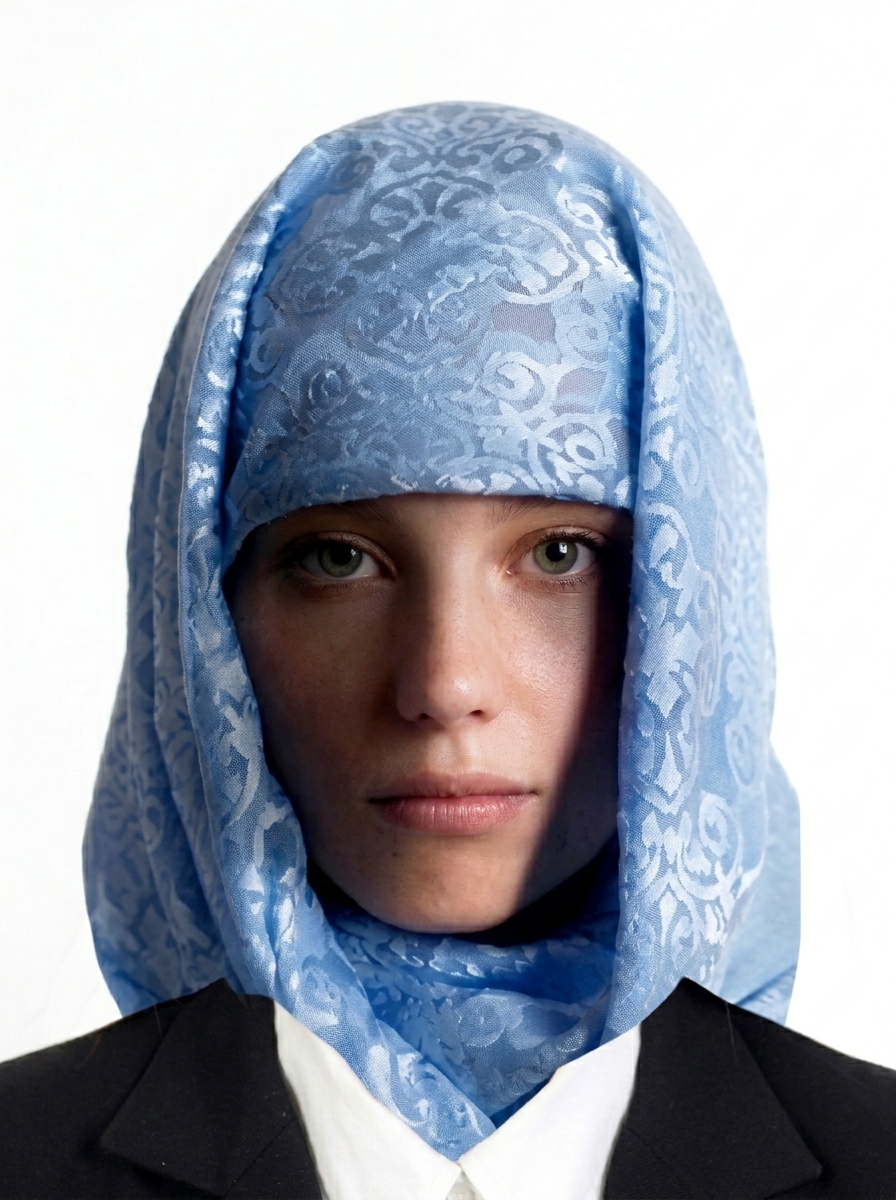
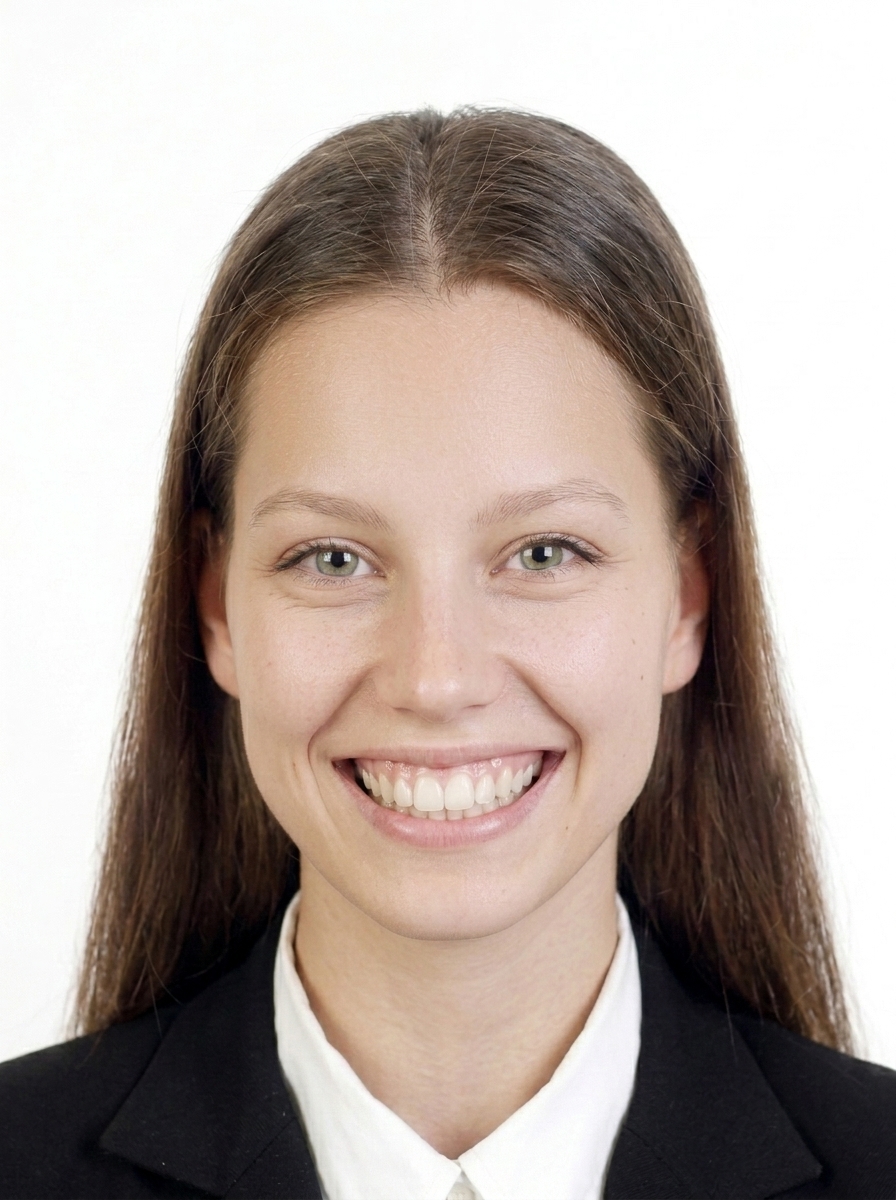
Common rejection reasons: wrong dimensions or file size; a face that is off-centre or the wrong size; shadows on the face or background; glasses problems (glare, reflections, shadows, or frames covering the eyes); hair covering the eyes; a dark background; a blurry image; an unnatural expression or a tilted head; and digital alterations to your appearance or the background.
Does this app guarantee my photo will be accepted?
No. This app helps you create a photo file that follows published GOV.UK photo requirements, but final acceptance is determined by the reviewing authority. Requirements may also change, so always check the latest official guidance on GOV.UK.
Is this app affiliated with HM Passport Office or the UK government?
No. This app is a photo file creation tool and is not affiliated with, endorsed by, or connected to HM Passport Office, UKVI, the Home Office, or any UK government body.
Does the app provide a photo code for online passport renewal?
No. This app creates digital photo files (JPEG) that you can upload yourself. It does not generate a photo code. To get a photo code, you would need to visit a photo shop that offers the HMPO digital photo code service.
Are my photos uploaded to a server?
No. All photo processing, face detection, and JPEG export happen entirely on your iPhone. Only App Store billing uses the network, and it never includes your photo data.
How do I print the passport photos?
The app generates a print sheet. Save it to your photo library and print at a photo lab or home printer. For paper applications, always check official print requirements.
What about children's passport photos?
Children under 6 must have a photo with a plain light background, facing forward if possible. Children under 1 do not need to have their eyes open. For infants, lay the child on a plain light sheet and photograph from above.