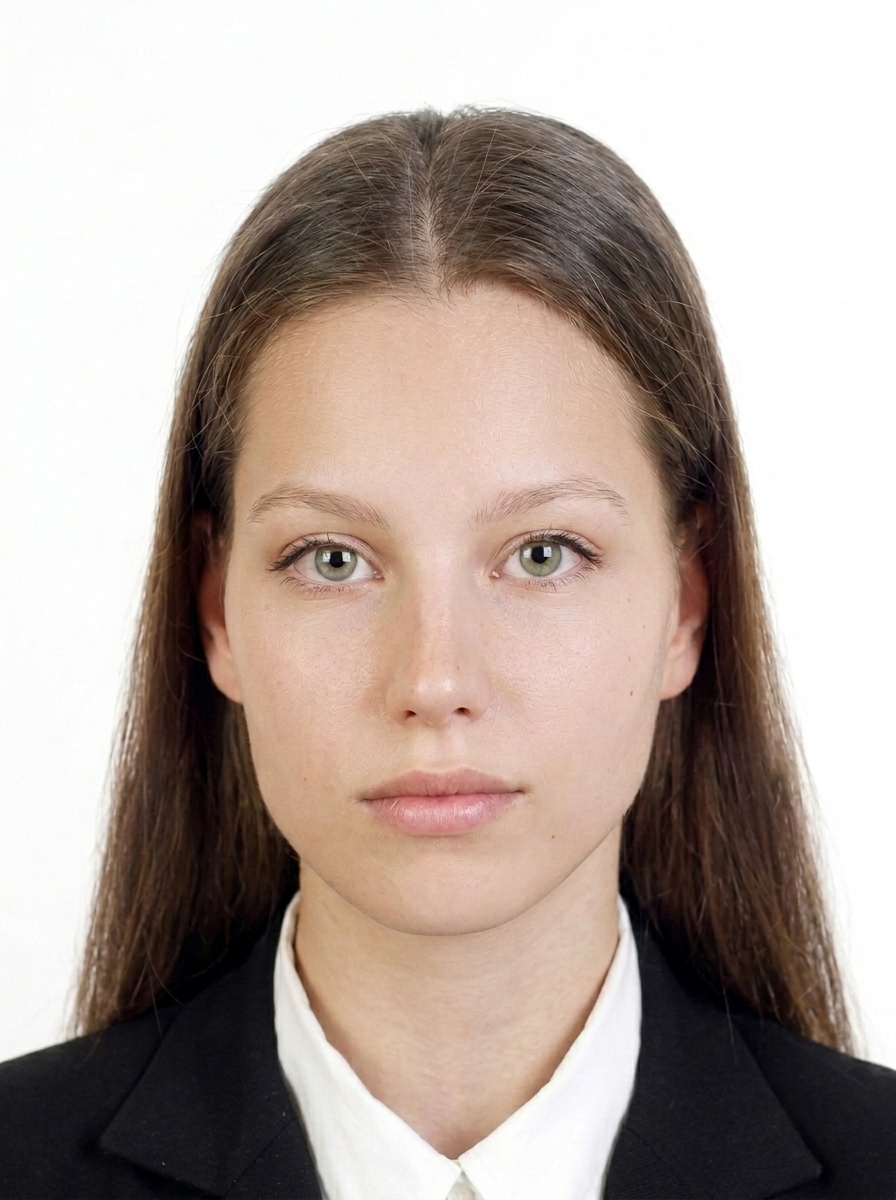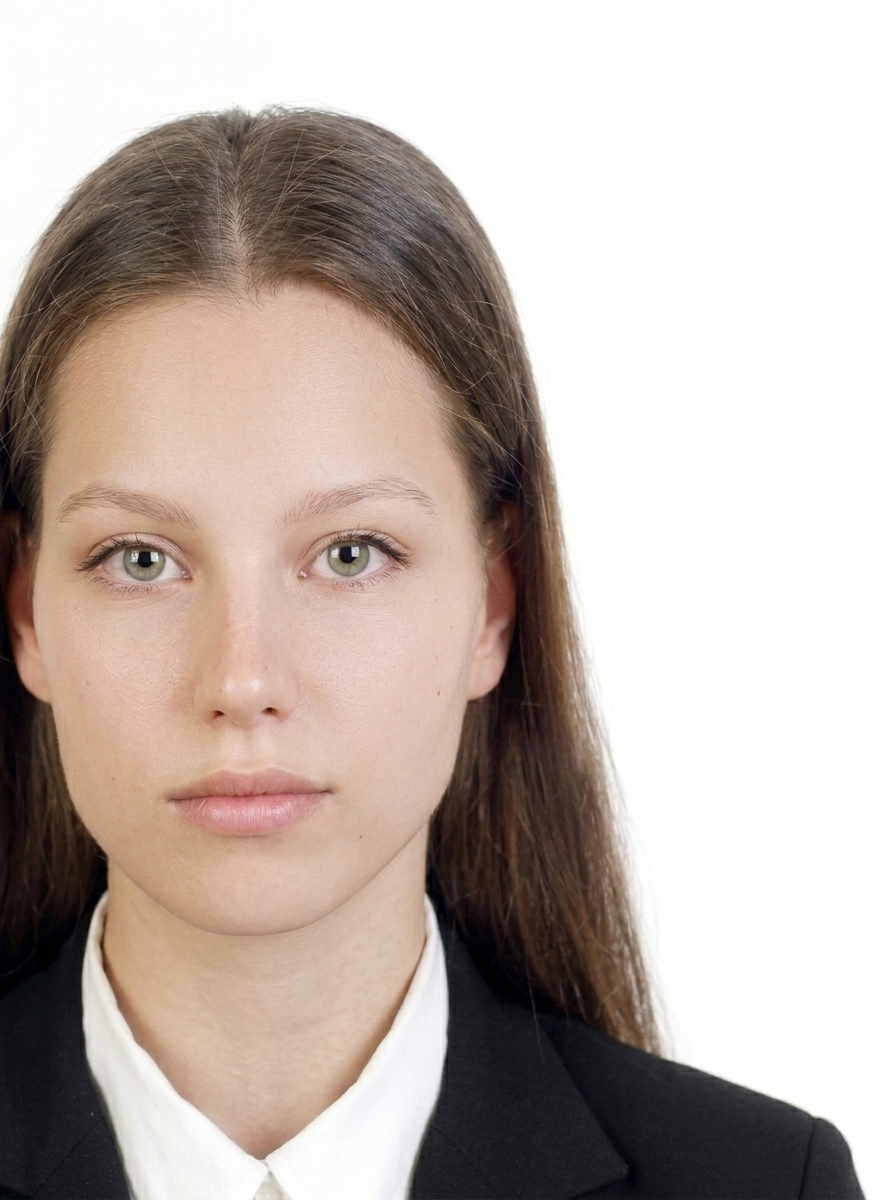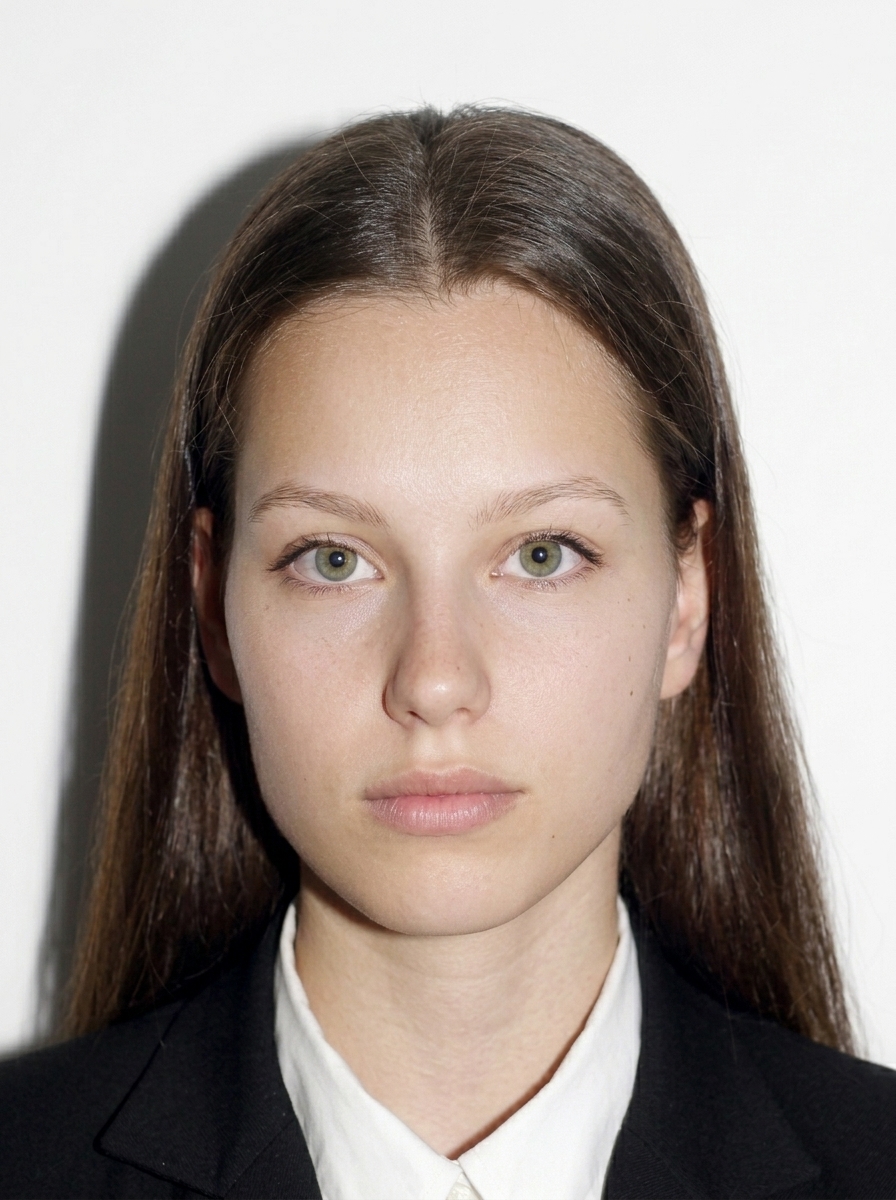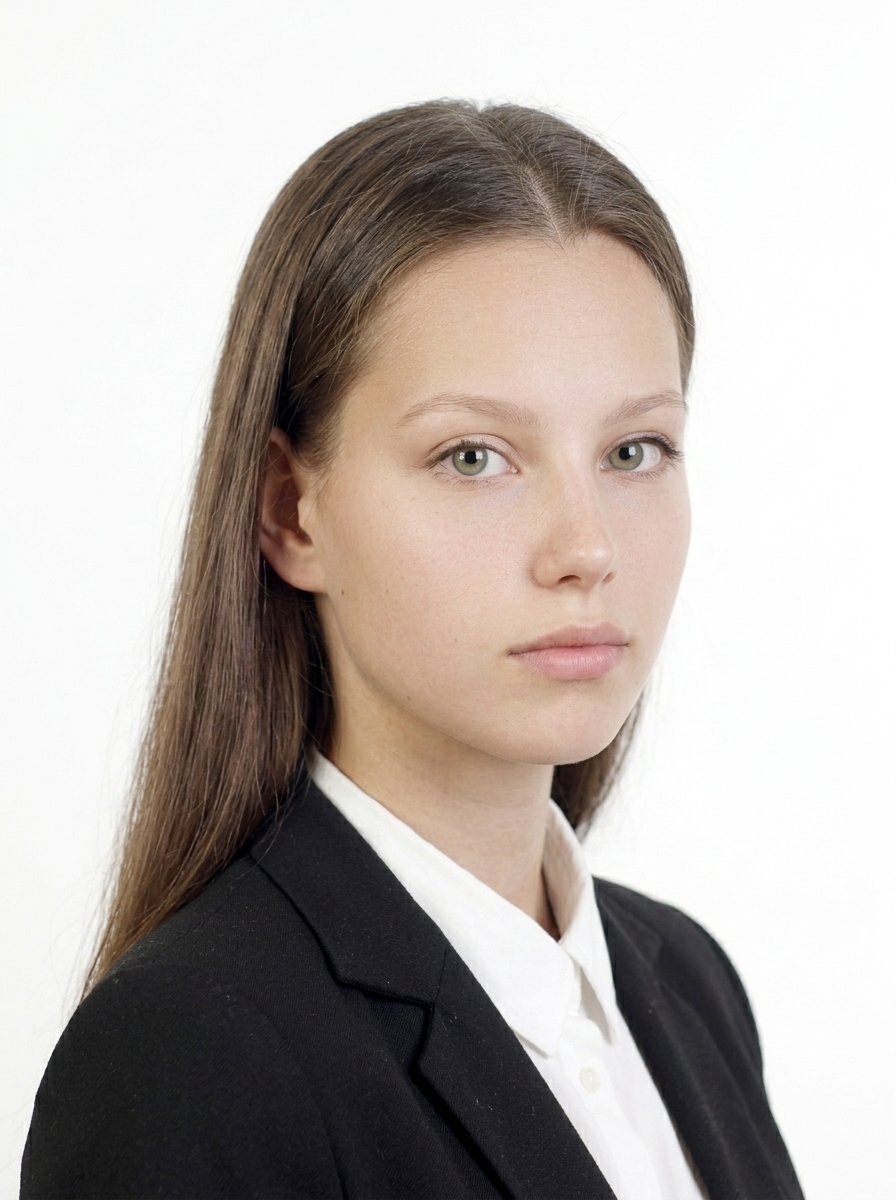
Korea visa and K-ETA application photos
Create both a 35×45mm photo for your Korea visa application and a K-ETA upload photo, right on your iPhone. For K-ETA, the app outputs a 600×600 px JPEG under 100KB. Background removal and lighting correction support your pre-submission adjustments. All processing happens on your device — your photos are never uploaded.
Download on the App StoreOn-screen guide to align your face with the 35×45mm composition required for Korea visa applications.
On-screen guide to align your face with the 600×600 px square photo the app outputs for K-ETA upload.
Export a JPEG under 100KB for K-ETA upload, plus L-size and 4×6 print sheets of 35×45mm photos for your Korea visa.
Import, face detection, adjustments, and export all run on your iPhone — nothing is uploaded.
Review face position, head size, and background before you save.
Preview before purchase
Photo Guide
If your photo does not meet the requirements, it may affect your application. Check these points before saving.
Keep face position and margins close to the template for each purpose to meet the photo requirements.
| Photo size | 35 × 45 mm |
| App output | 413 × 531 px |
| Print sheet | L-size / 4×6 inch (4-up) |
| Background | White / off-white |
| Recency | Within 6 months |
| Format | JPEG / PNG |
| App output | 600 × 600 px |
| File size | < 100 KB |
| Format | JPEG (24-bit sRGB) |
| Background | White / off-white |
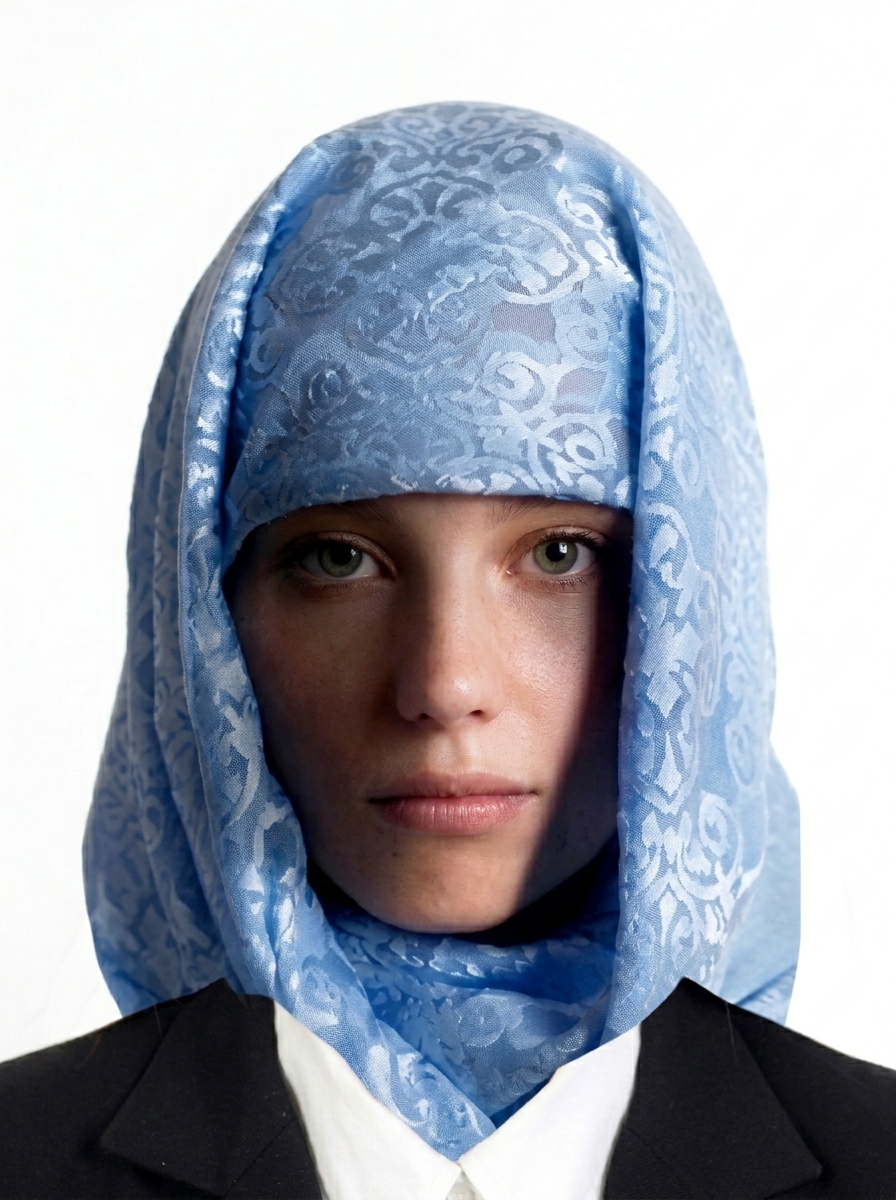
| Face | No sunglasses or face coverings |
Based on Korea visa and K-ETA photo requirements
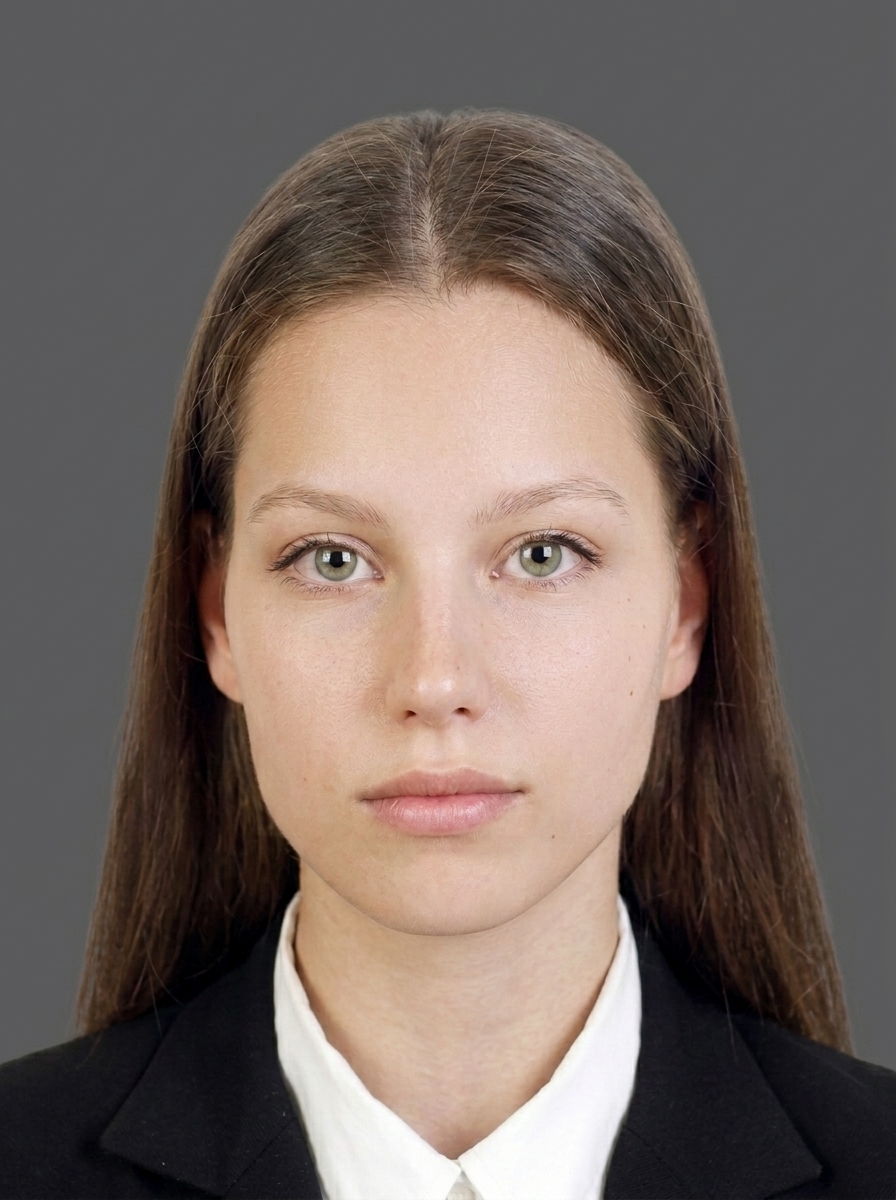
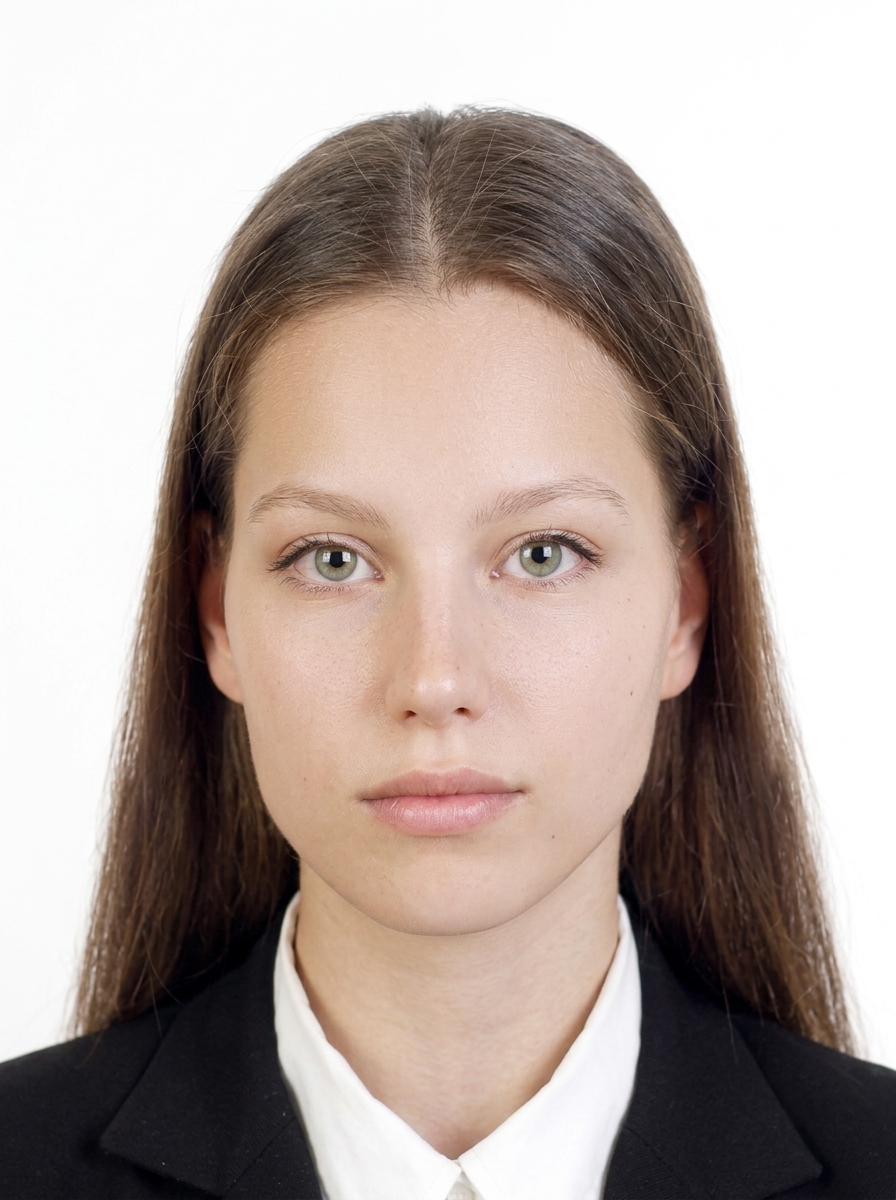
The person faces forward, the background is plain, and the face is clearly visible with a natural expression.
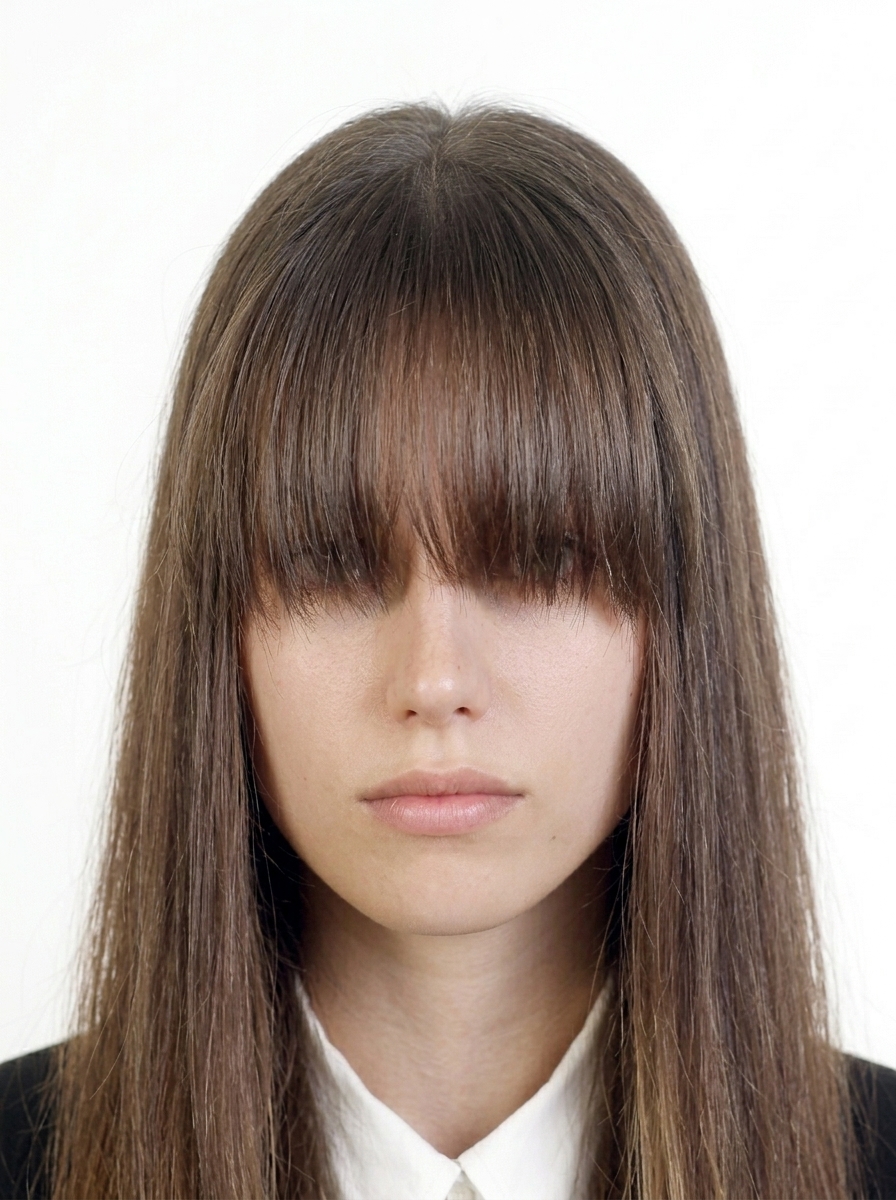
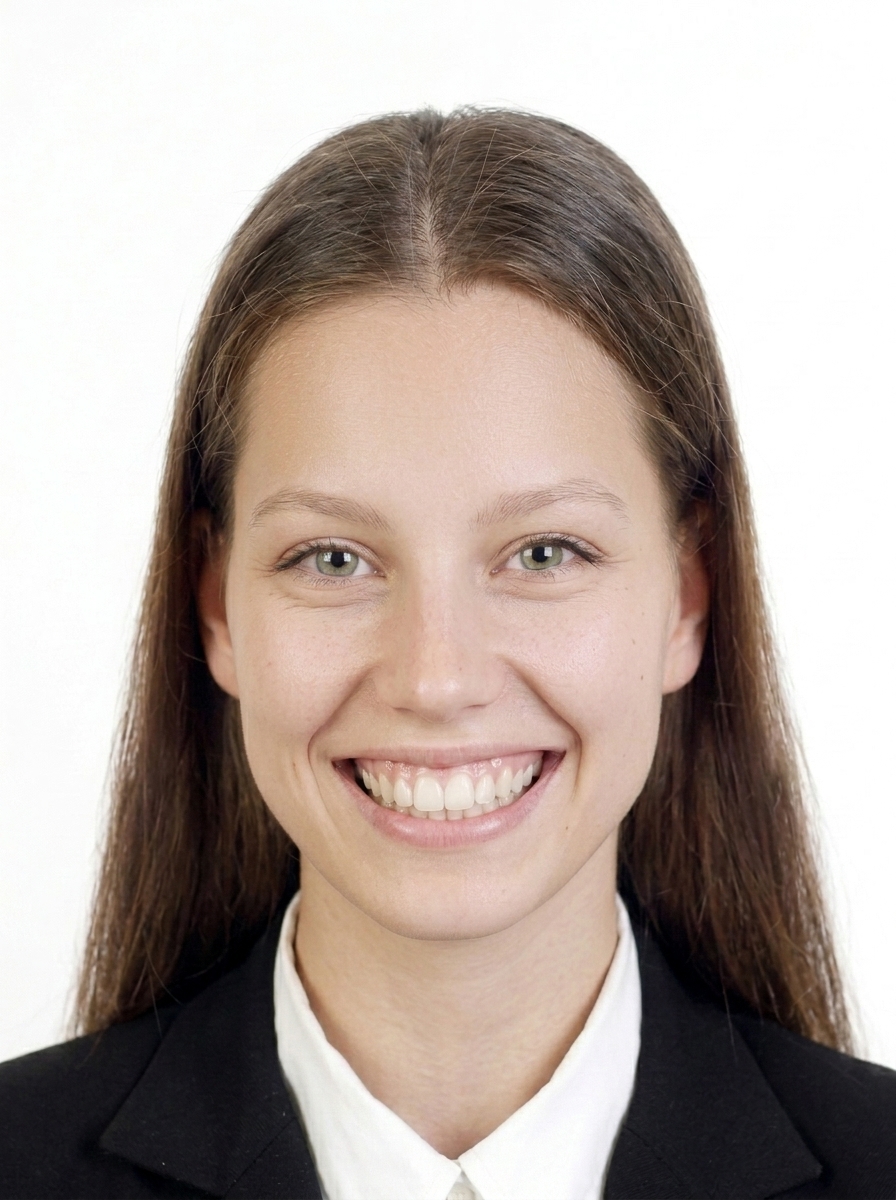
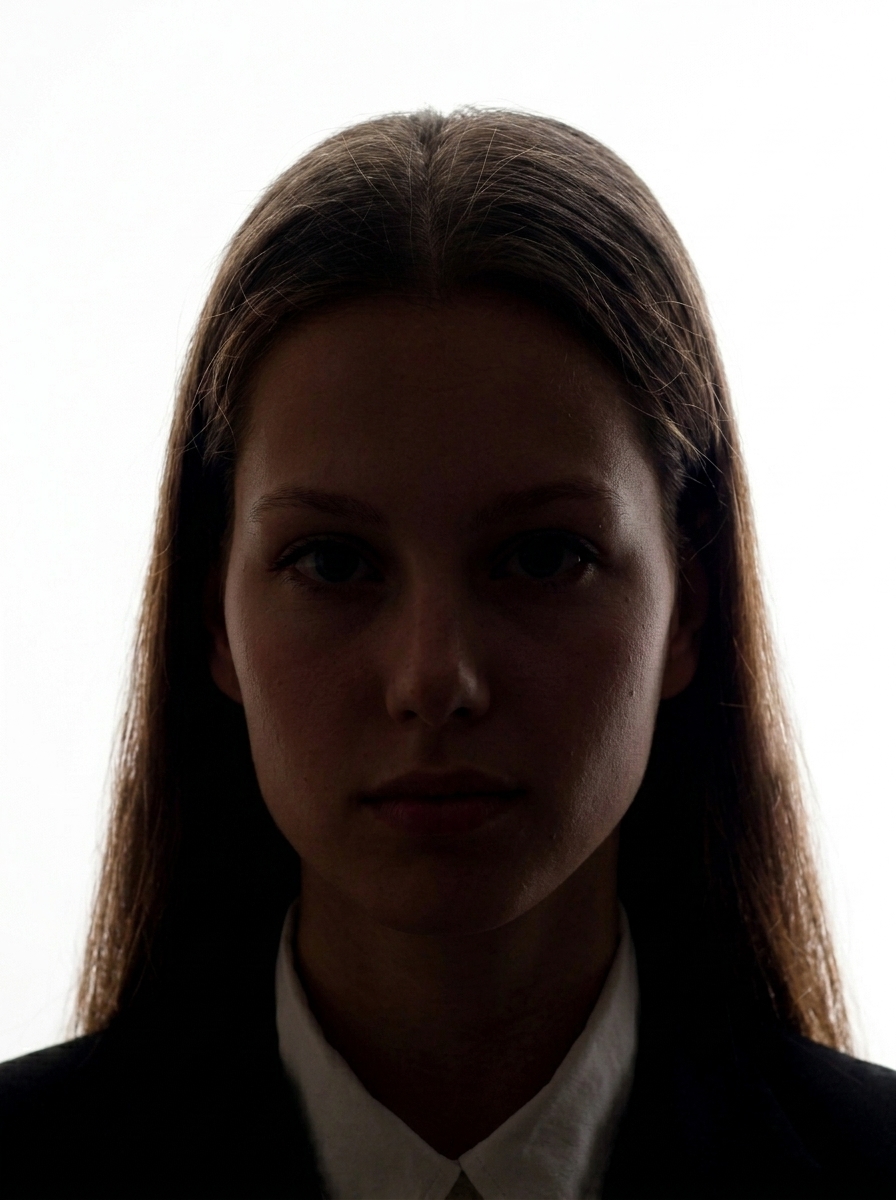
These examples show photos that may not meet the requirements for a Korea visa or K-ETA application.
Avoid heavy digital alterations that change your appearance for Korea visa and K-ETA. Depending on the edits, the photo may not meet the requirements. This includes enlarging eyes, smoothing skin excessively, modifying facial features, removing moles or scars, or applying AI-generated changes. Use the app for background adjustment and brightness adjustment only.
Official guidance Korea visa and K-ETA official sites
Check official-source guidance for K-ETA 100 KB uploads, Korea visa 35 x 45 mm photos, white backgrounds, and upload errors.
View photo guidesA Korea visa photo is 35 × 45 mm and must be taken within the last 6 months, with a plain white or off-white background. This app prepares your photo to that spec.
K-ETA asks you to upload a photo during the application. This app outputs a 600×600 px square JPEG under 100KB for K-ETA upload. Your face should be clearly visible, facing forward with a natural expression.
They are different purposes. A Korea visa needs a 35 × 45 mm photo submitted with the application form; K-ETA needs a digital photo uploaded to the application screen (this app outputs 600×600 px under 100KB). This app supports both.
Korea visa requires a plain white or off-white background. For K-ETA photos, use a background where your face is clearly visible. This app provides automatic white background adjustment.
Yes. The app can output L-size and 4×6 print sheets with four 35 × 45 mm photos arranged on each, ready to print at a convenience store or photo printer.
No. All photo processing, face detection, background adjustment, and JPEG/print export happen entirely on your iPhone. Only App Store billing uses the network, and it never includes your photo data.
No. This app helps you create a photo that meets published Korea visa and K-ETA specifications, but does not guarantee acceptance. Final acceptance is determined by the reviewing authority. Requirements may also change, so always check the latest official guidance before submitting.
No. This app is not affiliated with the Korean government. It is a photo file creation tool that helps you prepare a photo based on the publicly available Korea visa and K-ETA photo requirements.
Resize and preview for free. Pay only when you save.
Download on the App Store (free)