eVisa & Consulate Visa Photo and Passport Scan Helper
Create the face photo and passport bio page image needed for Brazil eVisa and embassy/consulate visa applications. Route-specific presets (12 verified consular posts), background whitening, and file size compression, all on your iPhone.
This app is not an official service of the Brazilian government, VFS Global, or any Brazilian embassy or consulate, and does not submit or approve applications.
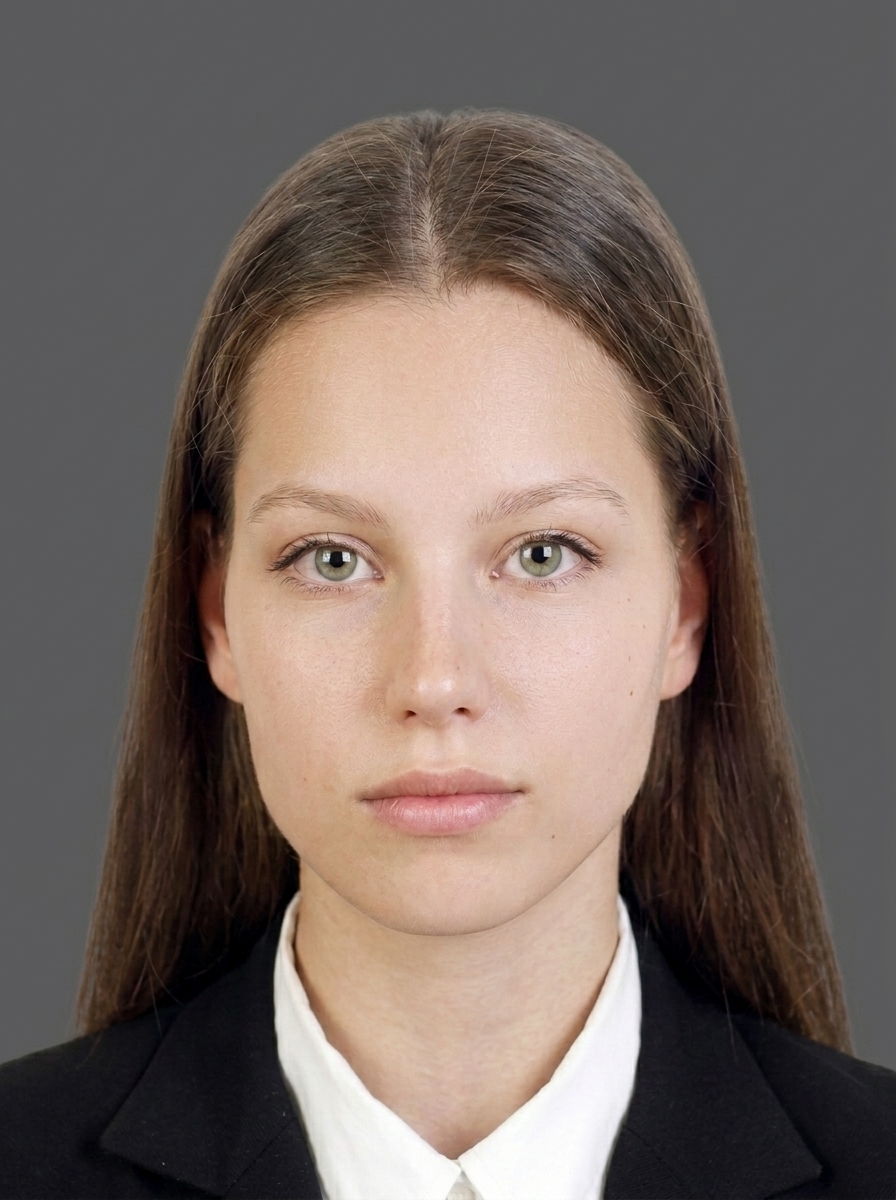
Download on the App StoreOn-screen guide to align your face with the VFS Brazil eVisa upload specification.
Photo size presets for embassy/consulate applications, covering verified post-specific sizes.
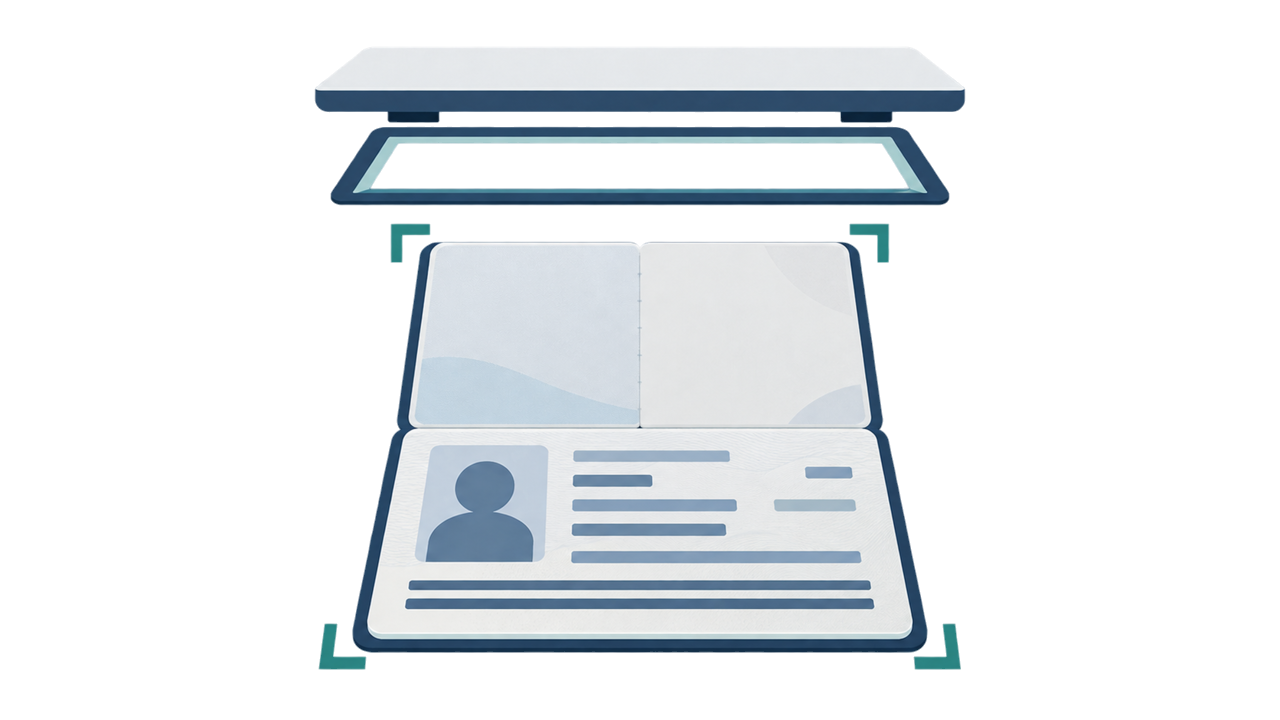
Capture the passport bio page with all four corners and a readable MRZ, exported as a color image.
Export JPEG files within the eVisa upload limits with automatic file size compression.
Import, face detection, adjustments, and export all run on your iPhone — nothing uploaded.
Preview before purchase
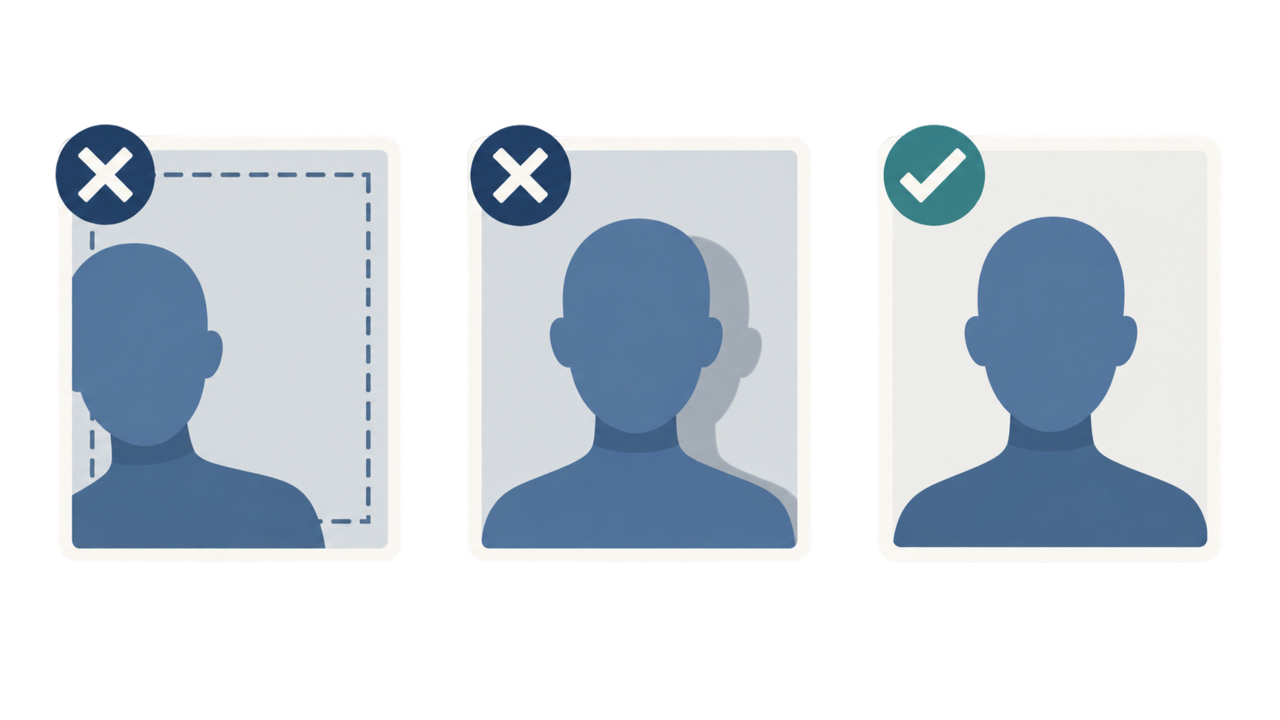
Photo Guide
Even a slightly non-compliant photo can be rejected during your application. Check these points before saving.
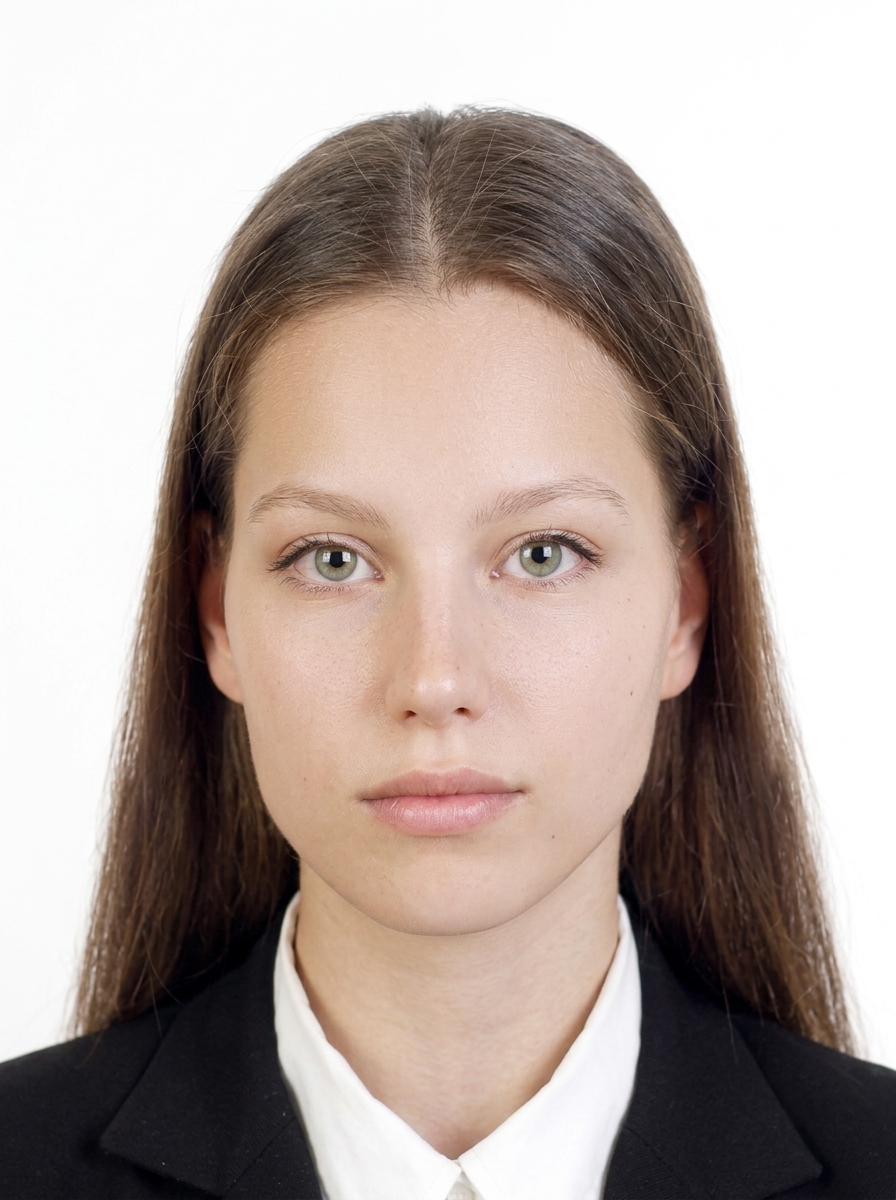
These specifications are based on requirements confirmed from the official guidance. Keep the face centered with the top of the head and chin in frame, and include the shoulders. Consulate sizes vary by post — always confirm your consulate's instructions.
| 413 × 531 px | eVisa upload photo |
| JPEG / JPG | eVisa accepted format |
| 2 MB | eVisa max file size |
| Background | White |
| United States | 51 × 51 mm |
| United Kingdom · London | 35 × 45 mm |
| Germany · Berlin | 35 × 45 mm |
| Norway · Oslo | 40 × 50 mm |
| Estonia · Tallinn | 40 × 50 mm |
| Australia · Sydney | 40 × 50 mm |
| Japan · Tokyo | 35 × 45 mm |
| Indonesia · Jakarta | 30 × 40 mm |
| Hong Kong | 50 × 70 mm |
| Singapore | 50 × 70 mm |
| Ireland · Dublin | 35 × 45 mm |
| Finland · Helsinki | 36 × 47 mm |
| JPEG / JPG | Passport bio page format |
| 2 MB | Passport bio page max file size |
| Color | Color |
Source: VFS Brazil eVisa photo requirements. Consulate sizes vary by post — follow the instructions of the embassy/consulate handling your application.
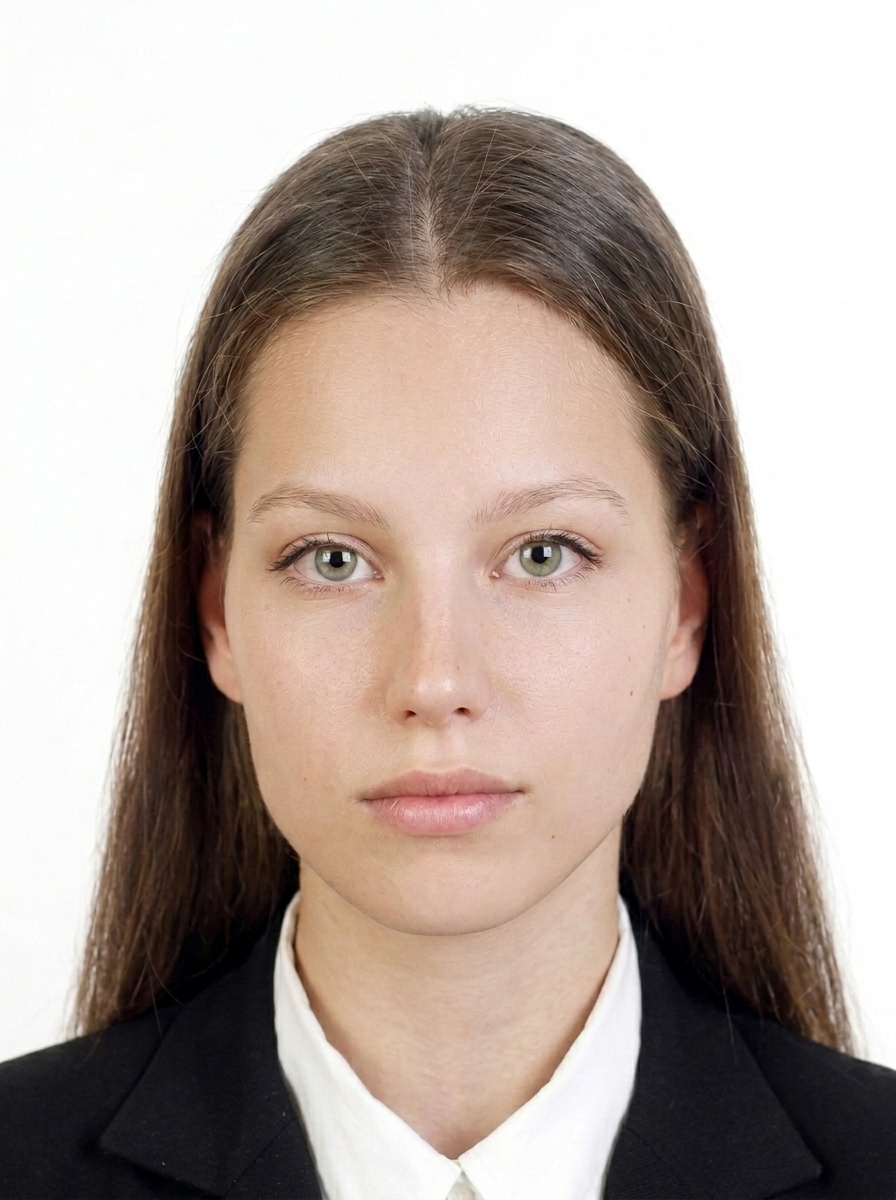
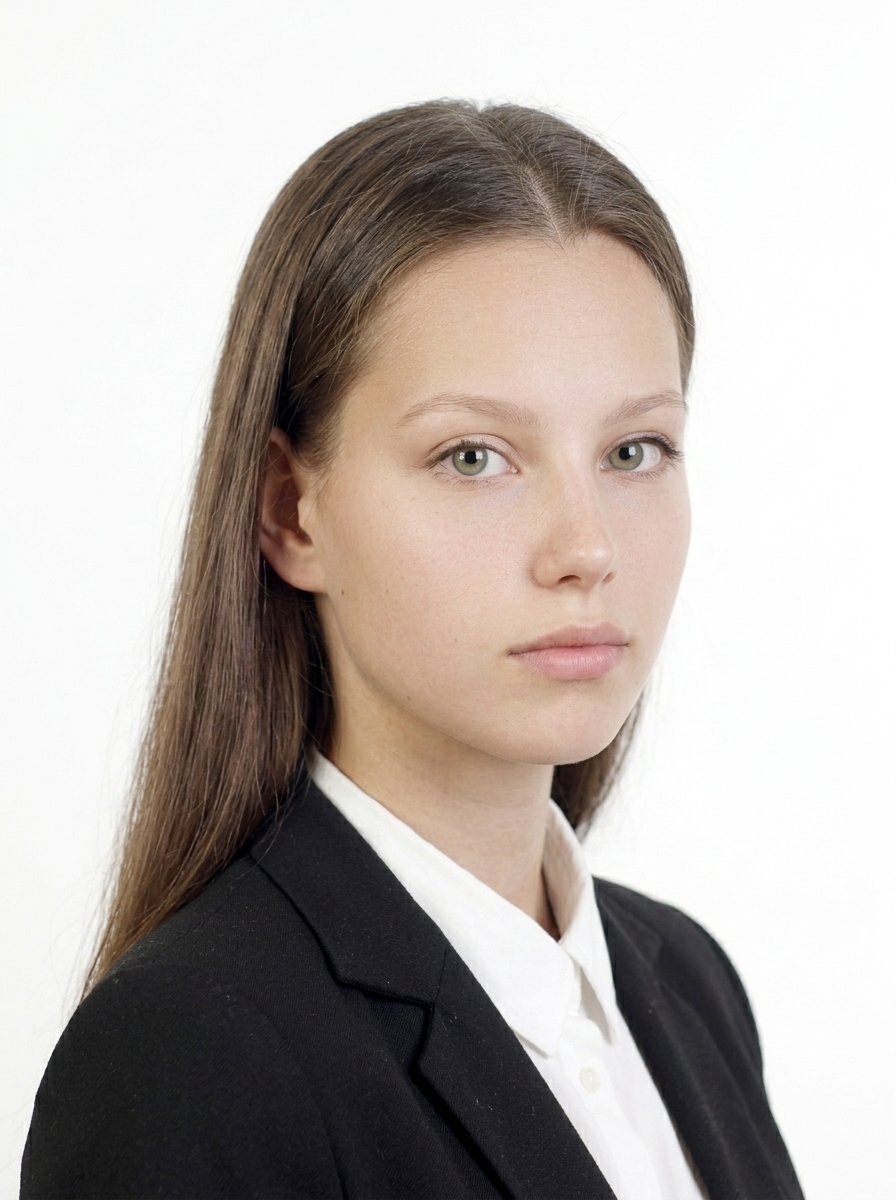
The person faces forward, background is white, and the face is clearly visible with a natural expression.
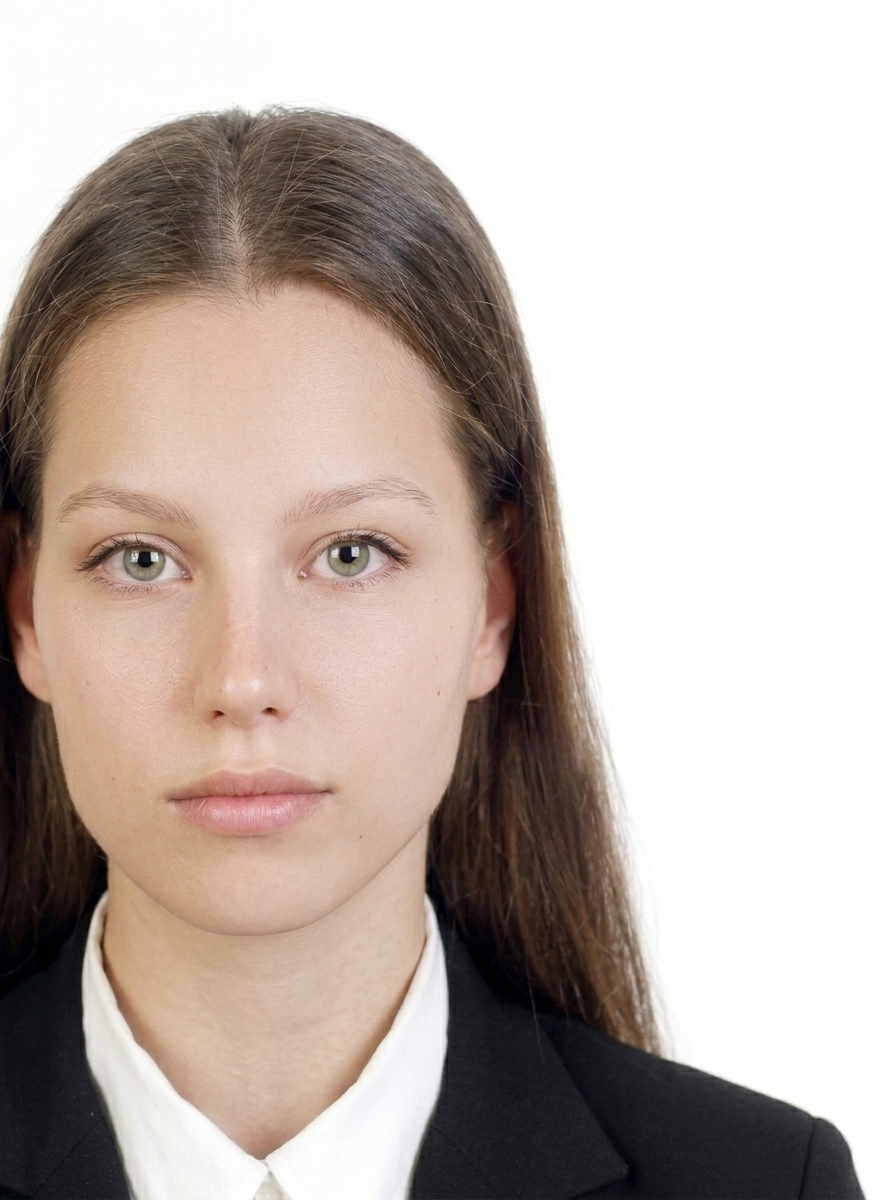
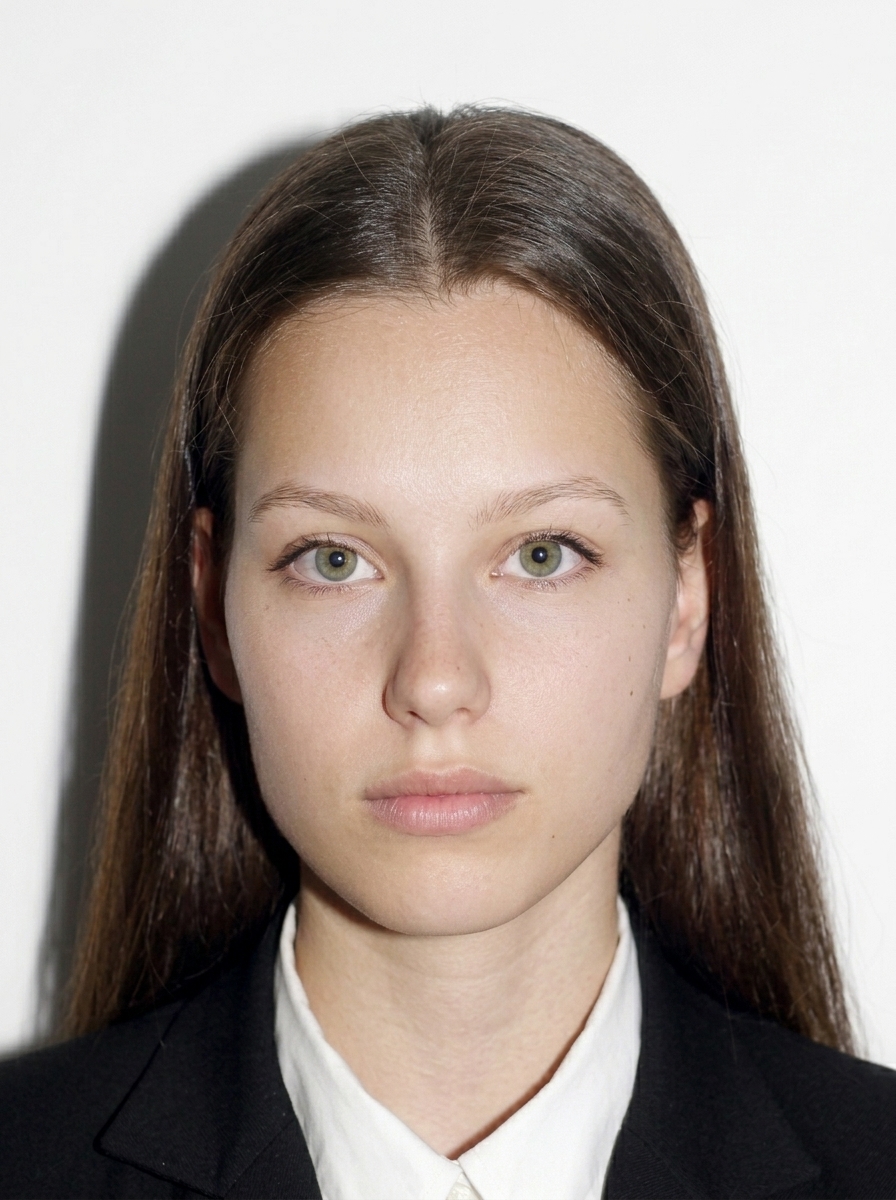
These are common reasons a photo may be rejected.
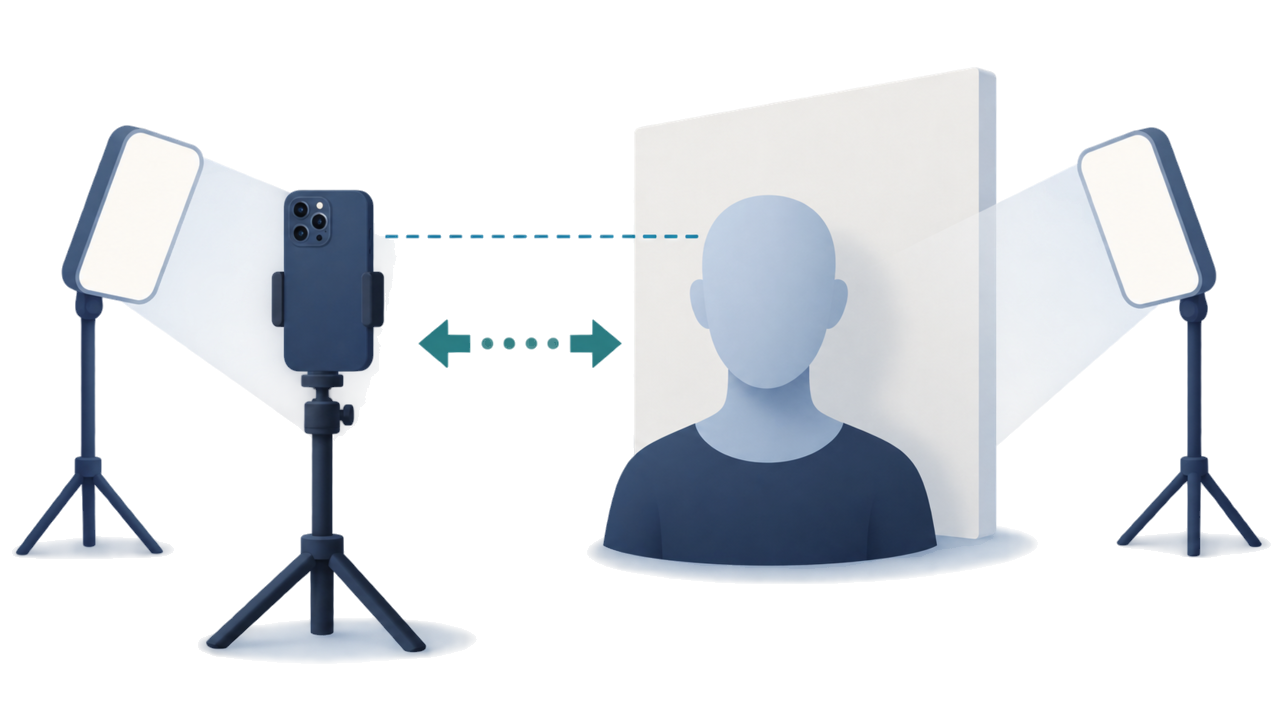
Take your photo with a plain white background, even lighting, and a natural appearance from the start. This app mainly helps with composition checking, size adjustment, background whitening, pre-save preview, and file export. Do not alter your facial shape, skin, hair, or clothing.
Official guidance VFS Brazil eVisa portal
The eVisa requires a 413 × 531 px photo in JPEG / JPG format with a White background, up to 2 MB. Face the camera directly with eyes open, keep the top of your head and chin in frame, and include your shoulders. Always confirm the latest requirements on the official portal (brazil.vfsevisa.com).
Yes. In addition to the VFS Brazil eVisa, the app includes photo presets for embassy/consulate applications (12 verified posts plus other common sizes). Consulate photo sizes vary by post, so choose the size specified in your consulate's instructions.
Simply photograph your passport bio page or import it from your photo library. Check that all four corners are visible and the MRZ (machine-readable zone) is readable. The app outputs a Color JPEG / JPG image up to 2 MB.
No. All photo processing, face detection, background whitening, and image export happen entirely on your iPhone. Only App Store billing uses the network, and it never includes your photo data.
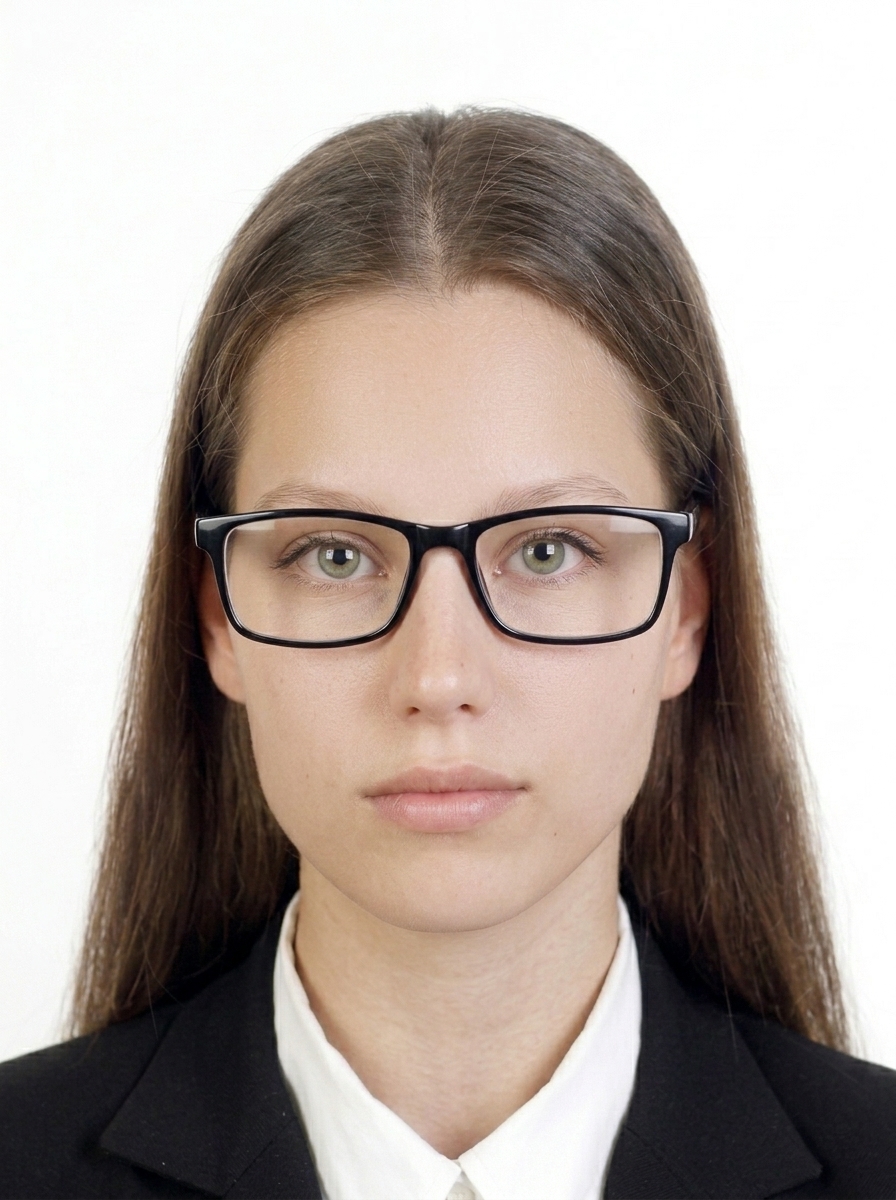
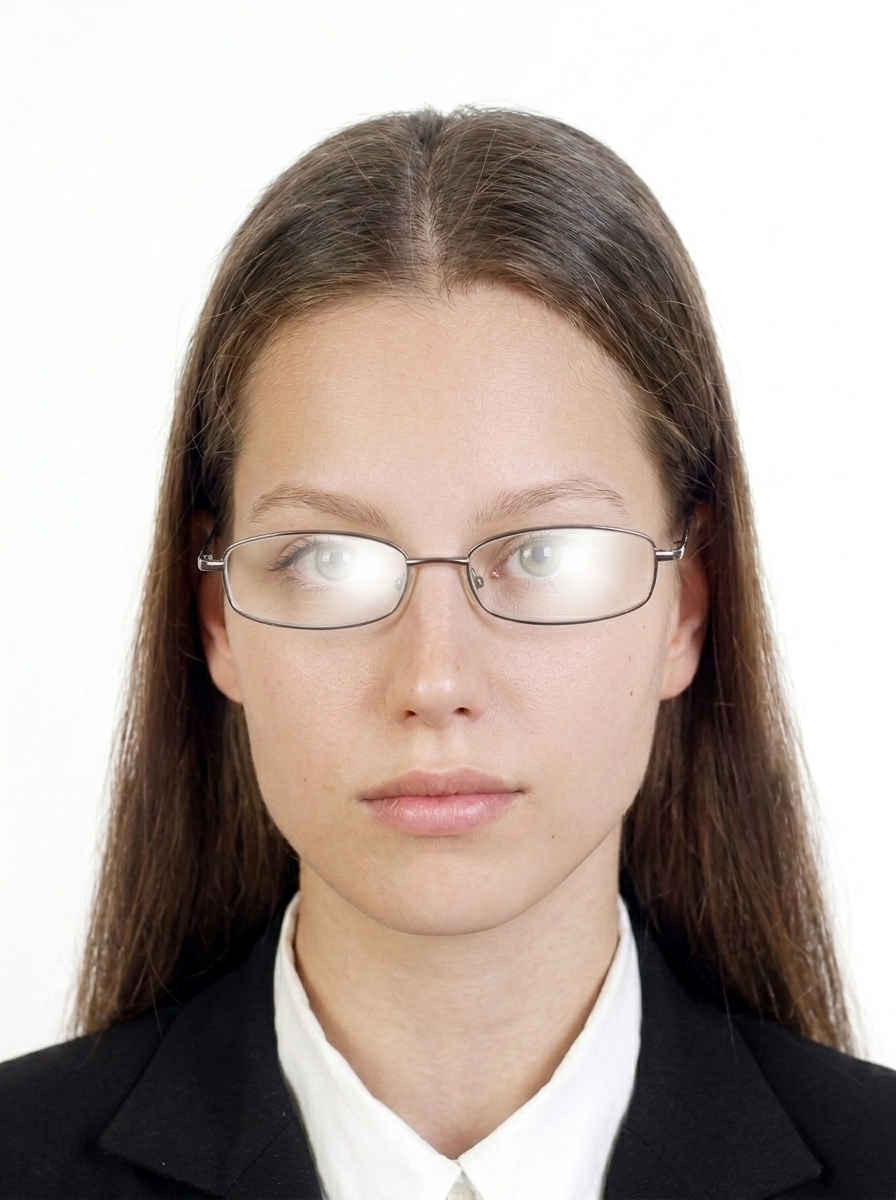
For the eVisa route, glasses are not allowed or not recommended. Please remove glasses before taking the photo. For the latest requirements, including consulate routes, follow the instructions from your application office.
No. Reusing a cropped passport photo is not accepted. Take a fresh photo with a plain white background and follow the on-screen guide.
No. This app is a file preparation tool only. You must submit your application yourself on the official portal (brazil.vfsevisa.com for eVisa) or through the Brazilian embassy/consulate handling your application.
No. This app helps you create files based on published requirements, but final acceptance is determined by the application office. Requirements may change, so always check the latest official guidance before submitting.
Common reasons include wrong size for the route, background not white, glasses reflections, shadows, an old photo, or incorrect face proportions. This app detects and warns about these issues.
The same requirements apply to children: white background, facing forward, eyes open, no glasses. For infants, lay the child on a white sheet and photograph from above, or use a car seat with a white cloth draped over it.
The official VFS Brazil eVisa portal and consular guidance ask for a recent photograph, but the official sources used for this guide do not specify a number of months. Follow any current instruction from the portal or the consulate handling your application. Some private websites say “within six months,” but that is not an official Brazil photo requirement in these sources.
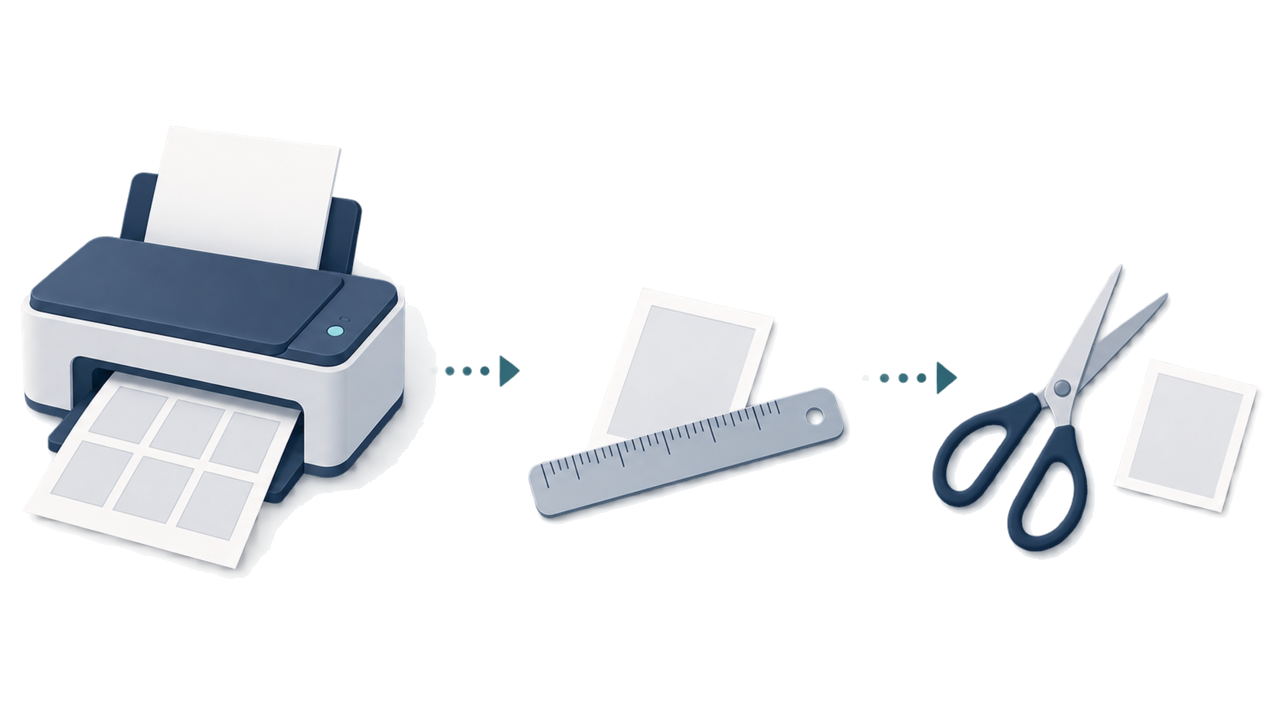
Yes, as a practical option, you may use a photo-printing shop, convenience store, or home printer if the relevant consular post's dimensions are reproduced accurately. Official guidance does not prescribe a printing method. Check the printed photo with a ruler and cut it carefully. For eVisa, upload the image instead, so printing is not needed.
Choose a route-specific guide for upload files, passport pages, printed photos, shooting, or final checks.
Brazil visa photo requirements Create Brazil eVisa face photos, embassy/consulate visa photos, and passport bio page images on iPhone. Face guide, background whitening, auto compression, on-device processing. These specifications are based on requirements confirmed from the official guidance. Keep the face centered with the top of the head and chin in frame, and include the shoulders. Consulate sizes vary by post — always confirm your consulate's instructions.
Brazil eVisa photo size for upload The eVisa upload photo uses a set pixel size, a defined file format, a file-size limit, and a white background. Keep these digital rules separate from printed consular photos.
eVisa upload vs consulate print photo Brazil visa photo rules depend on the submission route: an eVisa upload is a digital file, while consular submission follows the instructions of the embassy or consulate post.
Passport biodata page file The passport biodata page is a separate document file from the applicant photo. Check its format, file-size limit, color mode, corners, and machine-readable area before upload.
How to take a Brazil visa photo with a smartphone A practical smartphone workflow for a plain background, face-height camera, comfortable distance, even light, and a careful final review.
Brazil eVisa upload error checks When an upload fails, check file format, file size, pixel dimensions, file mix-ups, blur, and background problems in order.
Brazil consulate photo sizes by post Printed photo sizes can differ by embassy or consulate post. Use the confirmed post list and the instructions for the place where you will submit.
How to print a consulate photo A practical print workflow: choose the post-specific size, print at actual size, measure the result, and cut only after the physical check.
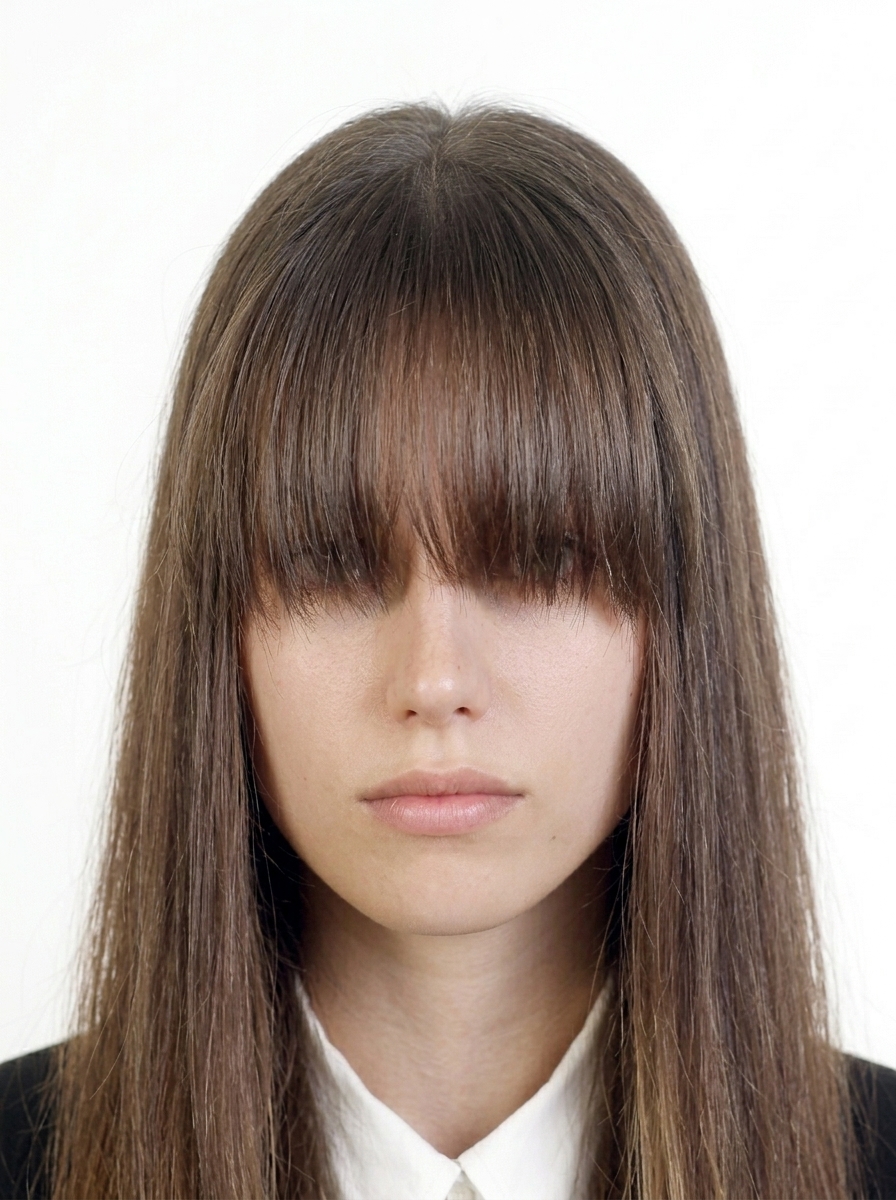
Common Brazil visa photo mistakes Review off-center framing, background shadows, side-facing poses, blur, glare, hair coverage, and other visible problems before submission.
Brazil visa photo background Prepare a white background with even lighting and no visible shadow, and see when to retake instead of editing. Capture and preview for free. Pay only when you save.
Contact us about usage, exports, purchases, or website information.