Photo Guide
Brazil visa photo requirements
Create the face photo and passport bio page image needed for Brazil eVisa and embassy/consulate visa applications. Route-specific presets (12 verified consular posts), background whitening, and file size compression, all on your iPhone.
! Some details are being re-checked Last checked: August 20, 2026
Some details are being re-checked
We are re-checking part of this information against the official sources. For the latest details, follow the official guidance for your application.
Size and composition
These specifications are based on requirements confirmed from the official guidance. Keep the face centered with the top of the head and chin in frame, and include the shoulders. Consulate sizes vary by post — always confirm your consulate's instructions.
- Use the size specified by your application route (413 × 531 px for the eVisa) with only the applicant in frame.
- Use a clear, recently taken photo. Face the camera directly with a natural expression.
- Plain white background with no shadows.
Create your photo in the browser
Prepare the photo for Brazil e-Visa directly in your smartphone or computer browser. Creating and reviewing are free.
Open the web toolChoose a guide
 Brazil visa photo requirements Create Brazil eVisa face photos, embassy/consulate visa photos, and passport bio page images on iPhone. Face guide, background whitening, auto compression, on-device processing. These specifications are based on requirements confirmed from the official guidance. Keep the face centered with the top of the head and chin in frame, and include the shoulders. Consulate sizes vary by post — always confirm your consulate's instructions.
  Brazil eVisa photo size for upload The eVisa upload photo uses a set pixel size, a defined file format, a file-size limit, and a white background. Keep these digital rules separate from printed consular photos. eVisa upload vs consulate print photo Brazil visa photo rules depend on the submission route: an eVisa upload is a digital file, while consular submission follows the instructions of the embassy or consulate post.
 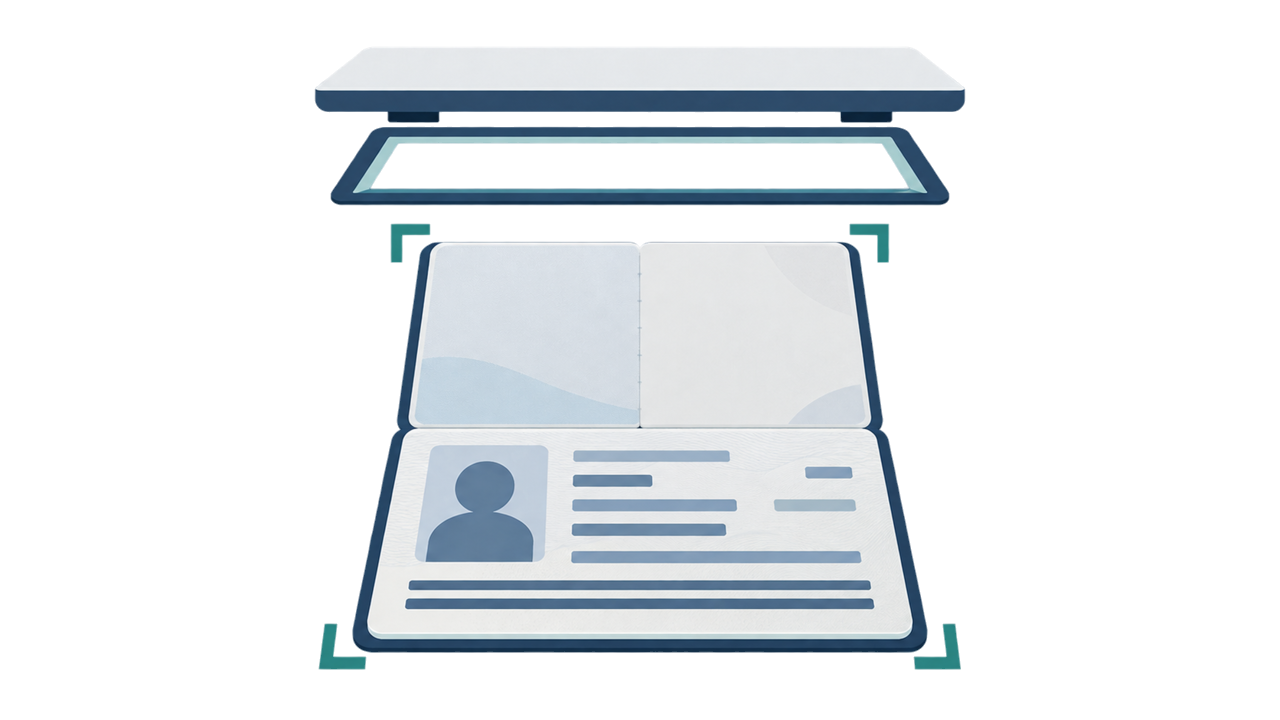 Passport biodata page file The passport biodata page is a separate document file from the applicant photo. Check its format, file-size limit, color mode, corners, and machine-readable area before upload.
 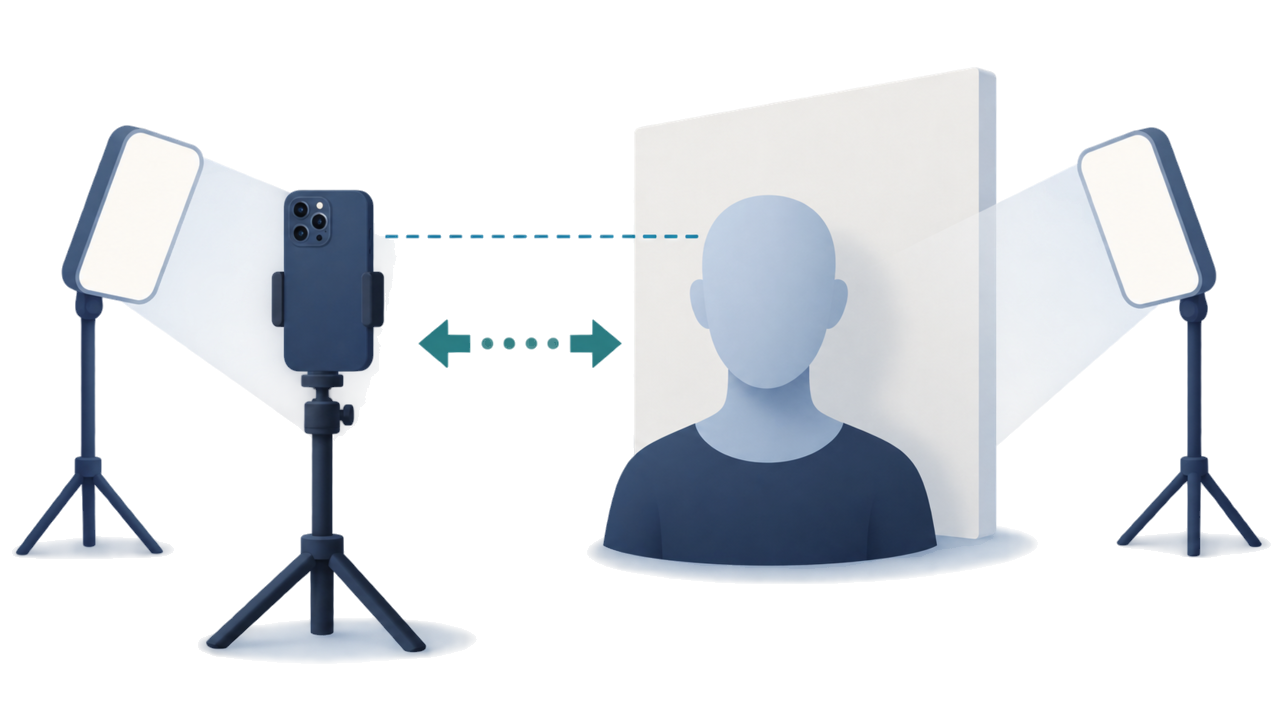 How to take a Brazil visa photo with a smartphone A practical smartphone workflow for a plain background, face-height camera, comfortable distance, even light, and a careful final review.
 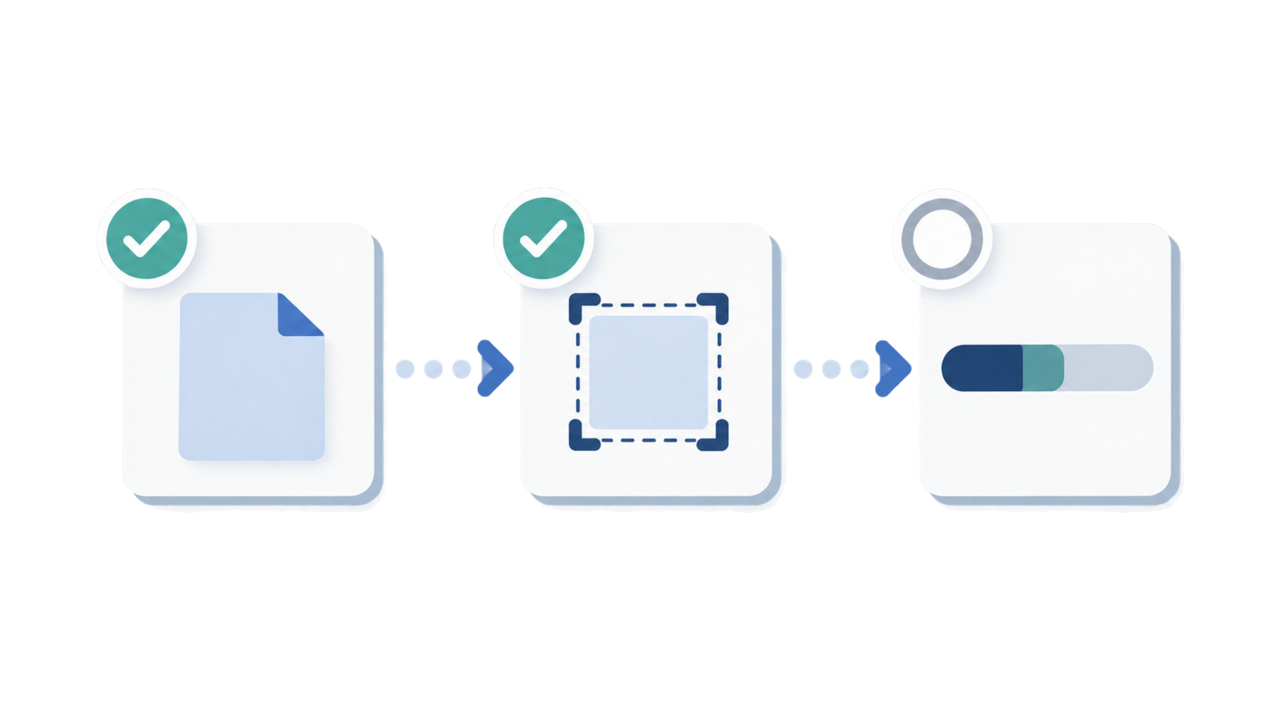 Brazil eVisa upload error checks When an upload fails, check file format, file size, pixel dimensions, file mix-ups, blur, and background problems in order.
  Brazil consulate photo sizes by post Printed photo sizes can differ by embassy or consulate post. Use the confirmed post list and the instructions for the place where you will submit.
 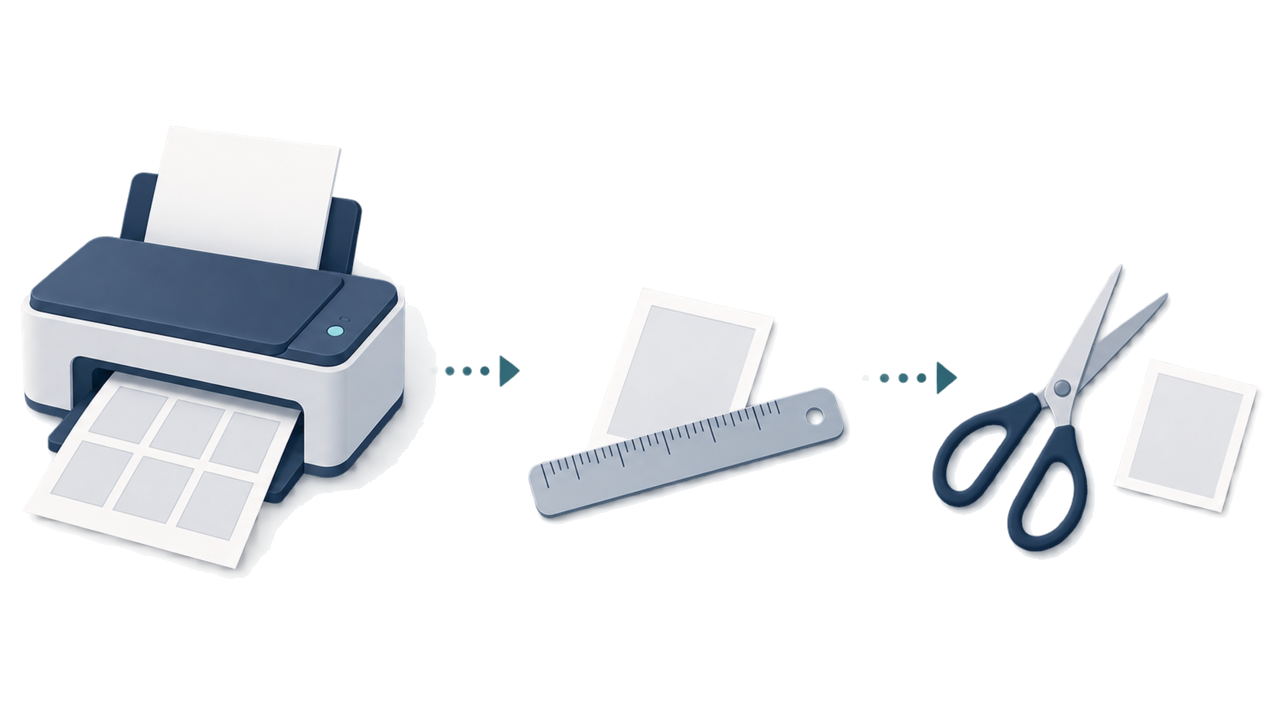 How to print a consulate photo A practical print workflow: choose the post-specific size, print at actual size, measure the result, and cut only after the physical check.
 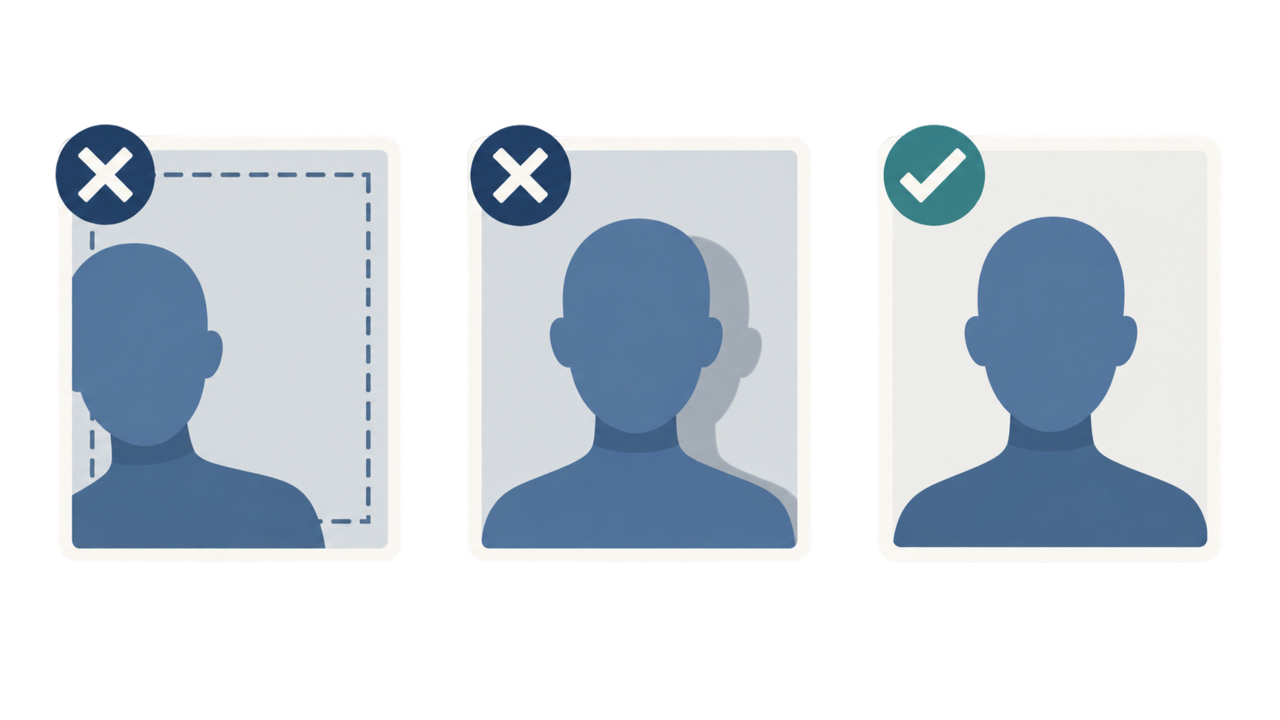 Common Brazil visa photo mistakes Review off-center framing, background shadows, side-facing poses, blur, glare, hair coverage, and other visible problems before submission.
  Brazil visa photo background Prepare a white background with even lighting and no visible shadow, and see when to retake instead of editing.
 Official sources
- Brazil eVisa VFS Global - Photo Sample / photo upload specification Checked: August 20, 2026
- Brazil eVisa VFS Global - パスポート情報ページ仕様 Checked: August 20, 2026
- Brazil MRE — Electronic Visitor Visa / eVisa Checked: October 5, 2026
- Consulate General of Brazil in Tokyo - Visa photo Checked: July 2026