Is every Schengen visa photo 35×45mm?
No. 35 × 45 mm is used by many verified Schengen application routes, but it is not a universal rule. Finland specifies 36 × 47 mm, and some Italy, Spain, and Canada routes use other sizes (for example 2 × 2 inch or 35 × 40 mm). The app confirms the exact requirement for your destination and application route.
Which Schengen country uses a different photo size?
Finland specifies 36 × 47 mm. Some Italy routes also differ (Detroit 2 × 2 inch, Canada 35 × 40 mm), as does the Spain BLS US tourist route (2 × 2 inch). These are route-specific exceptions, not country-wide universal rules.
Why do Italy visa photo requirements vary?
Italy's photo size depends on where you apply (jurisdiction / consular post). The standard route is 35 × 45 mm, but the Detroit consulate uses 2 × 2 inch and some Canada consulates use 35 × 40 mm; a few posts do not publish an exact size. The app asks where you are applying rather than guessing.
Why do Spain visa photo requirements vary?
Spain's photo size depends on application location, and for the San Francisco BLS centre also on visa category: the tourist route uses 2 × 2 inch while the seamen/transit route uses 35 × 45 mm. The app confirms the size for your route.
Do some Schengen routes not require me to prepare a photo?
Yes. For the Netherlands when applying via an external service provider, and for Sweden adults attending in person, the photo is taken at the appointment, so you do not need to prepare a photo in advance. For Norway, official sources conflict on whether a photo is needed, so we direct you to confirm with the receiving office. This is route-specific, not a country-wide rule.
What if my application location or submission method is not selected?
For Italy, Spain and Hungary (application location), the Netherlands (submission method) and Sweden (attendance), the photo size cannot be confirmed without the location, jurisdiction or visa category. The app asks for the needed detail rather than guessing a size it cannot confirm.
What size is a Schengen visa photo?
The most common confirmed size is 35×45mm, but it is not universal. Some routes require a different size — Finland specifies 36×47mm, and the Spain BLS US tourist route asks for 2×2 inch (51×51mm). The app confirms the exact spec for your destination and application route.
Is one photo size always required?
The common size is the most widespread format across many Schengen routes, but the exact size can depend on your destination, application country, jurisdiction, and provider (VFS/TLScontact/BLS). For example, the Spain BLS US tourist route requires 2×2 inch (51×51mm) photos. The app confirms the size for your route.
Why does Spain from US use 2×2 inch photos?
On the Spain tourist visa route applied through BLS centers in the United States, US passport-size photos (2×2 inch / 51×51mm) are required instead of the common size. This is specific to that provider and visa category, not all Spain or all US applications. The app confirms whether your route needs this size.
Can I use the same photo for every Schengen country?
Many Schengen routes accept a 35×45mm photo, but because the exact spec depends on destination, application country, jurisdiction, and provider, the same photo is not guaranteed to work for every route. Confirm the spec for each application.
Can I wear glasses in my Schengen visa photo?
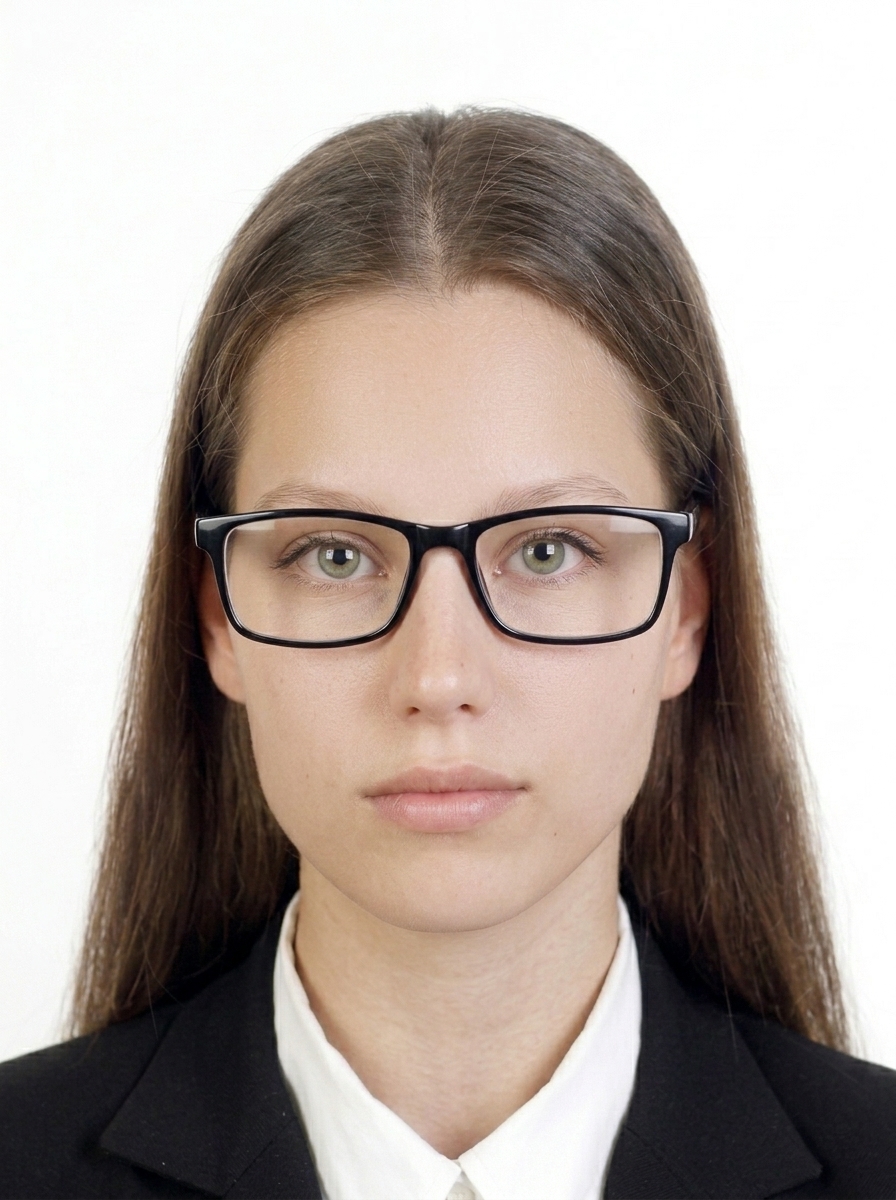
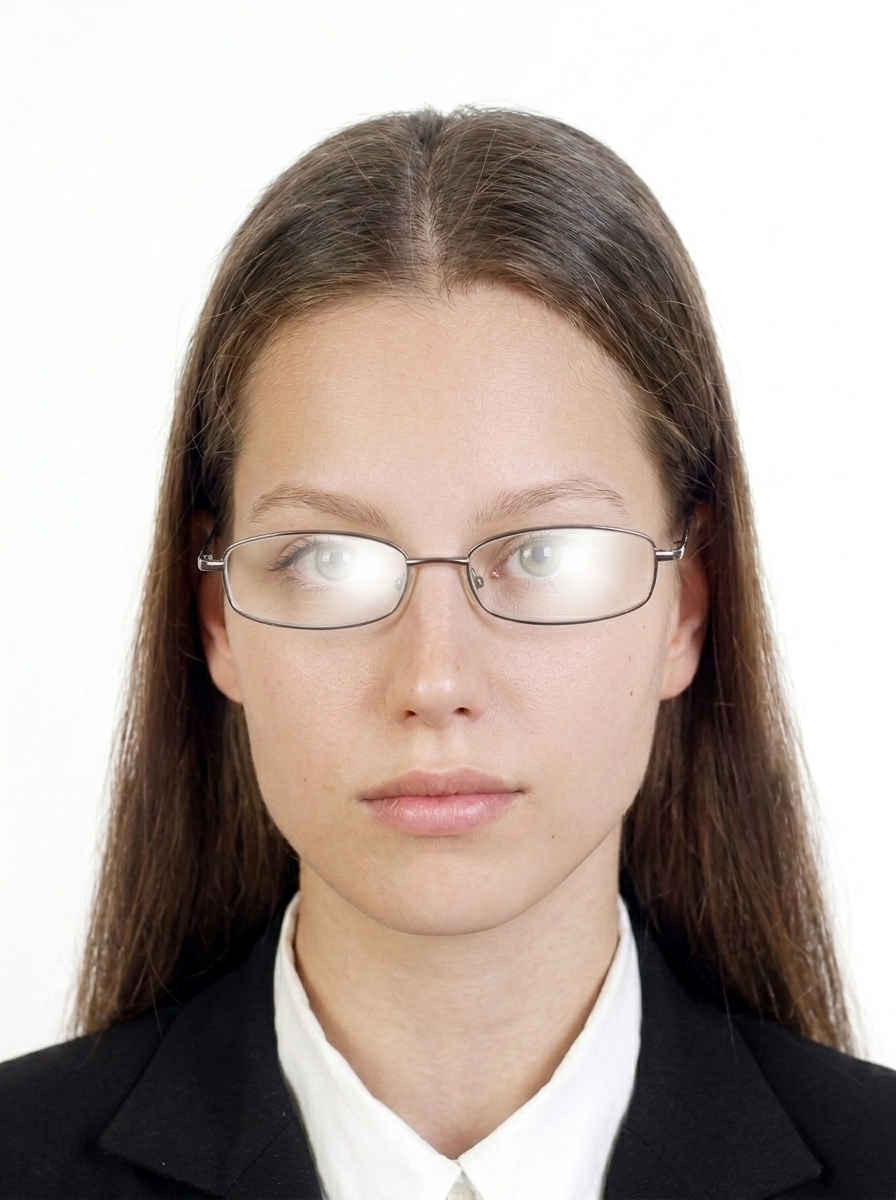
Glasses are not recommended. Removing them before taking your photo is the safest option. If you must wear them, ensure your eyes are clearly visible, with no glare, reflections, tinted lenses, or frames covering the eyes.
Can I adjust the photo background?
Background replacement is not recommended for submitted photos. Instead, take your photo against a plain white, off-white, or light grey background with no shadows. Digitally replacing the background may cause rejection.
What background color is required?
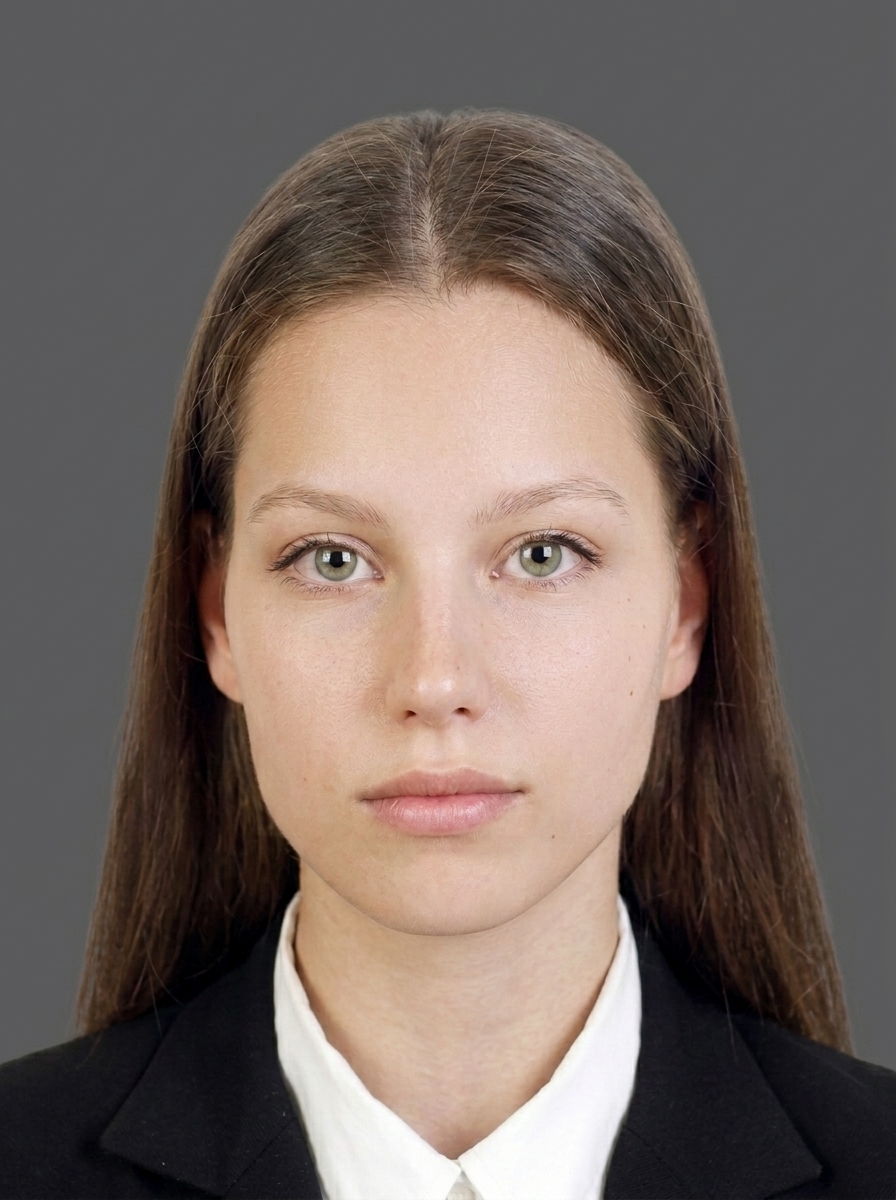
A plain white, off-white, or light grey background is generally required. Use a plain background when taking the photo rather than editing it afterwards. Photos with colored, patterned, or dark backgrounds may be rejected.
What photos are commonly rejected?
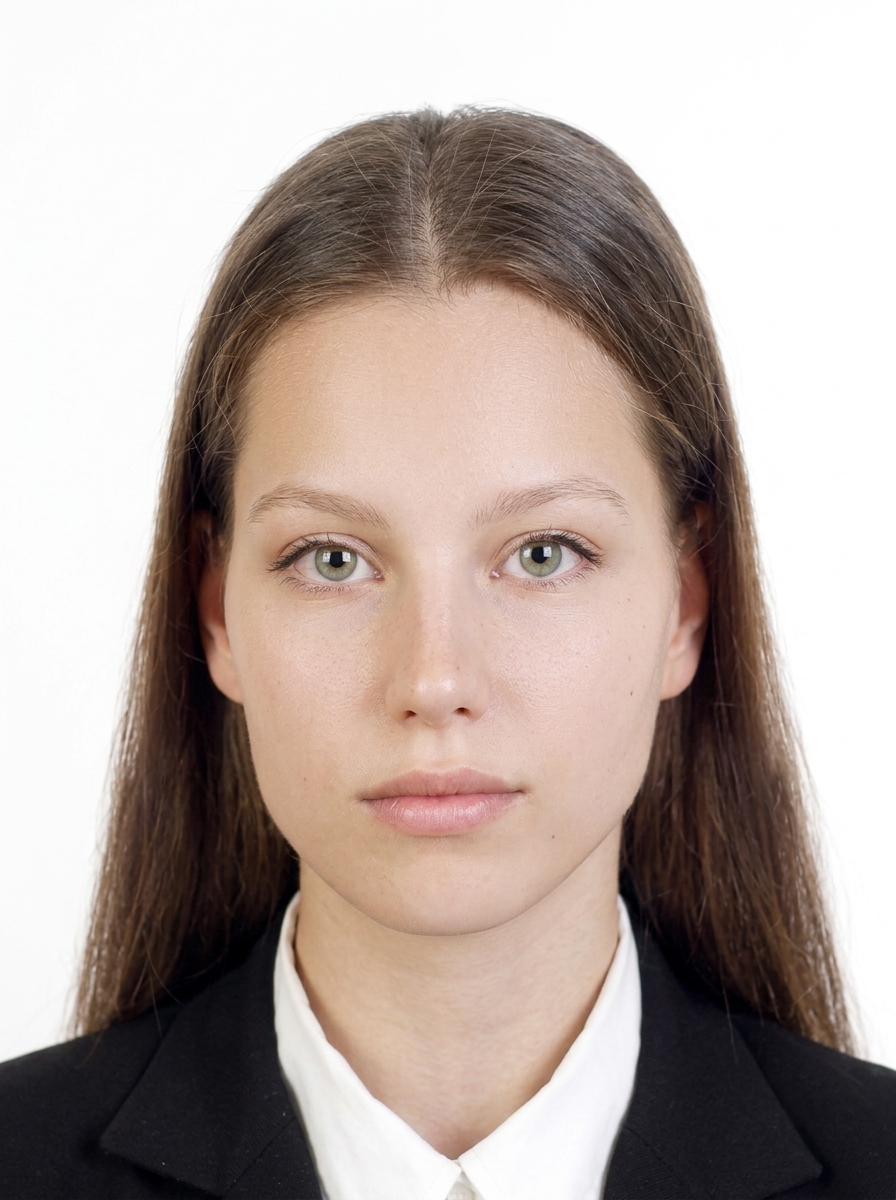
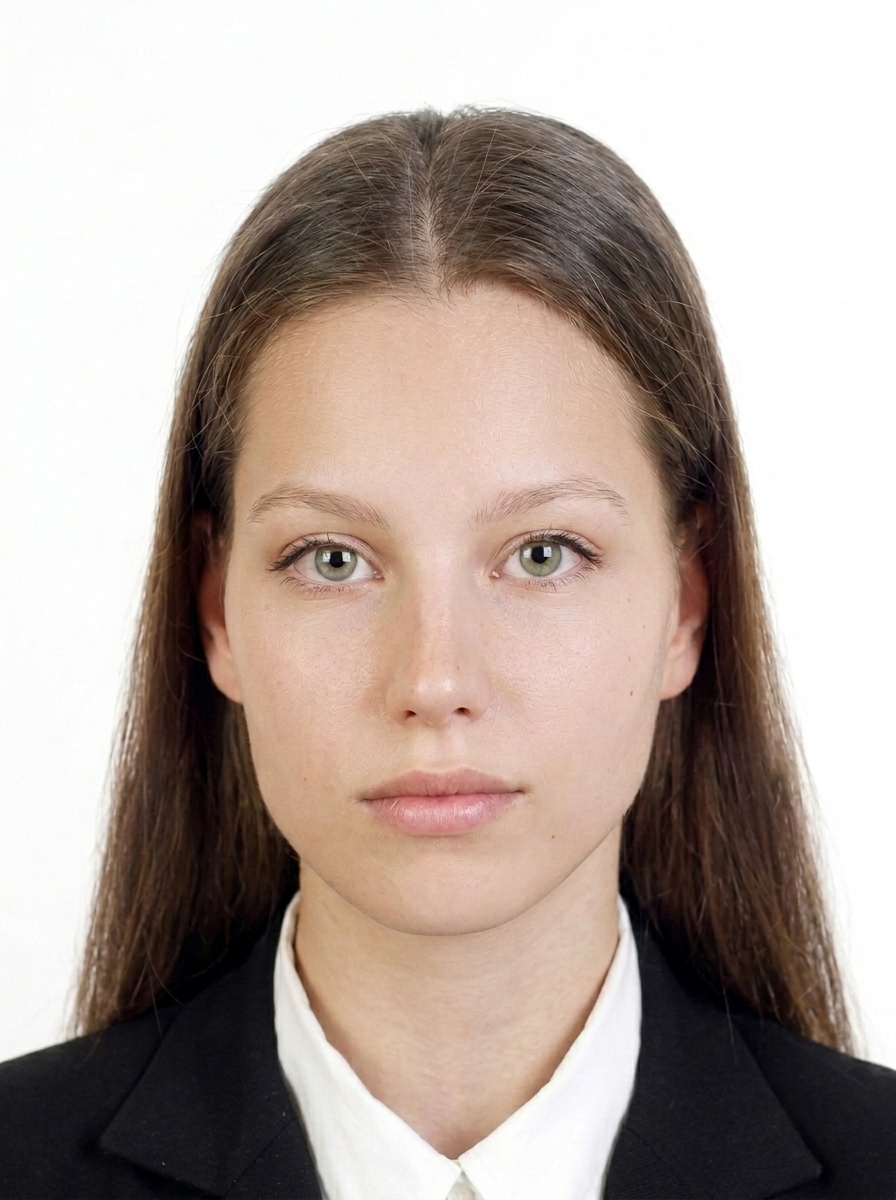
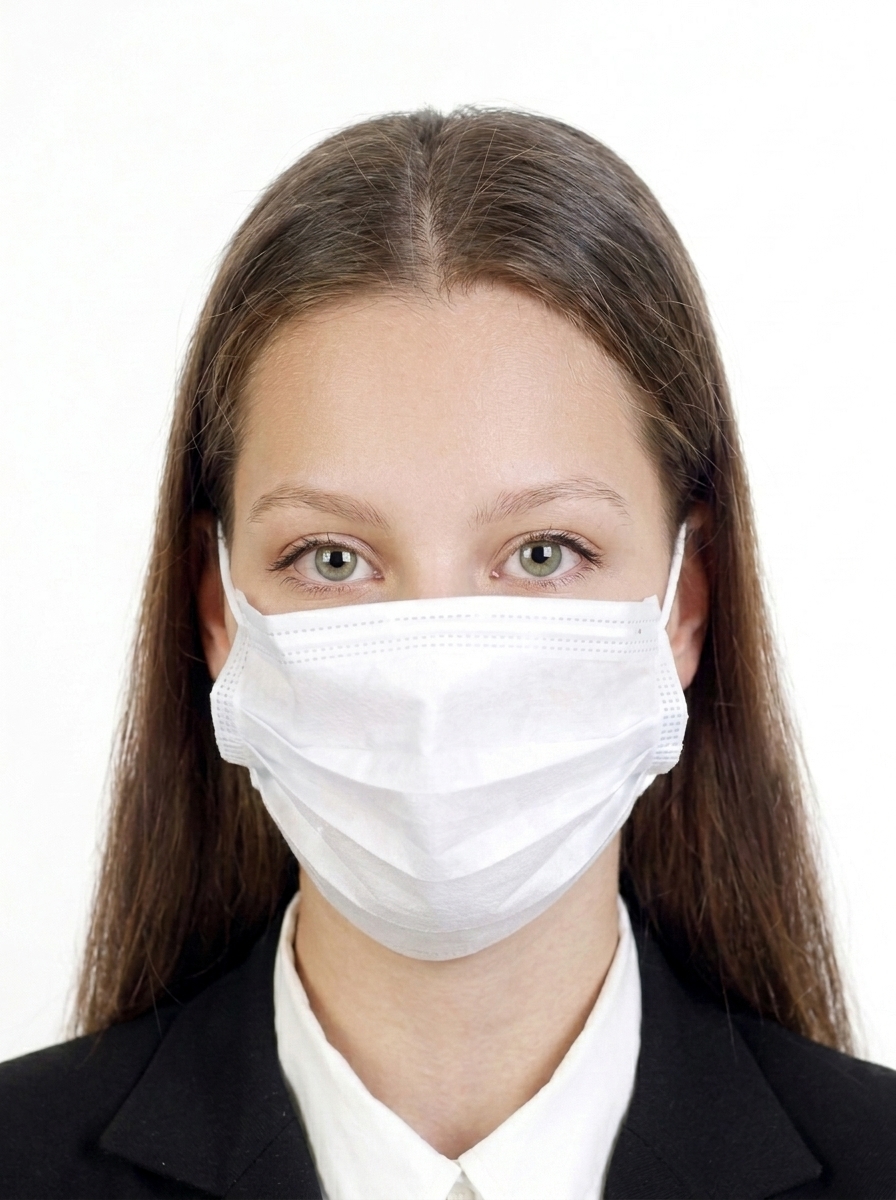
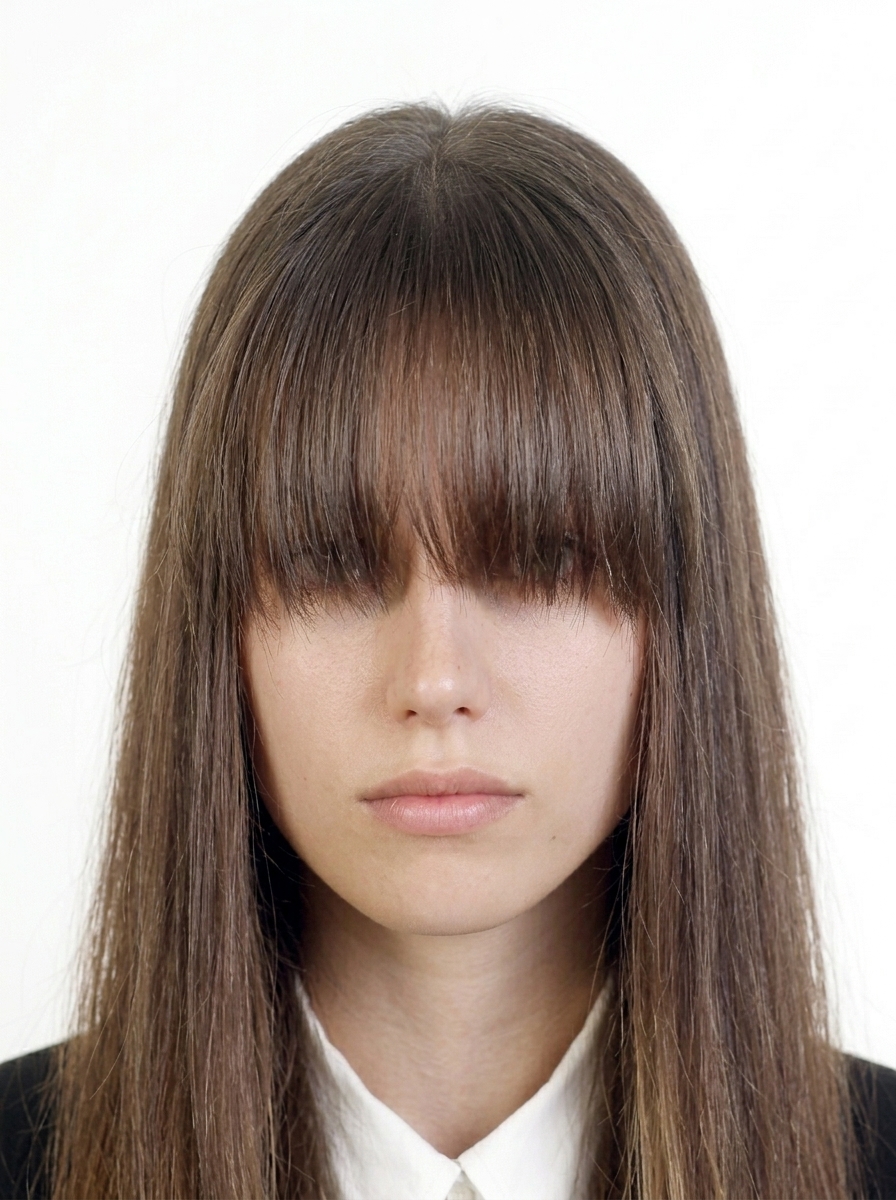
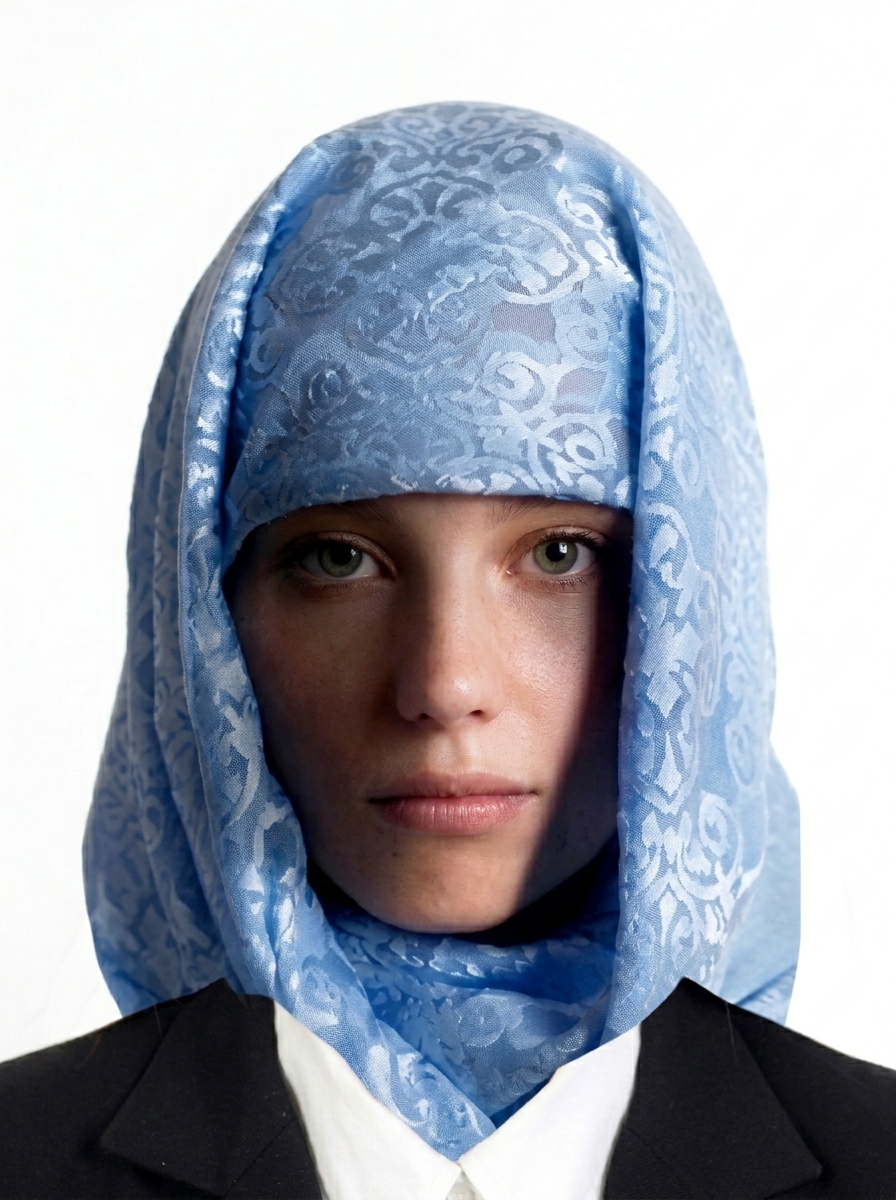
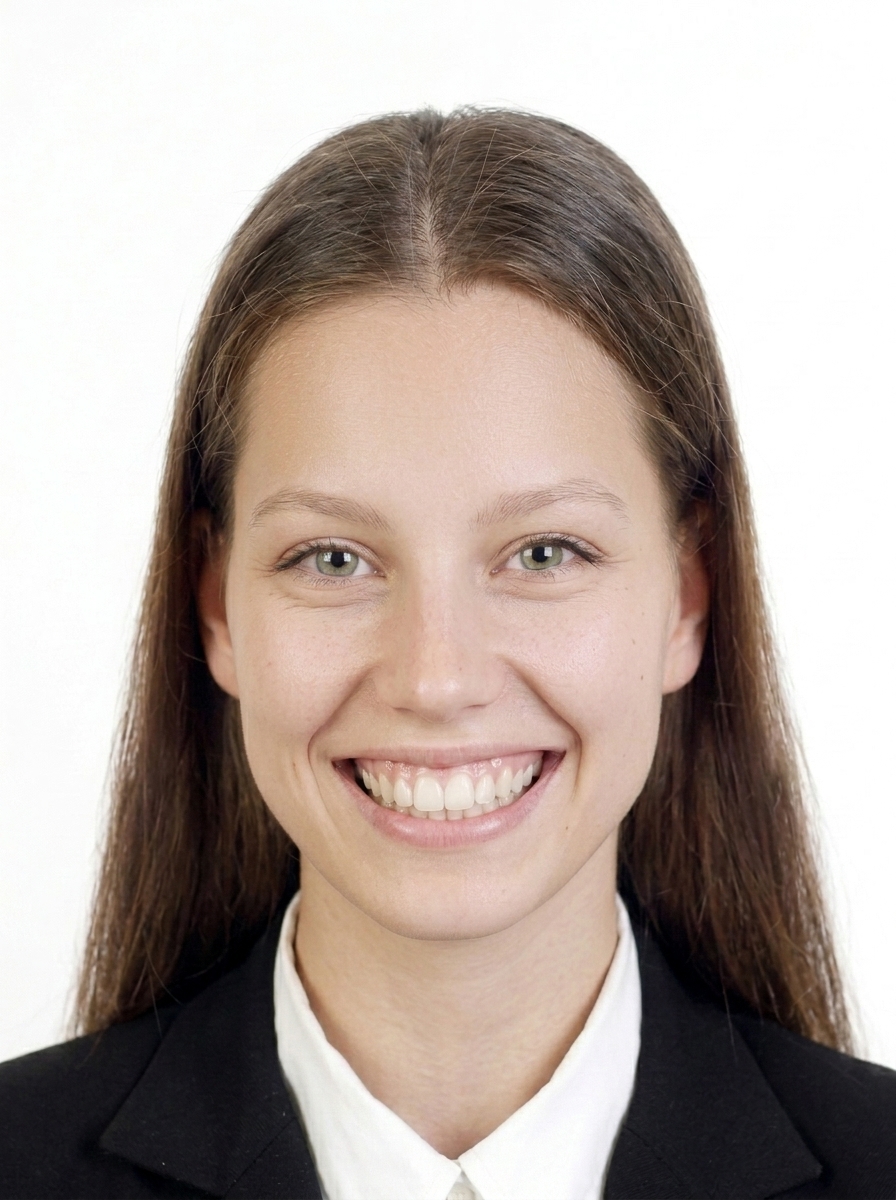
Common rejection reasons: wrong dimensions, face off-center or wrong size, shadows on face or background, glasses with glare or frames covering eyes, hair covering eyes, dark background, blurry image, unnatural expression, head tilted, or excessive digital retouching.
Do I need a printed photo or digital upload?
It depends on the application center. Many require printed photos in the common size at your appointment, while some online portals require digital upload with specific pixel and file size requirements. Check the official submission instructions for your application.
Does this app submit my visa application?
No. This app only helps you create and format photo files. You must submit your application yourself through the official government portal or authorized visa center.
Is this an official Schengen / EU / embassy app?
No. This app is an independent photo formatting tool. It is not affiliated with any government, embassy, consulate, VFS Global, TLScontact, or BLS International.
Does this app guarantee acceptance?
No. This app helps format your photo based on published specifications, but acceptance is determined by the embassy, consulate, or visa center. Requirements may change, so always check the latest official guidance.
Are my photos uploaded to a server?
No. All photo processing, face detection, and JPEG export happen entirely on your iPhone. Only App Store billing uses the network, and it never includes your photo data.
How do I print the photos?
The app generates 4×6 inch (6-up) or L-size (4-up) print layouts. Save to your photo library and print at a photo lab, convenience store, or home printer. Use photo paper at actual size with no scaling. Check whether your application requires printed photos or digital upload.
What about children's visa photos?
The same requirements generally apply to children: plain light background, facing forward, eyes open, no glasses recommended. For infants, lay the child on a white sheet and photograph from above, or use a car seat with a white cloth draped over it.