What photo size does the Japan eVISA require?
The official pixel size for JAPAN eVISA is not published. This app exports a 413 × 531 px JPEG as the app's standard output, not an official requirement. Some application providers (for example Singapore VFS) publish their own values, which may differ.
What size is used for paper Japan visa applications?
The current MOFA application form uses 35 × 45 mm (45 mm high by 35 mm wide). Paper sizes vary by embassy, consulate, or consular post, so confirm the size for your application route.
Is 413 × 531 px an official Japan eVISA requirement?
No. 413 × 531 px is the app's standard output, not an official Japan eVISA requirement.
Why can Japan visa photo sizes differ?
Sizes vary by application method (eVISA or paper), by provider, and by embassy, consulate, or consular post. There is no single universal Japan visa photo size.
Do I need to know my embassy or consulate?
For some paper routes, yes - the size can depend on the consular post. If unsure, confirm with your embassy, consulate, or the JAPAN eVISA system.
Are all Japan visa photos required to be taken within six months?
Not as a single universal rule. Recency rules vary by application route and post; some specify a photo taken within six months, while the current MOFA application form does not state a recency limit. Confirm the rule for your application route.
What are the photo requirements for a Japan e-Visa?
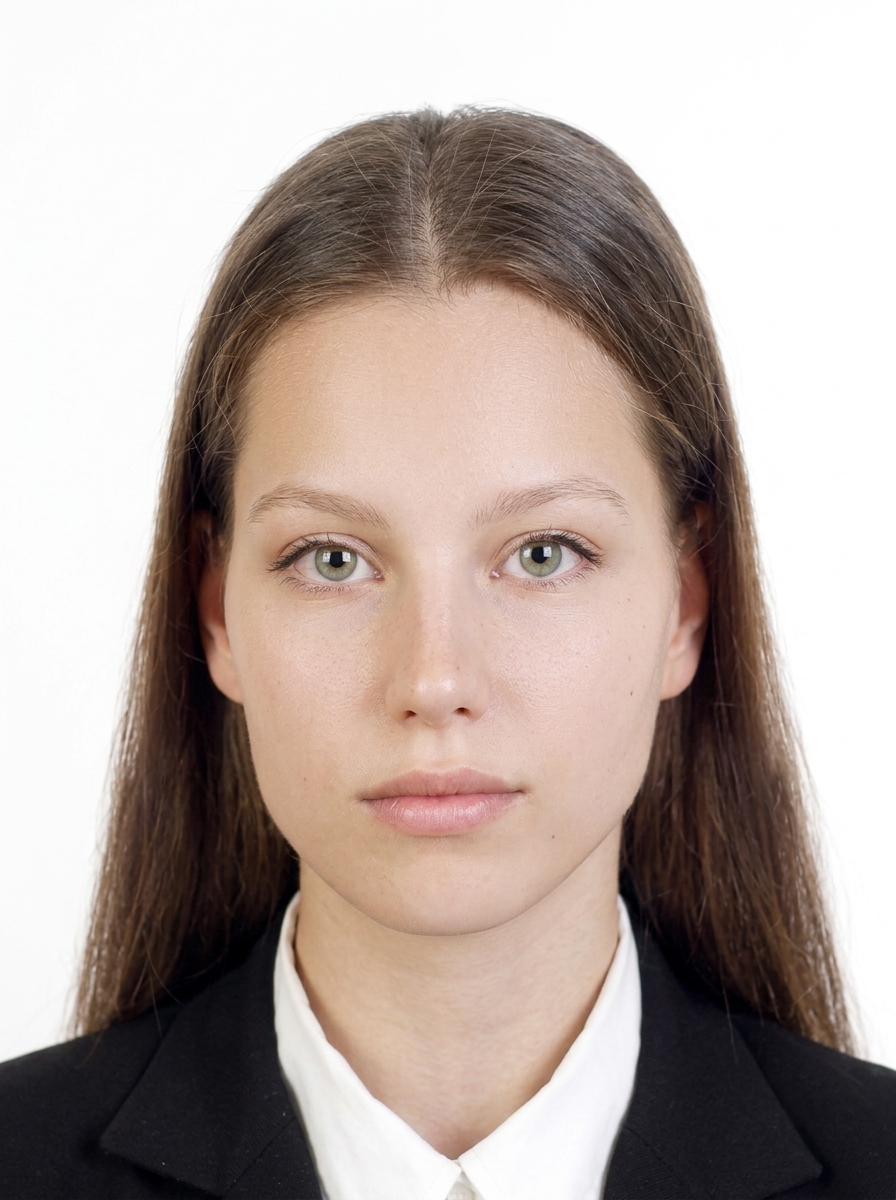
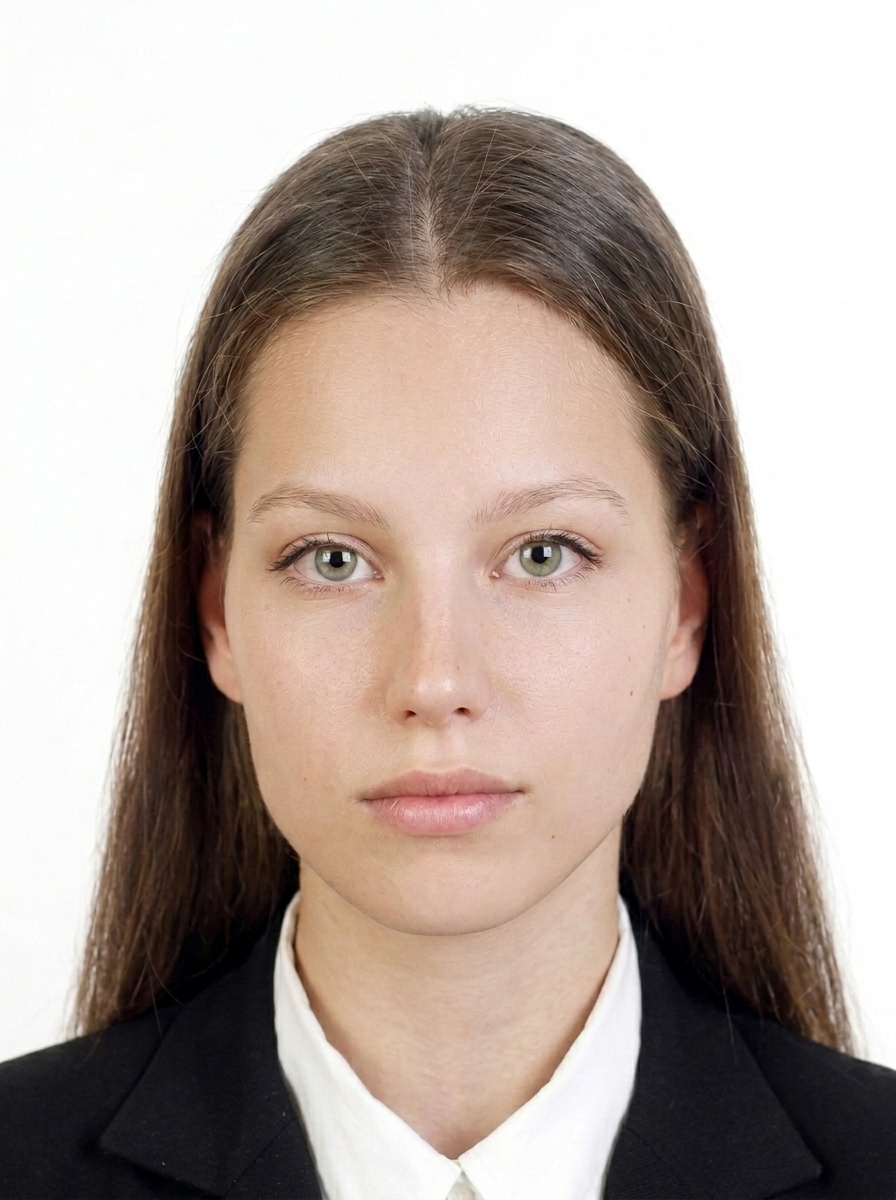
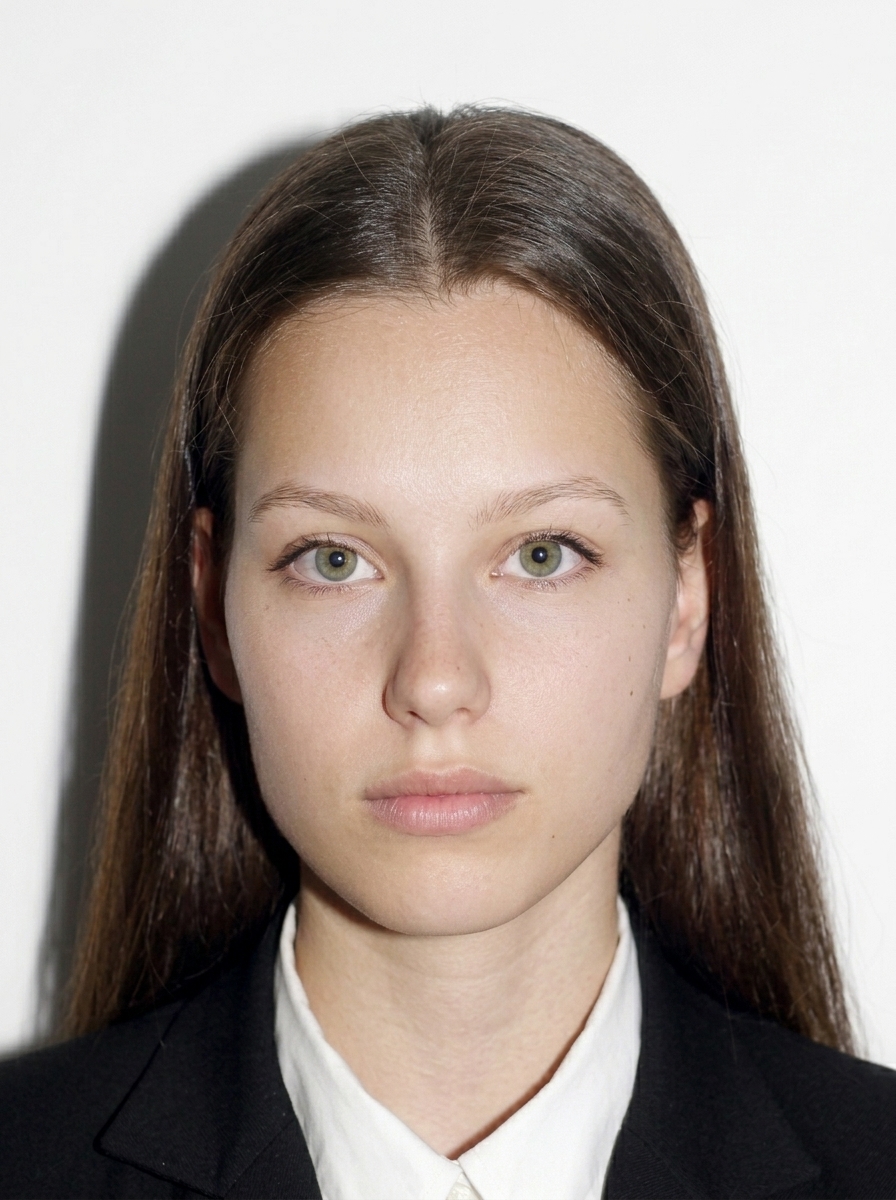
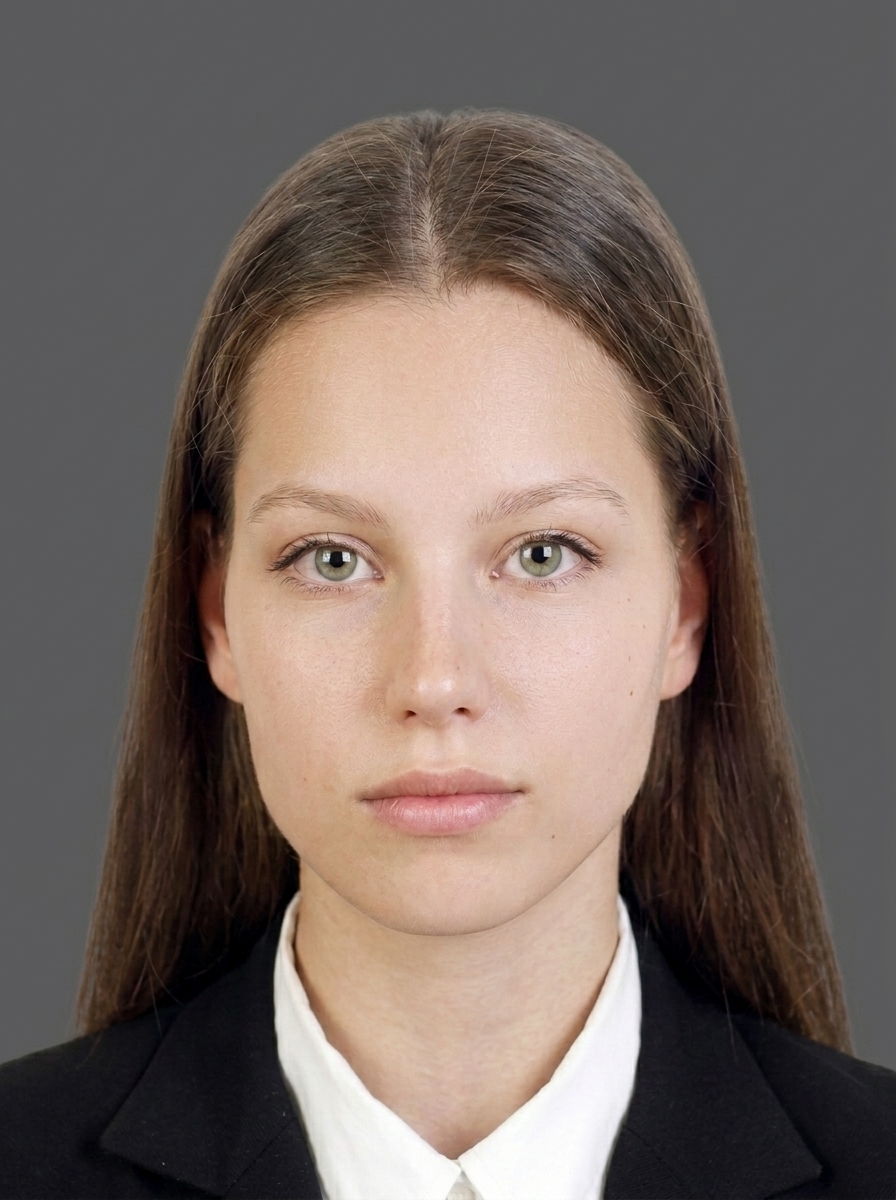
Japan visa photo requirements depend on your application route. The current MOFA application form uses 35 × 45mm, while the official JAPAN eVISA digital pixel size is not published and paper sizes vary by embassy or consulate. Use a recent color photo. Recency expectations vary by route, and some routes specify a photo taken within 6 months. Take the photo facing the camera, with a plain shadow-free background and a neutral expression. Glasses are not recommended. Always confirm the exact size with your embassy, consulate, or the JAPAN eVISA system.
Does the photo size differ between e-Visa and embassy applications?
Yes — photo size varies by application route. The 35 × 45mm size is the size used by the current MOFA application form. For paper applications, the size varies by embassy or consulate (some accept 45 × 45mm, others 35 × 45mm or different sizes). Confirm with your specific embassy, consulate, or JAPAN eVISA system before applying.
Can I wear glasses in my Japan visa photo?
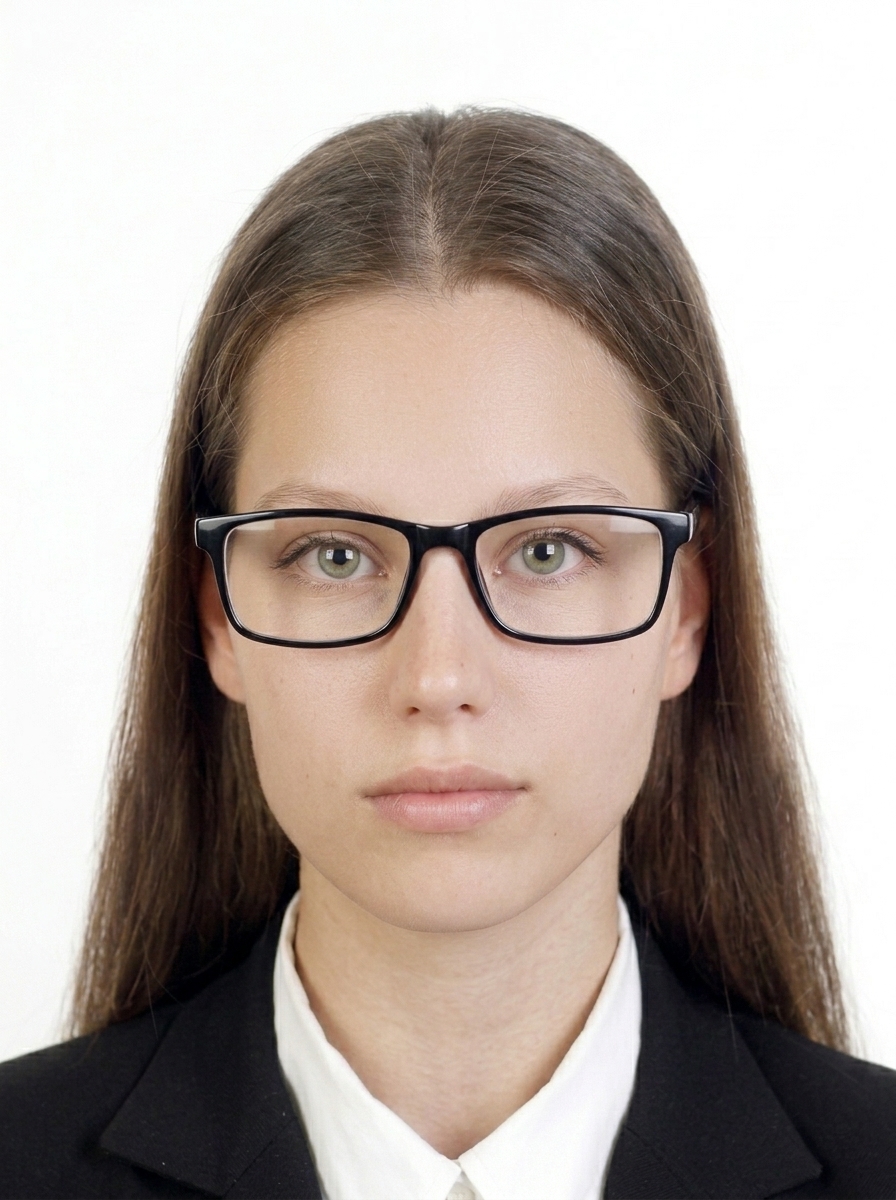
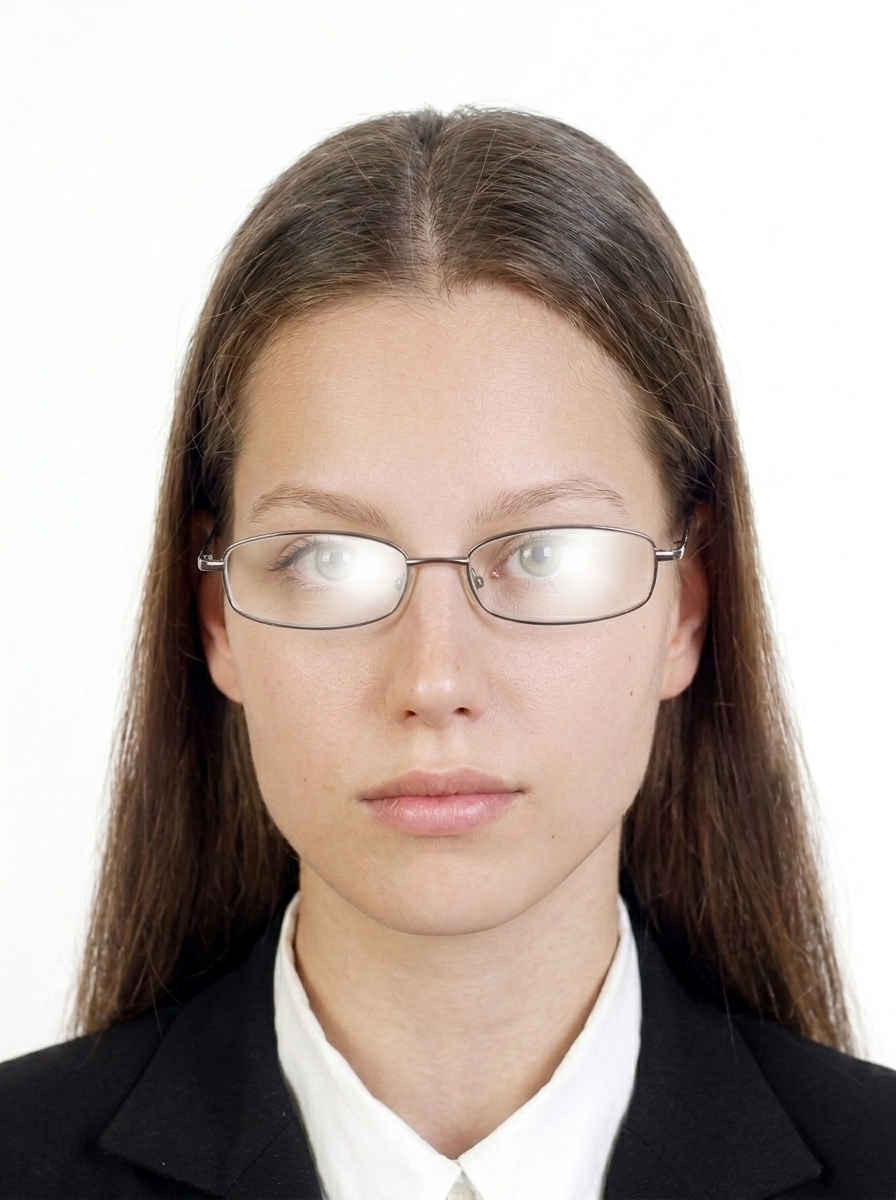
Glasses are generally not recommended for Japan visa photos. Please remove glasses before taking your photo. If you must wear them for medical reasons, ensure there is no glare and your eyes are clearly visible.
What background color is required?
A plain, shadow-free background is required for Japan visa photos. We strongly recommend shooting in front of a white or light plain wall. This app does not automatically replace backgrounds; it focuses on face position, sizing, and brightness adjustments.
What photos are commonly rejected?
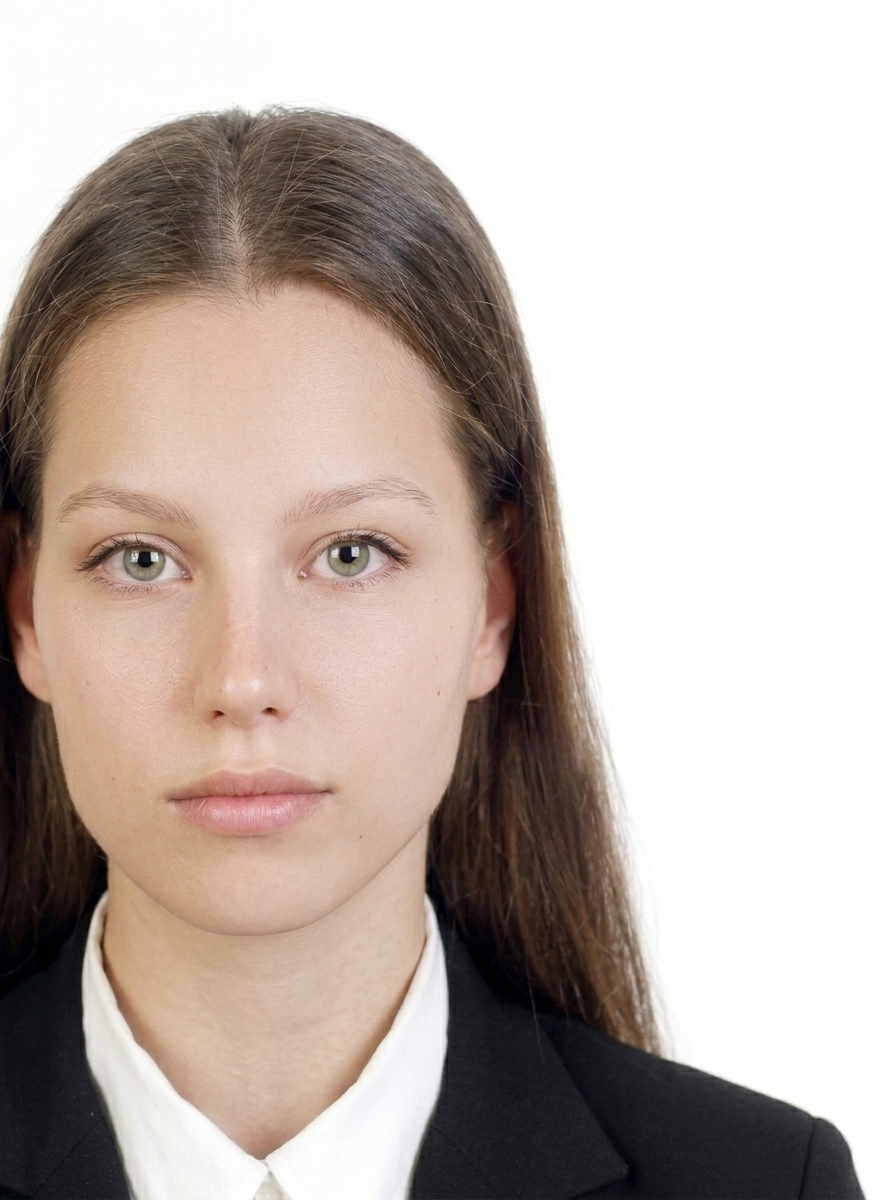
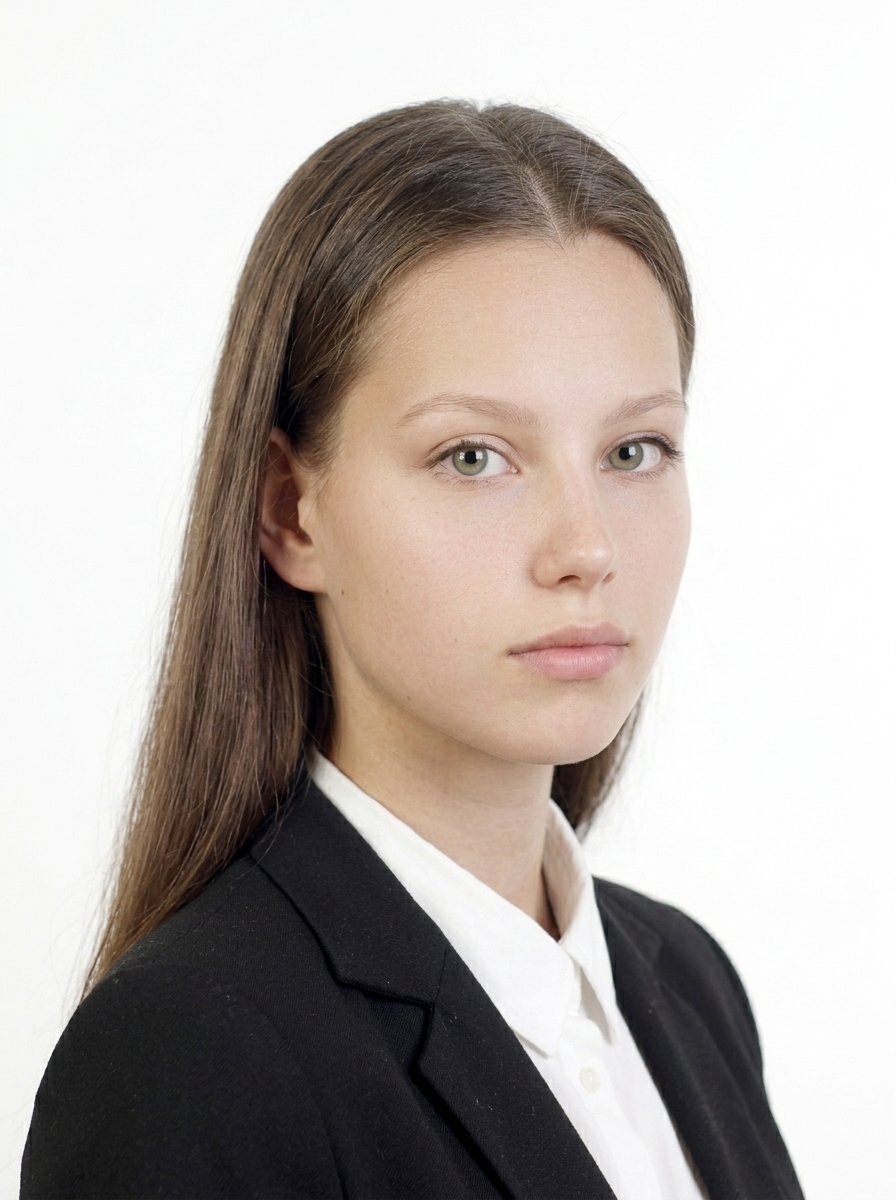
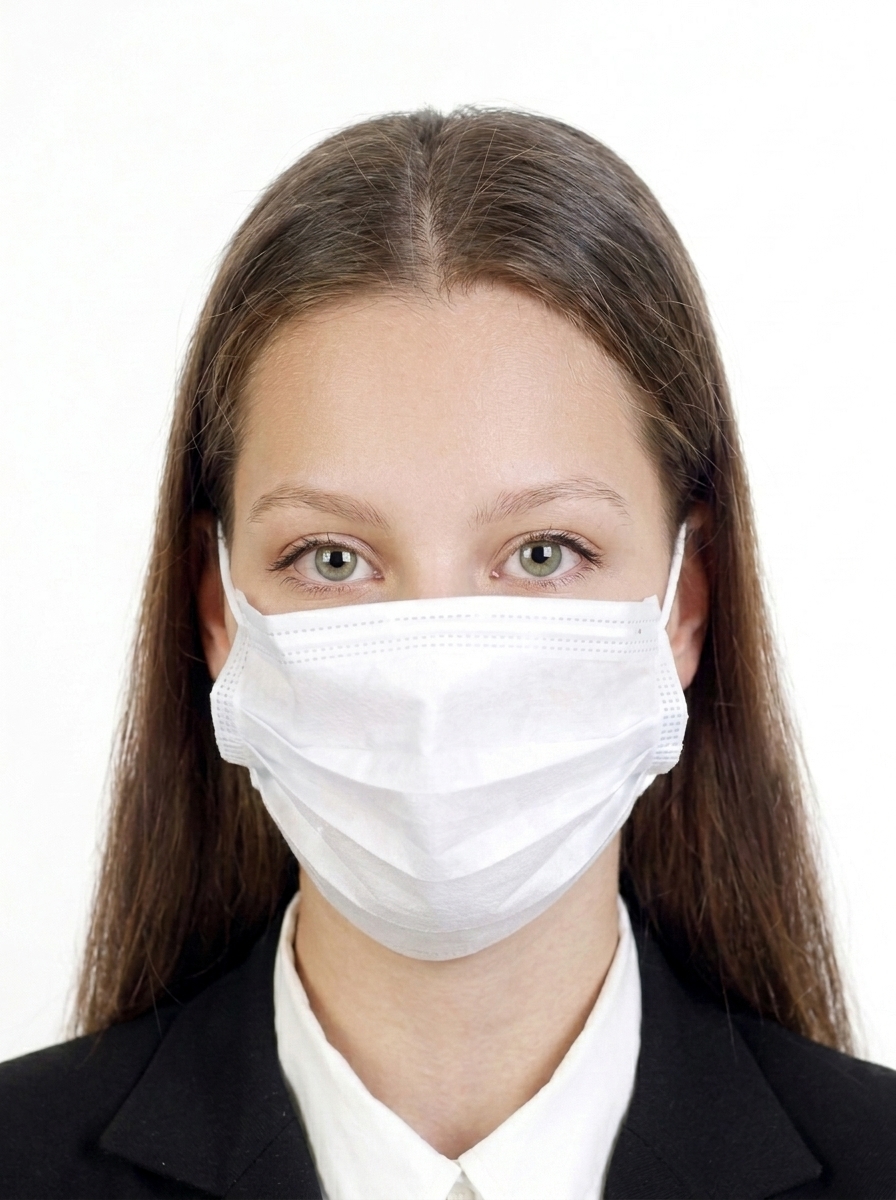
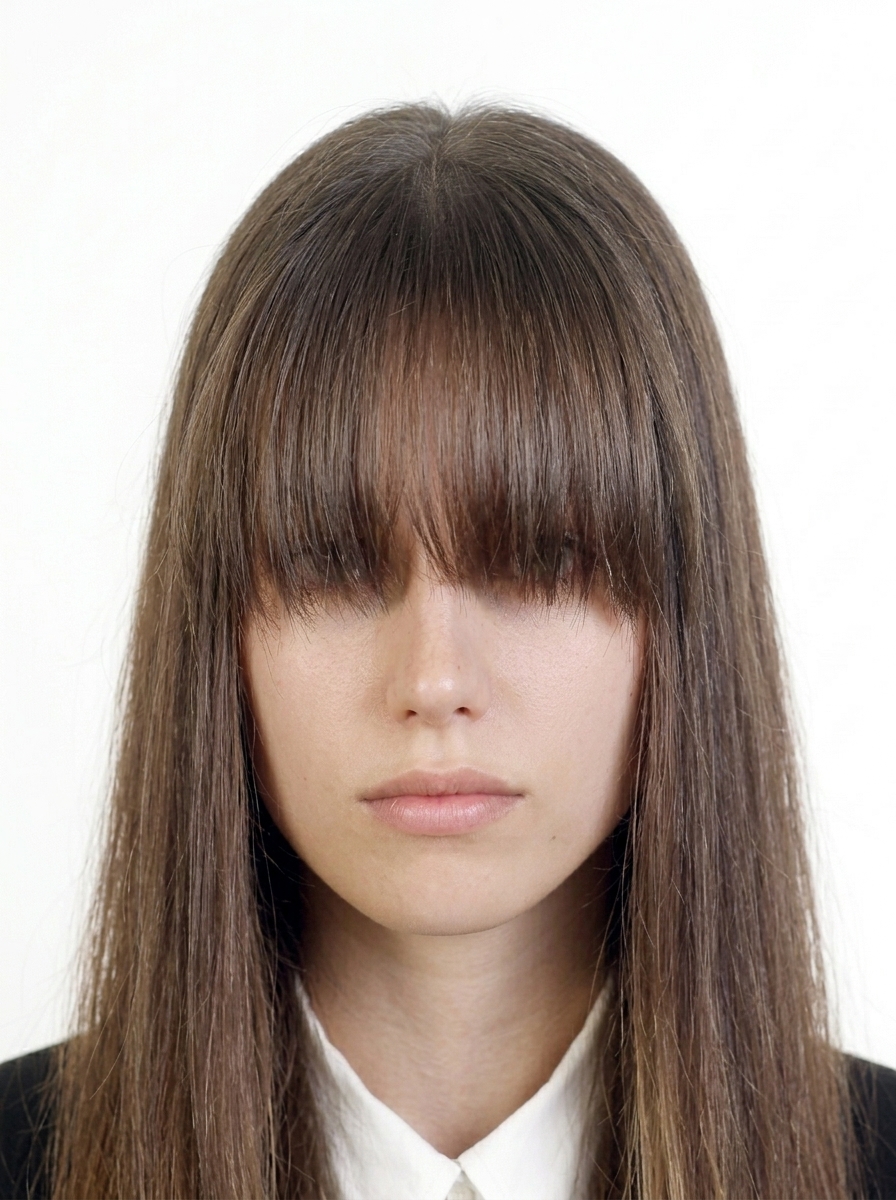
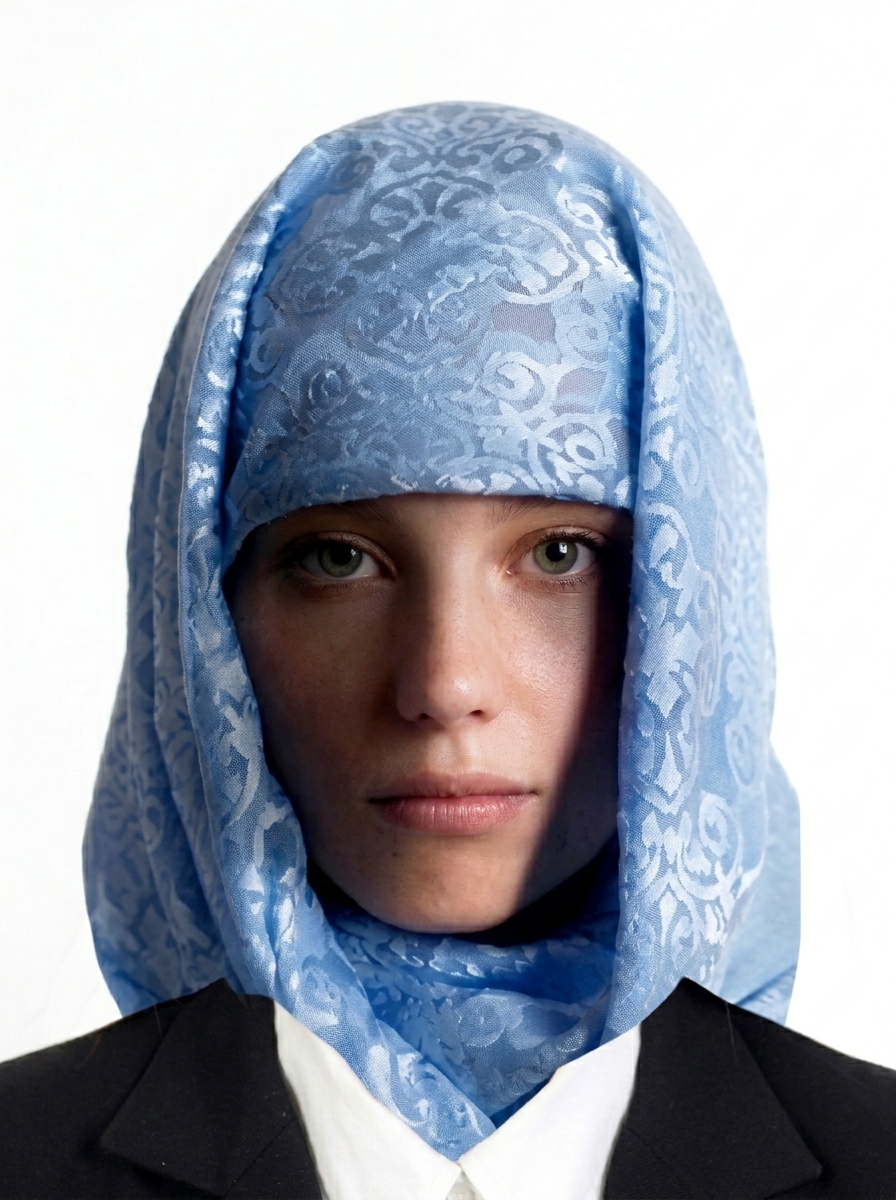
Common rejection reasons: wrong dimensions, face off-center or wrong size, shadows on face or background, glasses, hair covering eyes, dark background, blurry image, unnatural expression, head tilted, or excessive digital retouching.
Does this app guarantee my photo will be accepted?
No. This app helps you create a photo that meets published Japan visa photo specifications, but final acceptance is determined by the embassy, consulate, or JAPAN eVISA system. Requirements may also change, so always check the latest official guidance.
Are my photos uploaded to a server?
No. All photo import, framing, brightness adjustment, and JPEG export happen entirely on your iPhone. Only App Store billing uses the network, and it never includes your photo data.
How do I print the visa photos?
The app generates print sheets in both sizes. Save to your photo library and print at a photo lab, drugstore, or home printer. Use photo paper at actual size with no scaling.
What about children's visa photos?
The same requirements apply to children: white background, facing forward, eyes open, no glasses. For infants, lay the child on a white sheet and photograph from above, or use a car seat with a white cloth draped over it.
Is this an official Japan visa photo app?
No. This app is not an official app of the Government of Japan, the Ministry of Foreign Affairs (MOFA), or any Japanese embassy or consulate. It only creates photo files based on publicly available photo requirements.