Korea travel photo preparation
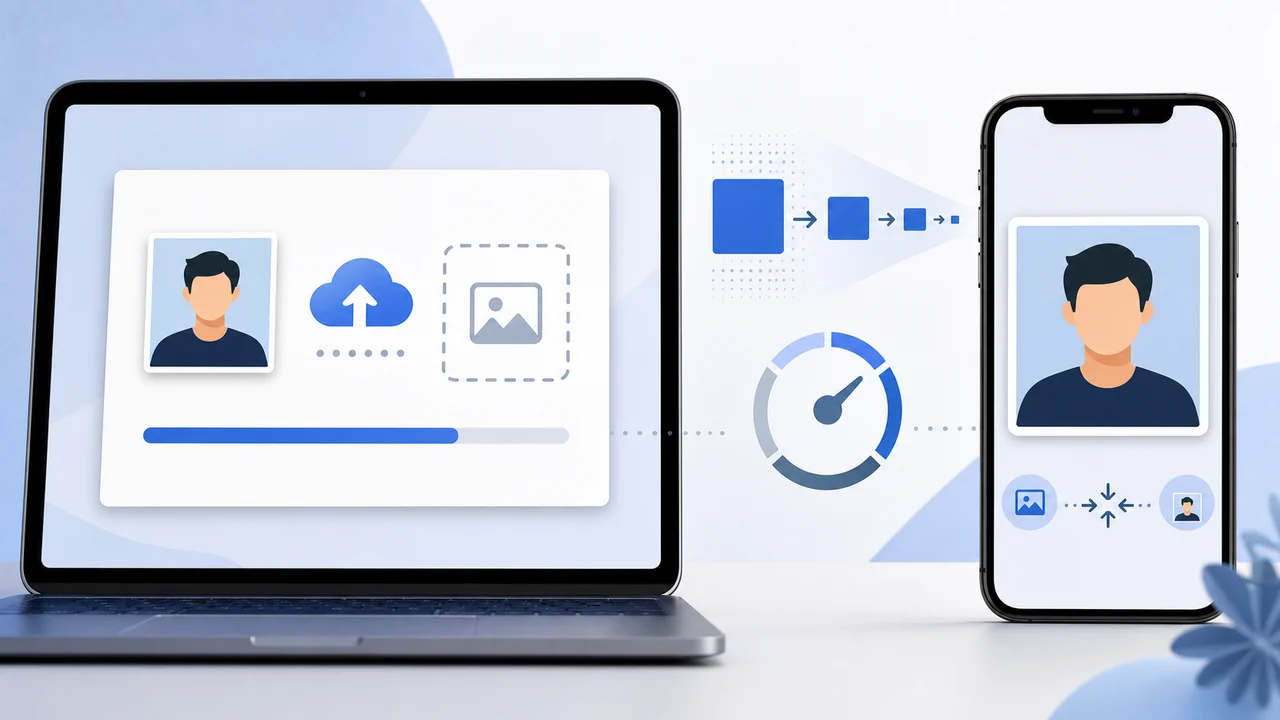
K-ETA photo upload error and 100 KB compression
When a K-ETA photo will not upload, the file is often technically wrong even if it looks fine in Photos.
Checked: 2026-07-08
-
The file is not a real JPEG
A file extension alone does not guarantee the image is a suitable JPEG. iPhone photos may start as HEIC, and screenshots can be PNG.
- Export a real JPG/JPEG portrait file before worrying about size.
-
The image was compressed before it was resized
Compressing a huge original directly can create severe artifacts.
- Resize the image to a square below the pixel ceiling.
- Then compress it under the limit.
-
Compression artifacts are visible around the face
If the final JPG is blocky, blurry, or has strange edges around the face, a smaller, cleaner original often works better than aggressive compression.
- Retake or resize more carefully instead of compressing harder.
Do not sacrifice face clarity just to hit the size limit.
If the upload still fails
Try a fresh export with no metadata, no transparency, and a simple filename using letters and numbers.
Check the final file before you re-upload
- Open the final file and check that the face is still clear after compression.
- Use JPG/JPEG
- Use a square portrait crop
- Keep below the pixel limit
- Keep within the limit
Create your photo with the iPhone appOpen the App Store
About official sources
The photo preparation information is based on public K-ETA guidance, Korea immigration notices, Korea visa e-Form document guidance, and Korea Visa Portal references. The content focuses on photo preparation only, not eligibility advice or application submission.
This website and app are independent photo file preparation tools. They are not affiliated with the Korean government, Korea Immigration Service, K-ETA, Korea Visa Portal, or any Korean diplomatic mission, and they do not guarantee photo acceptance, authorization, visa issuance, or entry.
Photo conditions that can cause problems
These failures tend to come from ordinary image problems, not complicated visa rules.
-
Oversized file
A phone photo can be several MB. Resize first, then compress, so the face remains sharp under the limit.
-
Wrong photo type
Do not upload a print sheet, a passport scan, or a photo of a printed photo when the portal expects a portrait file.
-
Weak identity visibility
Shadows, glare, heavy filters, hair over the eyes, or a tilted face can make identity confirmation harder.
Where the app helps
K-ETA crop
Exports a 600 x 600 px JPG for K-ETA-style upload limits.
On-device privacy
Photo processing happens on the iPhone; the app does not upload your image to a server.
Separate Korea visa route
Use the 35 x 45 mm Korea visa mode when your application needs a visa photograph rather than a K-ETA portrait upload.
The app prepares the photo file only. Submit your application through the official route and confirm the latest requirement before using the file.
FAQ
Why is my photo under 100 KB but still rejected?
It may still have the wrong pixel dimensions, wrong format, unclear face, a nonstandard file, or a portal-side issue. Re-export as a simple square JPG and inspect the final image.
Can I just screenshot the photo?
Screenshots can create PNG files, wrong dimensions, or visible UI artifacts. Export a proper JPG instead.
Should I remove EXIF metadata?
A simple export without extra metadata can reduce file size and avoid odd compatibility issues. The app saves a clean JPG for this reason.
Official sources
- K-ETA official application guide Checked: 2026-07-08
- Korea Immigration / Ministry of Justice - K-ETA press release and FAQ Checked: 2026-07-08