Saudi eVisa photo guide
Saudi eVisa photo size: official pixel and file limits
Two values are worth checking first: the pixel size and the file size range. A photo can look correct and still fail if either value is wrong.
Last updated: July 7, 2026
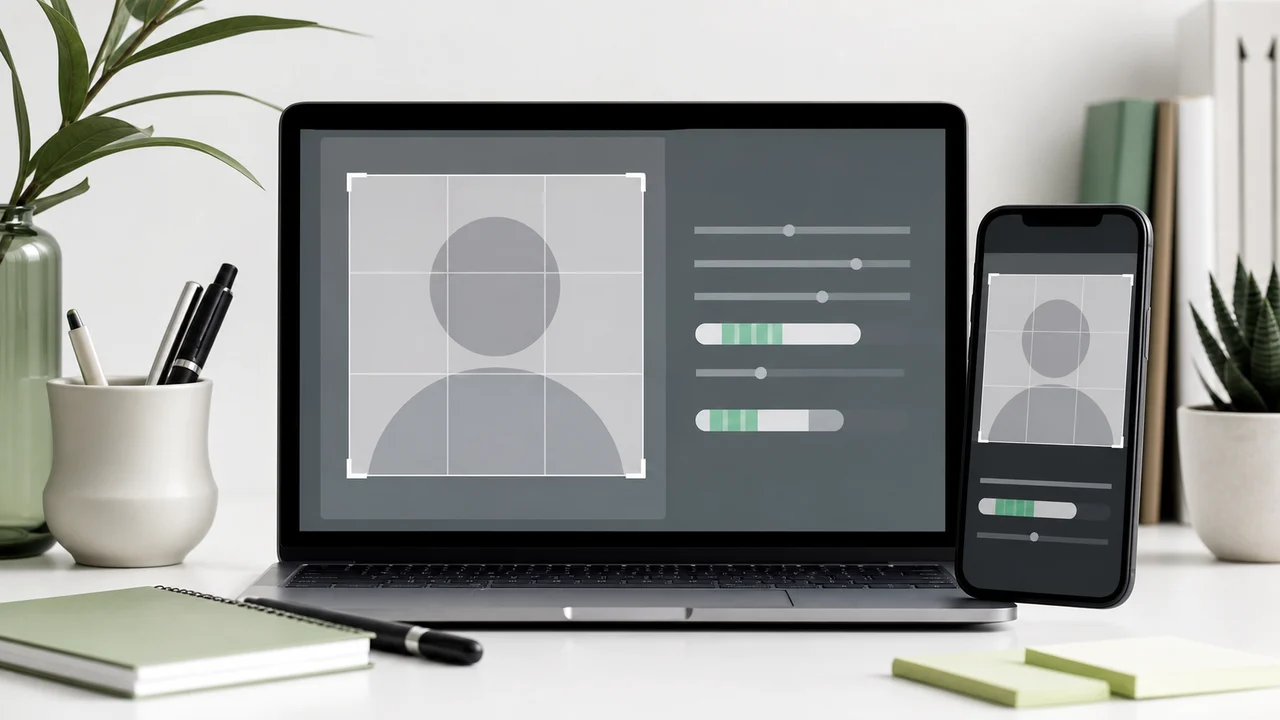
At a glance
- Export the image as a square file at the required size.
- Do not upload screenshots or copies saved from messaging apps.
- Compression should reduce the file below the upper limit while keeping it above the lower one.
- Check the final saved file, not just the preview inside an editor.
Why the pixel value is easy to miss
A phone camera photo may be thousands of pixels wide. Cropping it to a square is only the first step; the export still has to be resized to the required value.
Some photo editors show a square preview but save a larger square file. Before upload, inspect the actual saved file dimensions or use a tool that exports directly to the Saudi eVisa size.
How to think about the file size range
If the file is over 100KB, the portal may reject it before any human review. If it is pushed too far below 5KB, the image can become blocky or fail the lower limit.
A clean white background helps compression because the file contains less visual noise. Busy walls, shadows, and high-contrast clothing make the same small image harder to compress cleanly.
Best export checklist
- The saved size matches the required pixel value.
- The file is exported fresh from the original photo.
- File size is within the official range.
- Face details remain clear after compression.
- The file you upload is the exported file itself.
Create your photo with the iPhone appOpen the App Store
How to use source information
Use the Saudi eVisa photo specification as the baseline for 200 × 200 photos within 5 KB–100 KB. For Hajj/Nusuk or route-specific upload screens, confirm the latest requirement in the portal before submitting.
shoumei.org is an independent photo preparation tool. It is not a visa application service and does not guarantee acceptance or approval.
Points to check before upload
Check size, background, face position, and file size in order before you upload.
-
Wrong size
A square-looking photo can still fail if it is not exactly 200 × 200.
-
File too large or too small
The saved file should stay within the 5 KB–100 KB range for Saudi eVisa.
-
Background shadows
A white wall with a strong shadow can still be treated as a poor background.
-
Face visibility
Eyes and facial outline need to be clear. Glasses are not covered by the current official guidance, but lens glare can make your eyes hard to check.
How Saudi Visa & Umrah Photo helps
200 × 200 output
Exports the face photo at the square size the eVisa portal asks for.
File-size control
Optimizes the exported file for upload instead of leaving you to trial-and-error compression.
Private processing
Cropping, face-position checks, and export happen on the device.
Always compare the final file with the current portal instructions before upload.
FAQ
Can I upload a 600x600 photo?
The Saudi eVisa photo specification lists the exact pixel size. Resize the final file to that exact size before upload.
Why is my iPhone photo too large?
iPhone camera images are high-resolution and may use HEIC by default. For Saudi eVisa upload, export at the required size and control the final file size.
Is a smaller file always better?
No. The file still needs to stay above the minimum size, and overly aggressive compression can damage face detail.
Source pages
- Visit Saudi - Saudi eVisa photo specifications Checked: 2026-09-03