Saudi eVisa photo guide
Saudi Visa Photo Guides
Prepare a Saudi eVisa photo with the right 200 × 200 square size, white background, and file size before you upload it to the application portal.
Start with the source requirement
The Saudi eVisa photo specification is strict about size, file size, face position, and background. Umrah and Hajj/Nusuk flows can ask for similar files, but the final upload screen should always be checked before submission.
- Saudi eVisa face photo: 200 × 200 (square) and 5 KB–100 KB. The file format is not specified in the current official guidance.
- The face should occupy about 70–80% of the image height.
- Use a plain white background with no other person, object, or shadow on the background.
- Hajj/Nusuk-specific file limits may differ, so verify the current portal before upload.
All Saudi visa photo guides
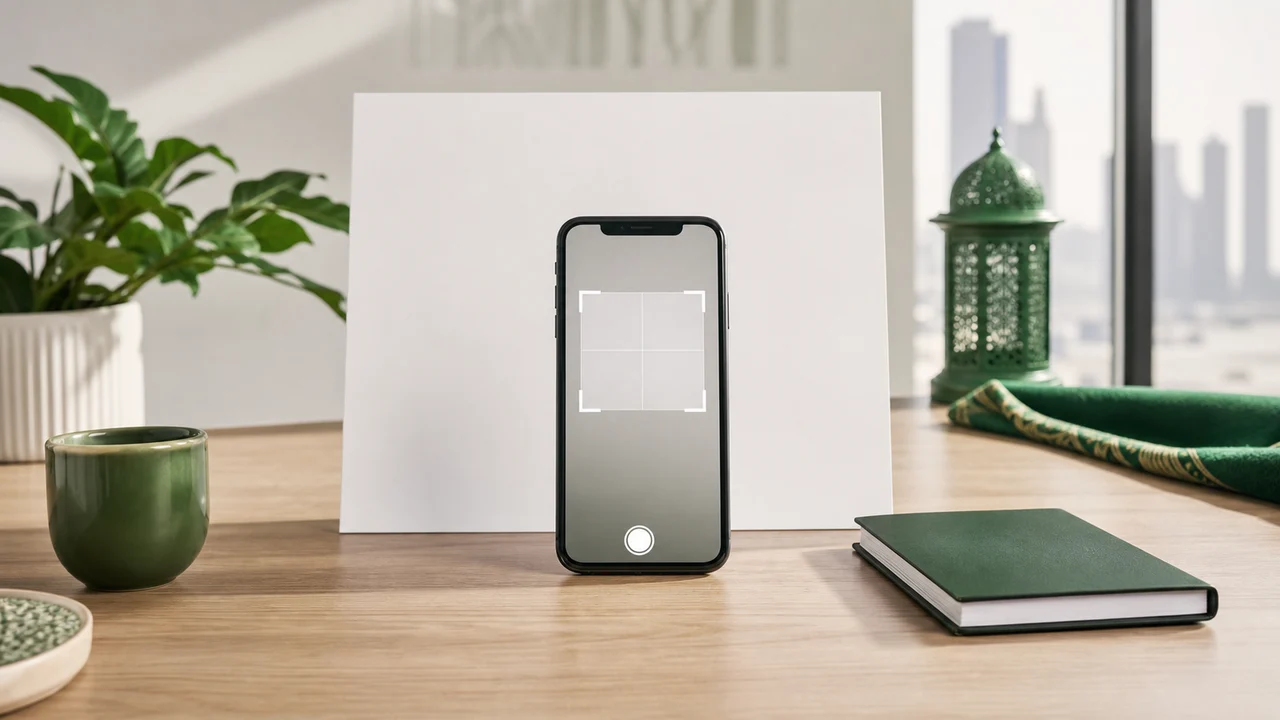 Saudi eVisa photo requirements: size, background, and file rules Saudi eVisa photo requirements in one place: the official square size, file size limits, white background, and face position.
 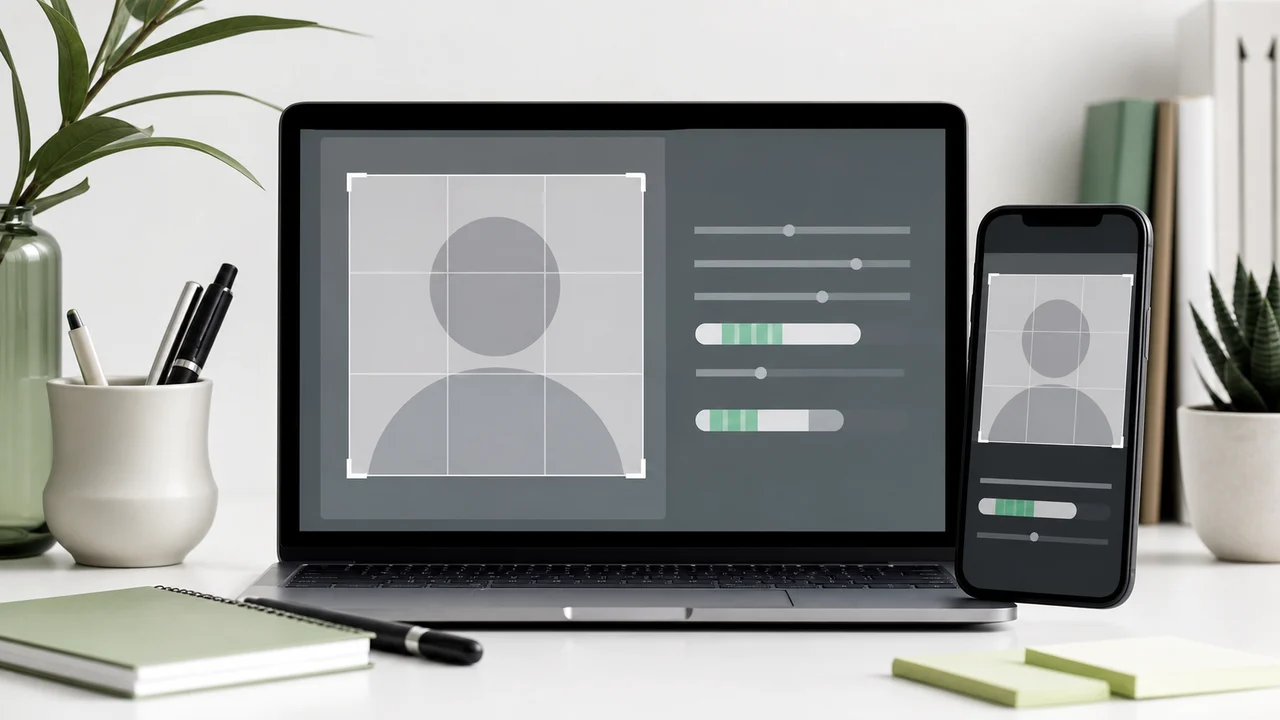 Saudi eVisa photo size: official pixel and file limits How to prepare a Saudi eVisa photo at exactly 200 × 200 while keeping the file between 5 KB–100 KB.
 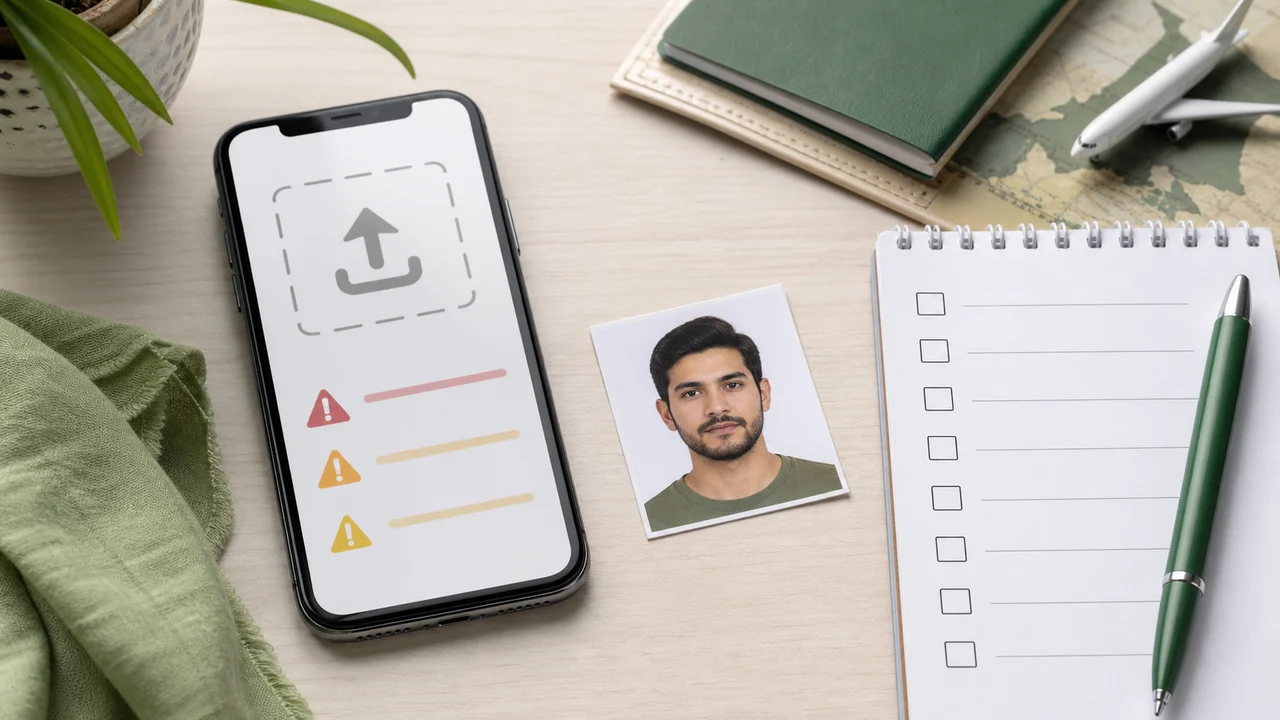 Saudi eVisa photo upload error: fixes for size, file size, and background Troubleshooting guide for Saudi eVisa photo upload errors caused by wrong size, file size, background, shadows, or face position.
 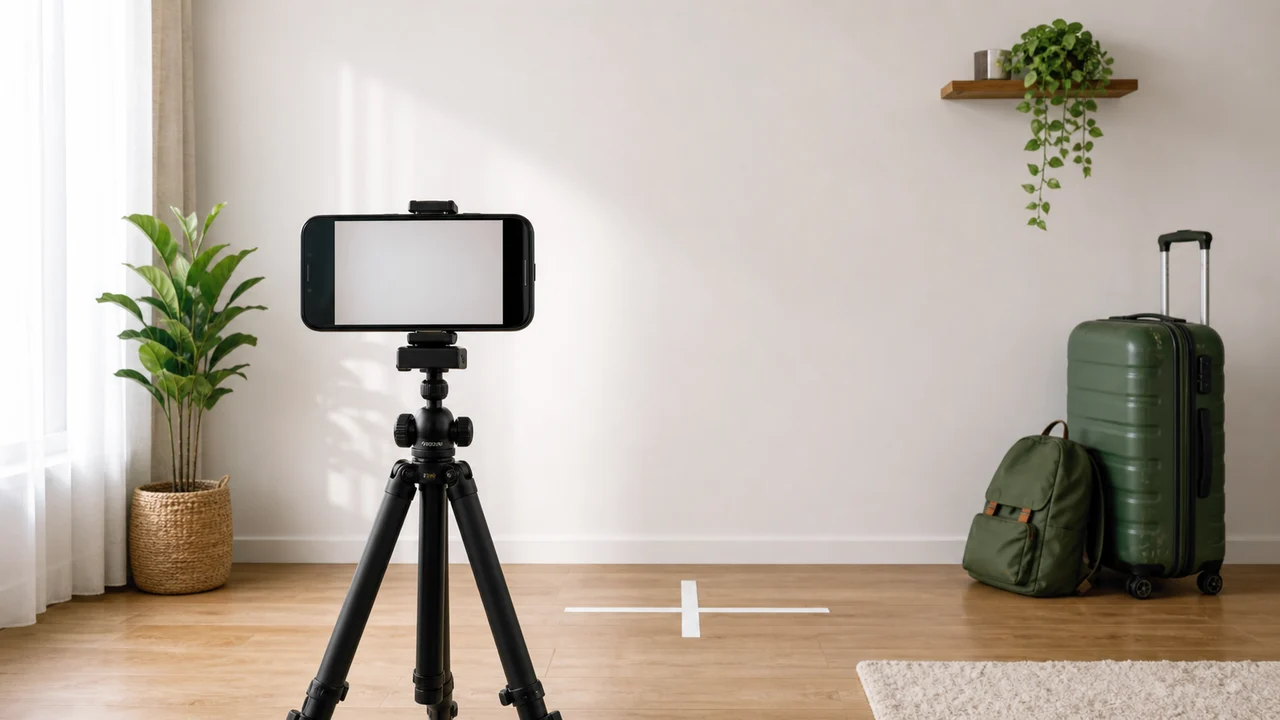 How to take a Saudi visa photo with iPhone Step-by-step iPhone tips for taking a Saudi visa photo with a white background, even light, correct face position, and an export at the required size.
  Saudi visa photo background: white wall, shadows, clothing, and head covering How to prepare a Saudi visa photo background: plain white, no shadows, a clear face outline, and careful handling of clothing and head covering.
  Umrah, Hajj, and Nusuk photo: what to prepare and what to verify Use Saudi eVisa photo requirements as a baseline for Umrah, and check the Hajj/Nusuk upload screens for current photo and file-size rules.
 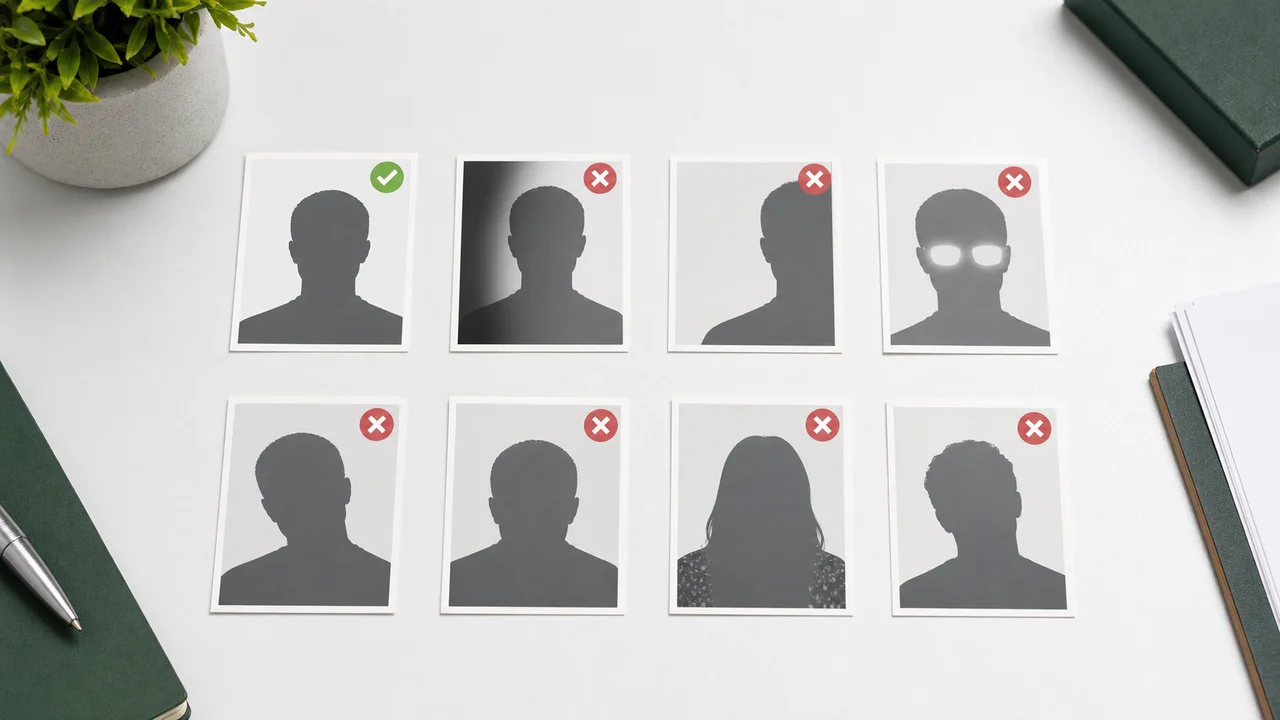 Saudi visa photo points to check before upload Saudi visa photo points to check, including the official pixel size, the file size range, a plain white background, shadows, face position, and over-editing.
 Source pages
- Visit Saudi - Saudi eVisa photo specifications Checked: September 3, 2026
- Visit Saudi - Saudi eVisa portal Checked: August 11, 2026
- Visit Saudi eVisa Terms and Conditions Checked: August 11, 2026
- Nusuk Umrah official portal Checked: August 11, 2026
- Nusuk Umrah User Manual Checked: August 11, 2026
- Nusuk Hajj portal Checked: August 11, 2026
- Nusuk Hajj Registration Manual Checked: August 11, 2026
Saudi visa photo FAQ
What size is a Saudi eVisa photo?
The Saudi eVisa photo specification lists 200 × 200 (square) and 5 KB–100 KB. The face should fill about 70–80% of the photo.
Can I use the same photo for Umrah?
If your Umrah travel uses the Saudi eVisa flow, the 200 × 200 eVisa photo is the baseline to start from. Always check the exact portal you are using before upload.
Does the app submit my visa application?
No. Saudi Visa & Umrah Photo only prepares the image file on your iPhone. You submit the application on the relevant portal yourself.
Create a 200 × 200 Saudi visa photo on iPhone
Prepare the Saudi eVisa photo file for Umrah or Hajj/Nusuk use with on-device cropping, white-background support, and file-size optimization.
Download on the App Store