Saudi eVisa photo guide
Saudi visa photo background: white wall, shadows, clothing, and head covering
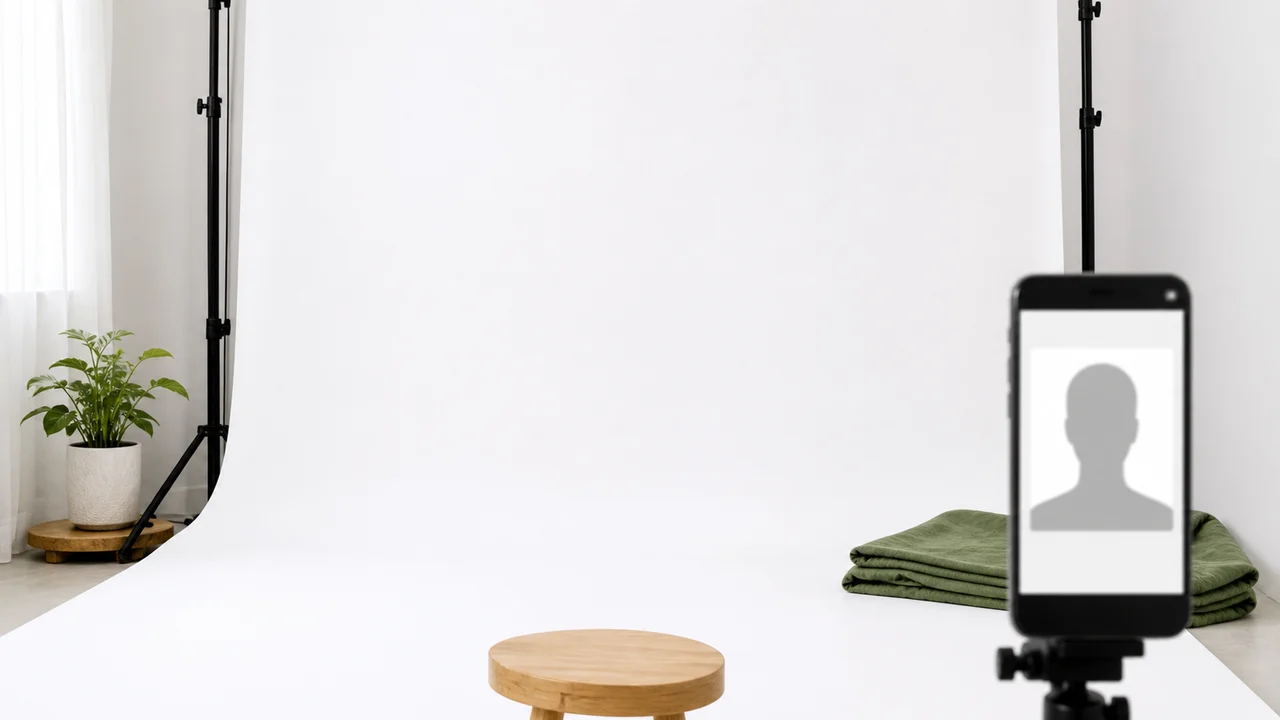
Background problems are one of the easiest issues to prevent. For Saudi eVisa, the safest setup is a plain white background with even lighting and a clear face outline.
Last updated: July 7, 2026
At a glance
- Use a plain white background.
- Avoid shadows on the background and on the face.
- Keep other people and objects out of the frame.
- Choose clothing that does not blend into the face or background.
- Religious head covering should not hide the face outline.
What a good white background looks like
The background should be plain, white, and evenly lit. A white wall with visible texture, colored light, or a strong head shadow can still cause problems.
The official guidance does not specify rules for borders, but the exported file should be the photo itself rather than a scan with extra margins.
Clothing and face outline
Avoid clothing that hides the neck and jawline or creates heavy shadows near the chin. The face outline needs to remain clear in a very small image.
Head coverings for religious reasons should be handled carefully: the face should remain fully visible, with the forehead, cheeks, eyes, nose, mouth, and chin clear.
Fast background check
- No colored wall, curtain, pattern, or object behind the head.
- No shadow halo around the head or shoulders.
- The file is the photo itself, with no added frame or margin.
- No hair or fabric covering the eyes or facial outline.
Create your photo with the iPhone appOpen the App Store
How to use source information
Use the Saudi eVisa photo specification as the baseline for 200 × 200 photos within 5 KB–100 KB. For Hajj/Nusuk or route-specific upload screens, confirm the latest requirement in the portal before submitting.
shoumei.org is an independent photo preparation tool. It is not a visa application service and does not guarantee acceptance or approval.
Points to check before upload
Check size, background, face position, and file size in order before you upload.
-
Wrong size
A square-looking photo can still fail if it is not exactly 200 × 200.
-
File too large or too small
The saved file should stay within the 5 KB–100 KB range for Saudi eVisa.
-
Background shadows
A white wall with a strong shadow can still be treated as a poor background.
-
Face visibility
Eyes and facial outline need to be clear. Glasses are not covered by the current official guidance, but lens glare can make your eyes hard to check.
How Saudi Visa & Umrah Photo helps
200 × 200 output
Exports the face photo at the square size the eVisa portal asks for.
File-size control
Optimizes the exported file for upload instead of leaving you to trial-and-error compression.
Private processing
Cropping, face-position checks, and export happen on the device.
Always compare the final file with the current portal instructions before upload.
FAQ
Can the background be off-white?
The Saudi eVisa photo specification states white background. Use white rather than gray, cream, blue, or patterned backgrounds.
Can I wear white clothes?
It is safer to wear a color that does not blend into the white background, while keeping the photo simple and identity-photo appropriate.
Are head coverings allowed?
Religious head covering may be acceptable when the face remains fully visible, but always check the current portal instructions for your route.
Source pages
- Visit Saudi - Saudi eVisa photo specifications Checked: 2026-09-03