Saudi eVisa photo guide
How to take a Saudi visa photo with iPhone
A good Saudi eVisa photo starts before cropping. Lighting, distance, background, and camera angle decide whether the final small file stays clear.
Last updated: July 7, 2026
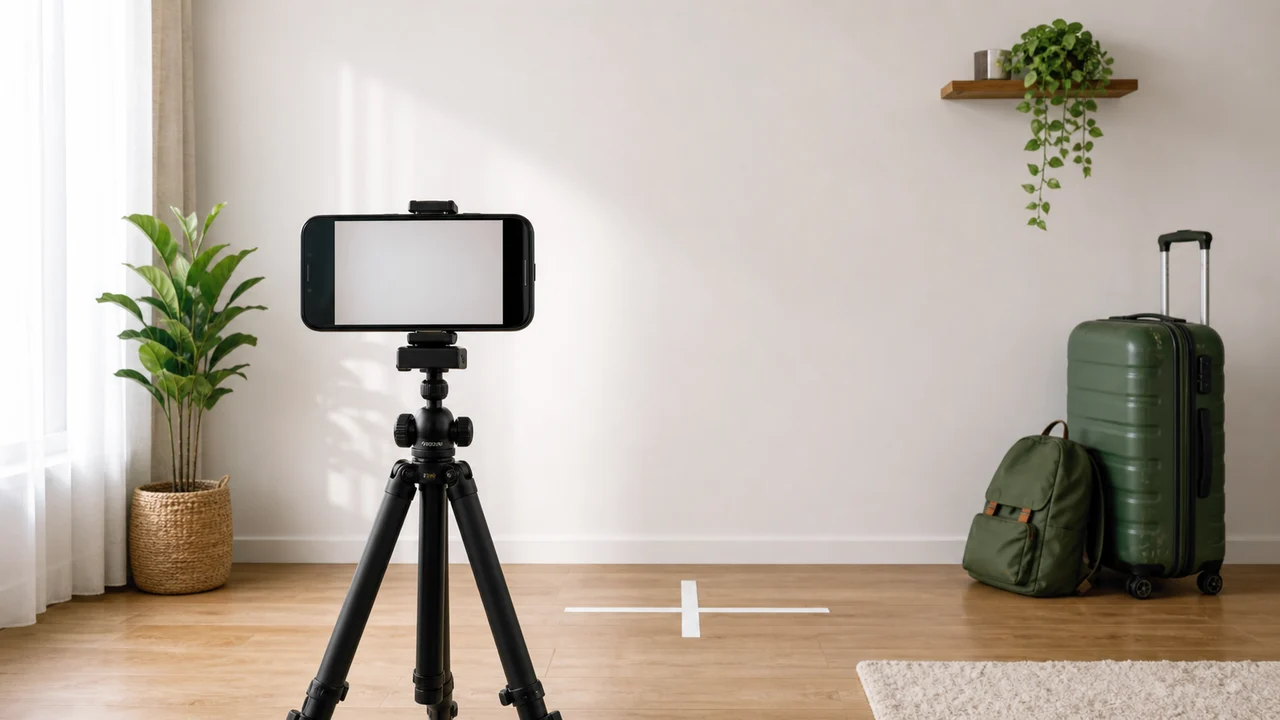
At a glance
- Stand in front of a plain white wall with soft light.
- Keep the camera at eye level and face it directly.
- Keep hair away from the eyes and cheeks.
- Leave enough space around the head for a clean square crop.
-
Set up the background and light
Choose a plain white wall or a white backdrop. Stand a little away from the wall so your head does not cast a dark shadow behind you.
Use soft window light or an evenly lit room. Avoid overhead lighting that creates shadows under the eyes, nose, or chin.
-
Position the iPhone
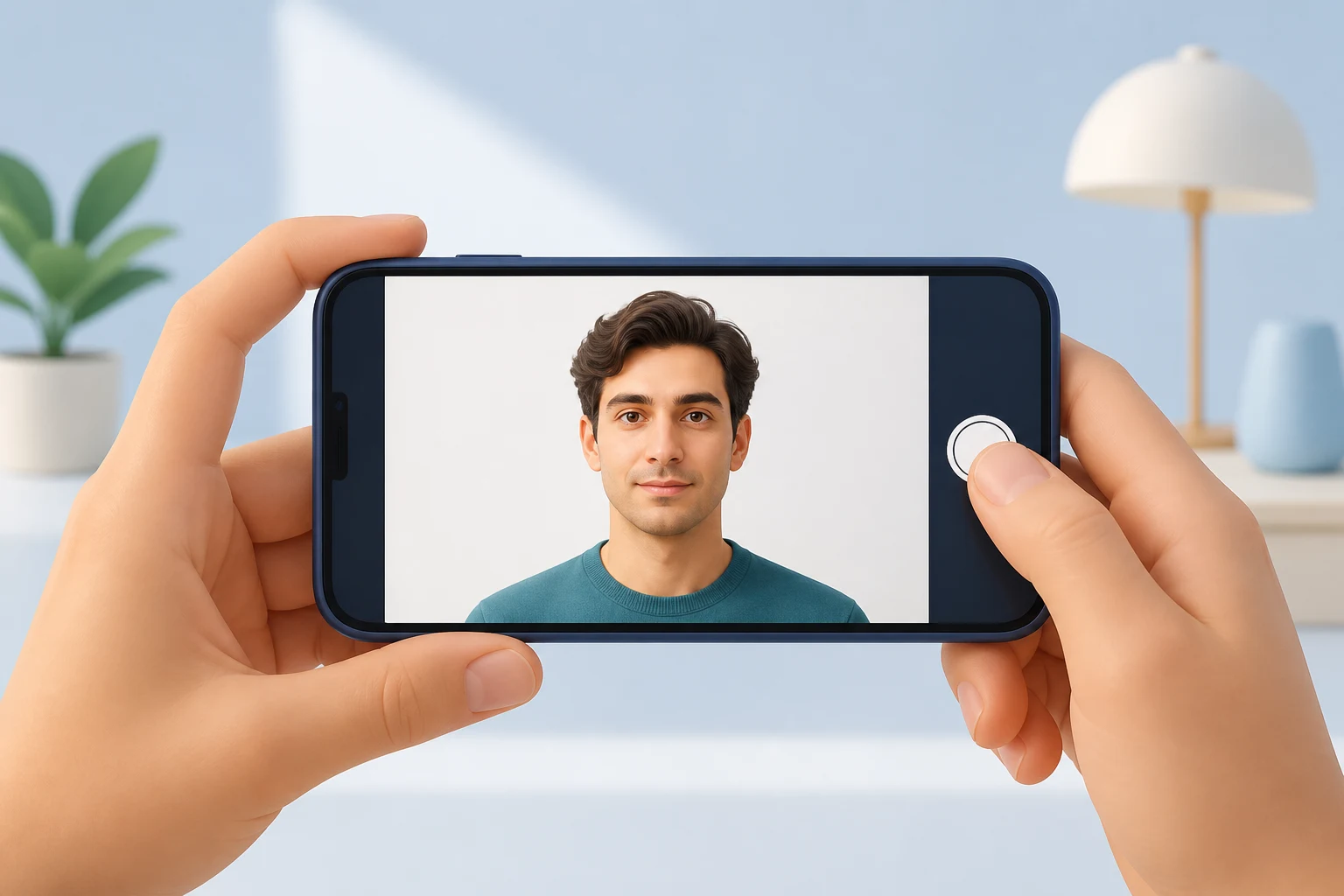
Place the iPhone at eye level, not below your chin or above your forehead. A small tripod or a stable shelf helps keep the camera straight.
Use the rear camera if possible, because it usually produces a sharper image. Ask someone to take the photo or use a timer so your posture stays natural.
-
Before you export
- Look straight at the camera with eyes open.
- Keep a neutral expression and avoid a wide smile.
- Make sure lens glare is not hiding your eyes.
- Keep both ears and cheeks visible.
- Export only after checking the pixel and file size requirements.
Create your photo with the iPhone appOpen the App Store
How to use source information
Use the Saudi eVisa photo specification as the baseline for 200 × 200 photos within 5 KB–100 KB. For Hajj/Nusuk or route-specific upload screens, confirm the latest requirement in the portal before submitting.
shoumei.org is an independent photo preparation tool. It is not a visa application service and does not guarantee acceptance or approval.
Points to check before upload
Check size, background, face position, and file size in order before you upload.
-
Wrong size
A square-looking photo can still fail if it is not exactly 200 × 200.
-
File too large or too small
The saved file should stay within the 5 KB–100 KB range for Saudi eVisa.
-
Background shadows
A white wall with a strong shadow can still be treated as a poor background.
-
Face visibility
Eyes and facial outline need to be clear. Glasses are not covered by the current official guidance, but lens glare can make your eyes hard to check.
How Saudi Visa & Umrah Photo helps
200 × 200 output
Exports the face photo at the square size the eVisa portal asks for.
File-size control
Optimizes the exported file for upload instead of leaving you to trial-and-error compression.
Private processing
Cropping, face-position checks, and export happen on the device.
Always compare the final file with the current portal instructions before upload.
FAQ
Can I take the photo as a selfie?
It is better to avoid handheld selfies because they can distort the face or tilt the head. Use a timer, tripod, or another person if possible.
Should I use Portrait mode?
Avoid strong background blur or artificial effects. Use a normal, sharp photo against a white background.
Can the app fix every background problem?
No. Start with the cleanest white background you can. Background tools work best when the original photo is already simple and evenly lit.
Source pages
- Visit Saudi - Saudi eVisa photo specifications Checked: 2026-09-03