Vietnam e-Visa file preparation
Vietnam e-Visa photo guides
Prepare the two files most Vietnam e-Visa applicants need: a 4 × 6 cm face photo JPEG and a readable passport data page image.
✓ Checked against official sources Last checked: August 14, 2026
Requirement snapshot
These guides cover the files for a standard tourist-style e-Visa application: the face photo and the passport data page image. Business visa supporting documents are not covered.
- Face photo: recent 4 × 6 cm portrait, JPG / JPEG, under the official 2 MB limit.
- App face photo output: 1200 × 1800 px JPEG with a white-background-oriented crop.
- Passport data page: clear image of the single passport information page, with the photo, text, and machine-readable zone visible. Keep the entire passport data page in the image with all four corners visible; do not submit an image with a lost corner.
- shoumei.org does not submit the visa application and does not guarantee approval.
Create your photo in the browser
Prepare the photo for Vietnam e-Visa directly in your smartphone or computer browser. Creating and reviewing are free.
Open the web toolAll Vietnam e-Visa photo guides
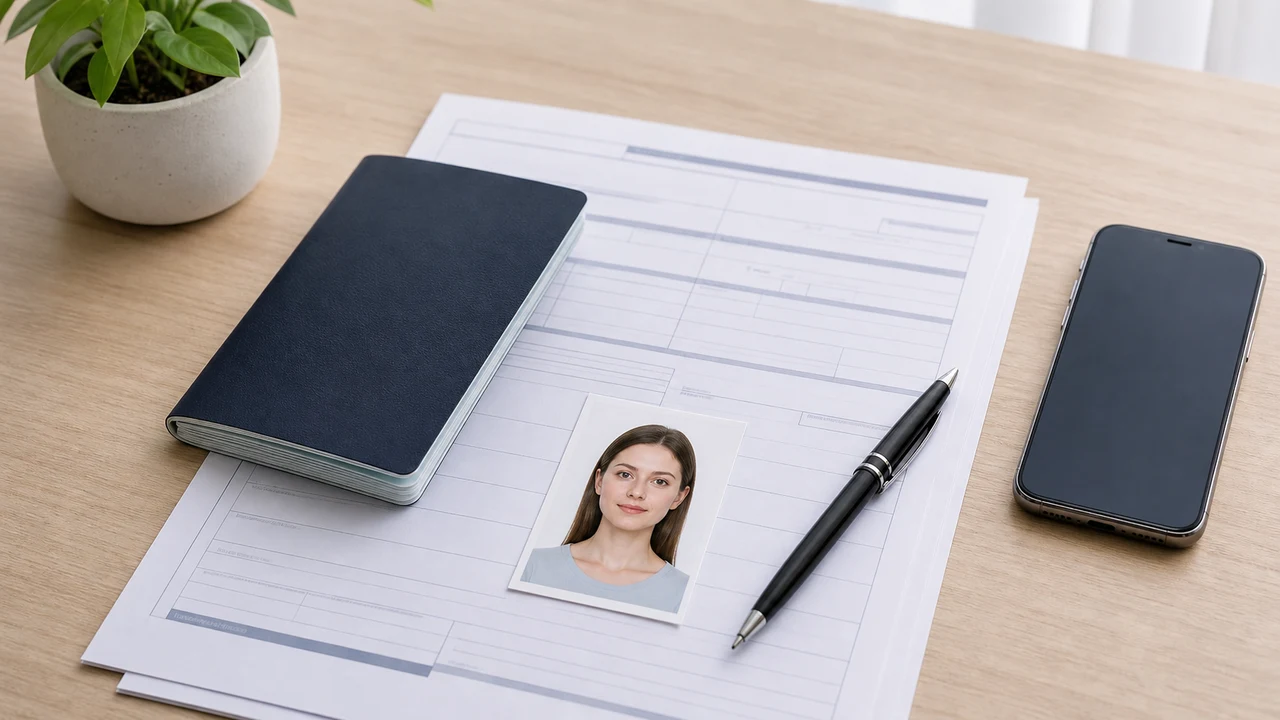 Face photo requirements Vietnam e-Visa face photo requirements: 4 × 6 cm, 2:3 portrait ratio, JPEG format, white background, and file-size checks.
 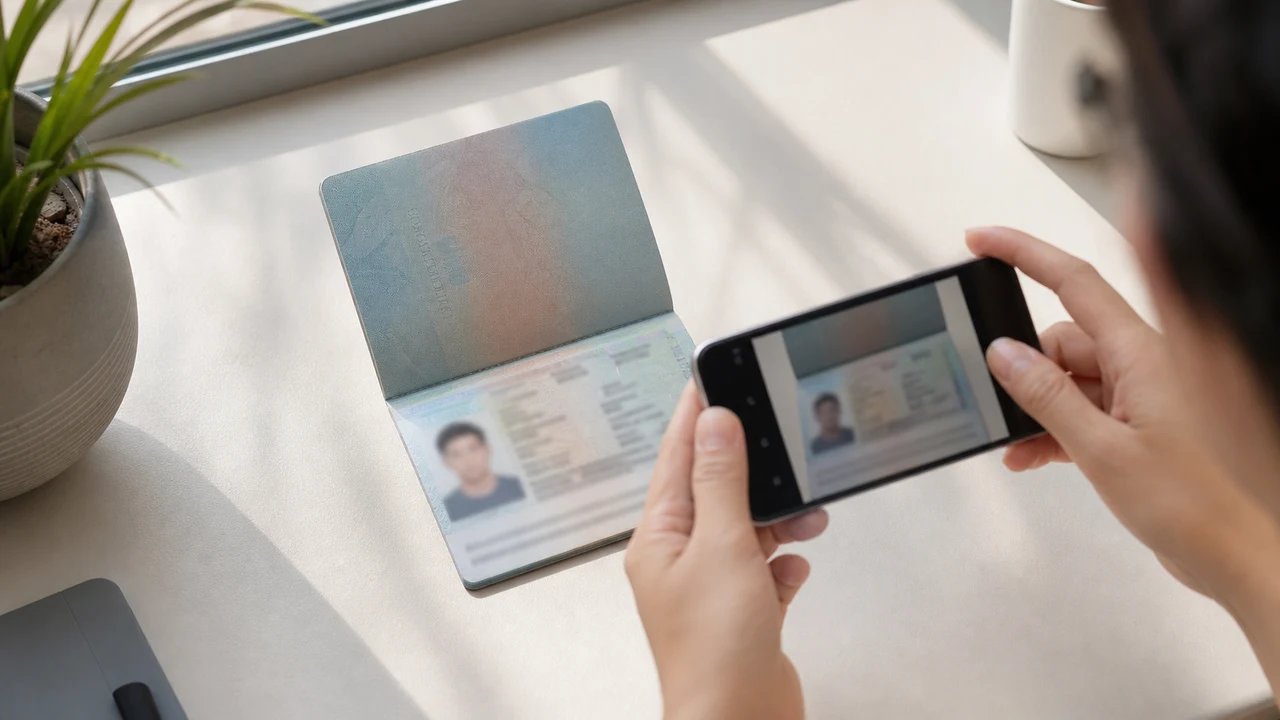 Passport data page image How to prepare a clear passport data page image for Vietnam e-Visa: full page, readable text, MRZ, corners, glare, and file size.
 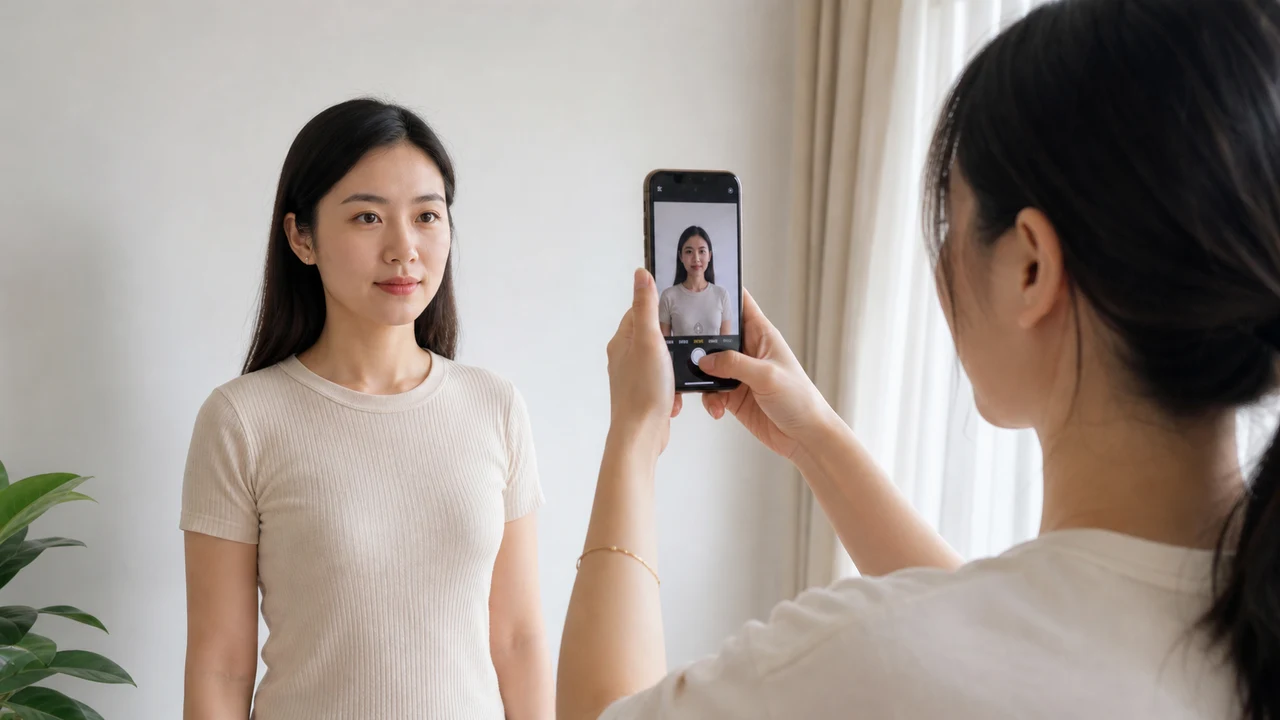 Take the photo with iPhone Step-by-step iPhone setup for Vietnam e-Visa photos: camera distance, lighting, white background, face position, and export checks.
 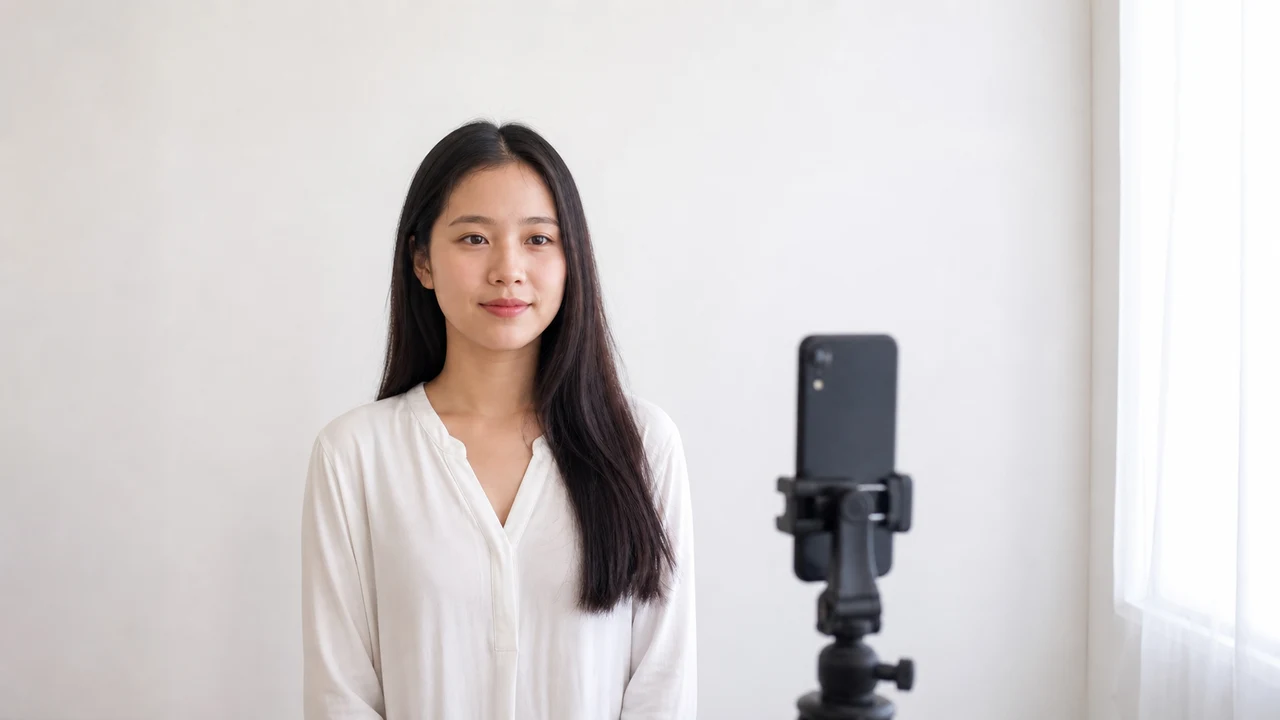 White background and face position Prepare the background and face position for Vietnam e-Visa photos: white wall, no shadows, straight head, enough margins, and 2:3 framing.
 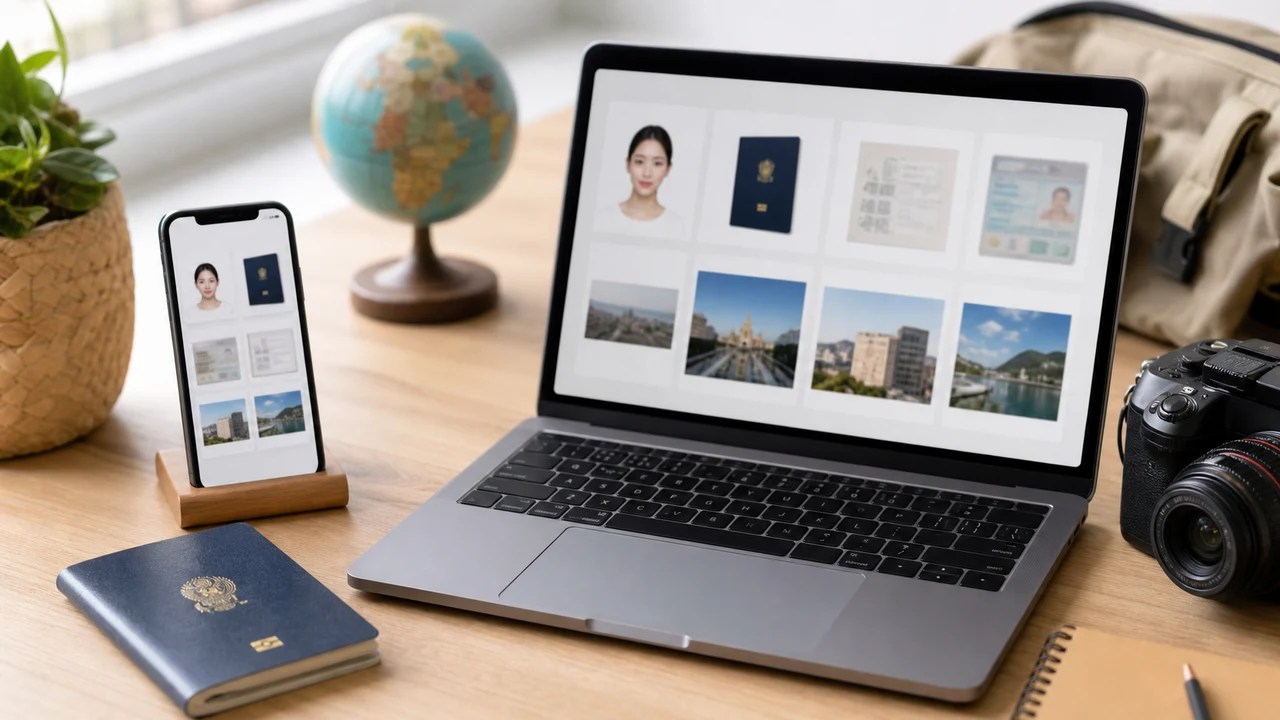 Upload checklist Final checklist before uploading Vietnam e-Visa files: face photo JPEG, passport data page image, file size, readability, and official portal checks.
 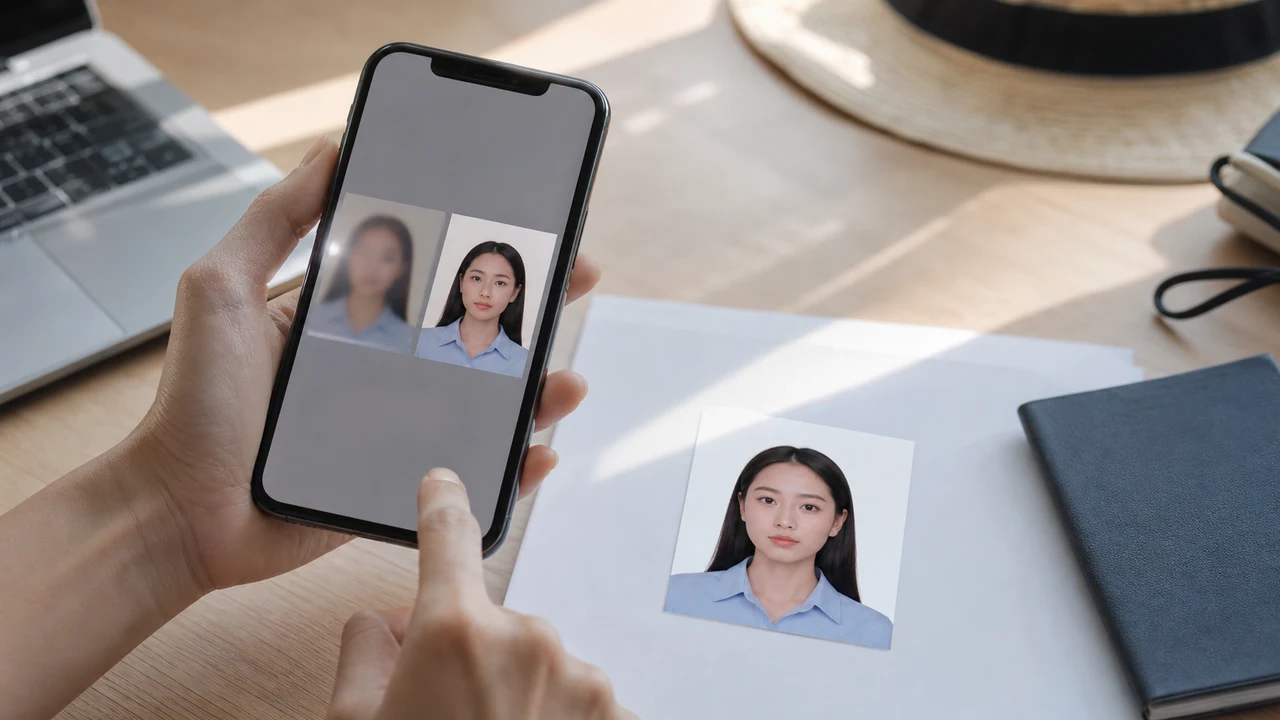 Common upload errors What the Vietnam e-Visa "File has script tag, please try again" message means (it does not mean your photo contains a script), how to fix it with a fresh JPEG re-export, and other common upload errors: square photos, blurry passport pages, glare.
 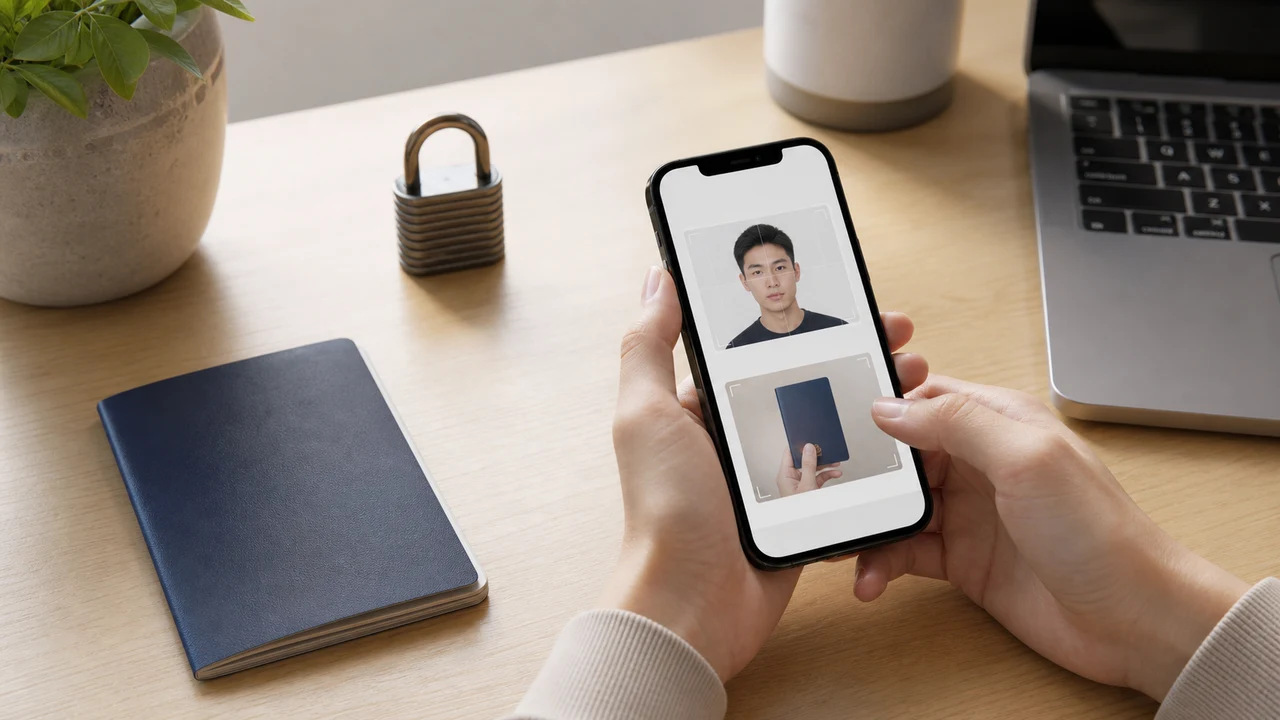 Privacy and on-device processing How the Vietnam e-Visa photo app protects privacy: face photo and passport images are prepared on-device, without server upload for image processing. Photo meets requirements but is still rejected What to do when a Vietnam e-Visa image appears to meet the published requirements but the current portal still rejects the upload. Portrait captured from another source warning Understand the Vietnam e-Visa warning about a portrait captured from another source, face comparison, and safe next steps. Passport photo crop used as a portrait Why a Vietnam e-Visa passport photo crop can be reported as an incorrect portrait, and how to keep the two official upload fields separate.
 Official sources
- Vietnam e-Visa — Official portal photo upload terms (evisa.gov.vn) Checked: August 14, 2026
- Vietnam e-Visa — Official user manual / application instructions Checked: August 14, 2026
FAQ
What should I prepare before opening the Vietnam e-Visa portal?
Prepare a compliant face photo JPEG and a readable passport data page image. Keep your passport and travel details ready, then follow the latest instructions on evisa.gov.vn.
Does shoumei.org handle business visa supporting documents?
The current guides cover the core face photo and passport data page files. Business visa supporting documents are not covered.
Prepare Vietnam e-Visa files on iPhone
Create a 4 × 6 cm face photo JPEG and a passport data page image, then confirm the latest instructions on evisa.gov.vn before submission.
Download on the App Store