COVA JPEG upload photo
What to check when preparing your China visa photo: size, background, and file requirements.
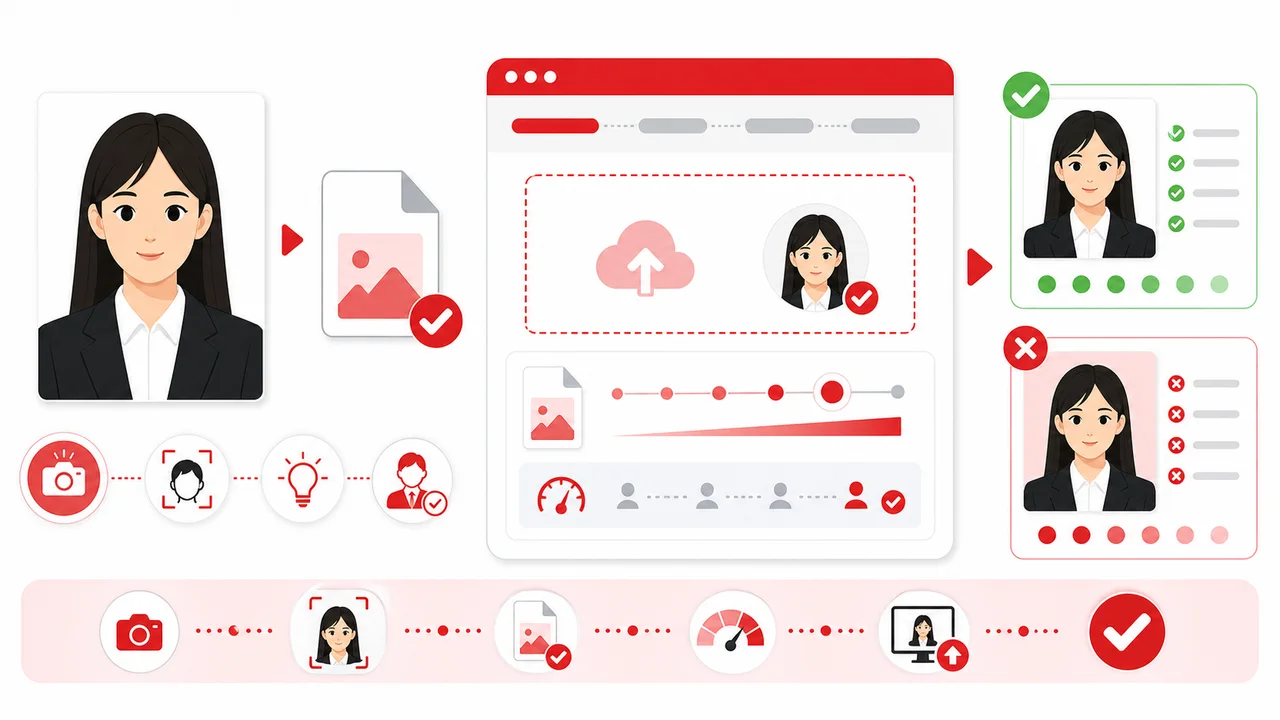
The photo conditions to check first
- JPEG, 24-bit RGB true color
- 40 KB–120 KB
- Export a JPEG sized for COVA's digital upload requirements — the exact pixel and file-size targets are in the table above. Final acceptance depends on the COVA upload check, visa center, embassy or consulate.
COVA JPEG upload: file requirements can block an otherwise good photo
A photo can look correct and still fail at upload if the file is not a valid JPEG, the size is outside the required range, or the pixel dimensions do not match the COVA-style requirement. Photos from iPhone may also remain in HEIC unless exported as JPEG.
The COVA upload expects a JPEG file in 24-bit RGB true color, 354 × 472 px, and 40 KB–120 KB. The actual upload screen should always be checked before submission.
- Export as JPEG/JPG, not HEIC
- Check 354 × 472 px and 40 KB–120 KB
- Avoid repeated compression that makes the face or hair edges noisy
After converting to JPG
Converting a file to JPG does not automatically fix face position, background shadows, or crop size. Re-check the image after conversion, especially if you used a share sheet or photo editor.
For the final upload file, avoid saving and re-saving many times. Repeated compression may create visible artifacts around the face, hair, and background.
Create your photo in the browser
Prepare the photo for China Visa directly in your smartphone or computer browser. Creating and reviewing are free.
Open the web toolWhat this tool creates
- the required face photo (for digital upload)
Also available as an iPhone appOpen the App Store
Check before you apply
Check the COVA upload screen and the embassy, consulate, or visa center instructions for your actual application route.
Photo conditions that can cause problems
Check these photo conditions before you submit. Getting them right during the shoot saves a retake later.
-
Wrong File Size or Dimensions
The COVA digital upload requires a JPEG within the official file size range at the standard pixel size. An incorrect file size or resolution can fail upload validation.
-
Shadows on Face or Background
Uneven lighting or standing too close to the wall can create shadows. Ensure soft, even lighting with no shadows on the face or behind the head.
How the App Helps You Prepare Your Photo
On-Screen Template Guide
Align your face with the official guide lines to easily meet the strict height and width specifications.
Background Check & Guidance
Check whether the background is plain white or near-white, with no shadows. It is safest to take the photo in front of a white wall from the start. If you use a background cleanup feature, use it carefully and verify the final image looks natural.
COVA-Style JPEG Export
Export a JPEG sized for COVA's digital upload requirements — the exact pixel and file-size targets are in the table above. Final acceptance depends on the COVA upload check, visa center, embassy or consulate.
Privacy First Processing
All image adjustments are processed entirely on your device. Your photos are never sent to a server.
Note: shoumei.org is an independent photo formatting tool to assist in preparation. It is not affiliated with COVA, the Ministry of Foreign Affairs of China, any Chinese embassy or consulate, or any visa application center. It does not submit visa applications or guarantee acceptance.
Frequently Asked Questions
What are the COVA digital photo requirements?
JPEG in 24-bit RGB true color at the standard pixel size and within the official file size range. Some visa center pages mention ranges up to 420 × 560 px. 354 × 472 px is the safest standard COVA output.
Does a China visa photo need to be 354 × 472 px?
For COVA online uploads, yes — that pixel size is the standard requirement. A few centers mention up to 420 × 560 px, so follow your upload screen if it shows a different limit.
What file size is required?
the official size range in JPEG format. Files outside that range can fail the COVA upload validation.
Do I need a printed photo or digital upload?
It depends on your application route. COVA online requires a digital upload (JPEG at the standard pixel size within the file size range). Some procedures may also require printed photos. Check the specific embassy, consulate, or visa center instructions.
Where these requirements come from
- COVA - China Online Visa Application photo upload Checked: 2026-06-29
- VisaForChina - Photo requirements FAQ Checked: 2026-09-03
- Consulate-General of China in Los Angeles - Photo Requirements Checked: 2026-06-29