Japan eVISA file preparation
Japan eVISA photo guide
Prepare the online face photo and passport image files used in a Japan short-term tourism eVISA application, without mixing them up with paper visa photo rules.
Requirement focus
Most applicants prepare two files before submission: the online face photo and the passport image. These guides cover both. Business, work, study, and family-visit routes follow different instructions because MOFA treats them as outside the basic tourism eVISA path.
- JAPAN eVISA is mainly for eligible short-term tourism applications; other purposes may require paper application routes.
- The face photo should be recent, front-facing, clear, on a plain/white background, and not altered to change appearance.
- Do not upload a photo of a printed photo. Prepare a clean digital photo file from the original capture.
- The passport data page image must be readable; glare, blur, cropped edges, or hidden MRZ text can stop the application.
- The app prepares image files only. It does not submit the visa application or influence the decision.
Create your photo in the browser
Prepare the photo for Japan Visa (paper application) directly in your smartphone or computer browser. Creating and reviewing are free.
Open the web toolJapan eVISA guide articles
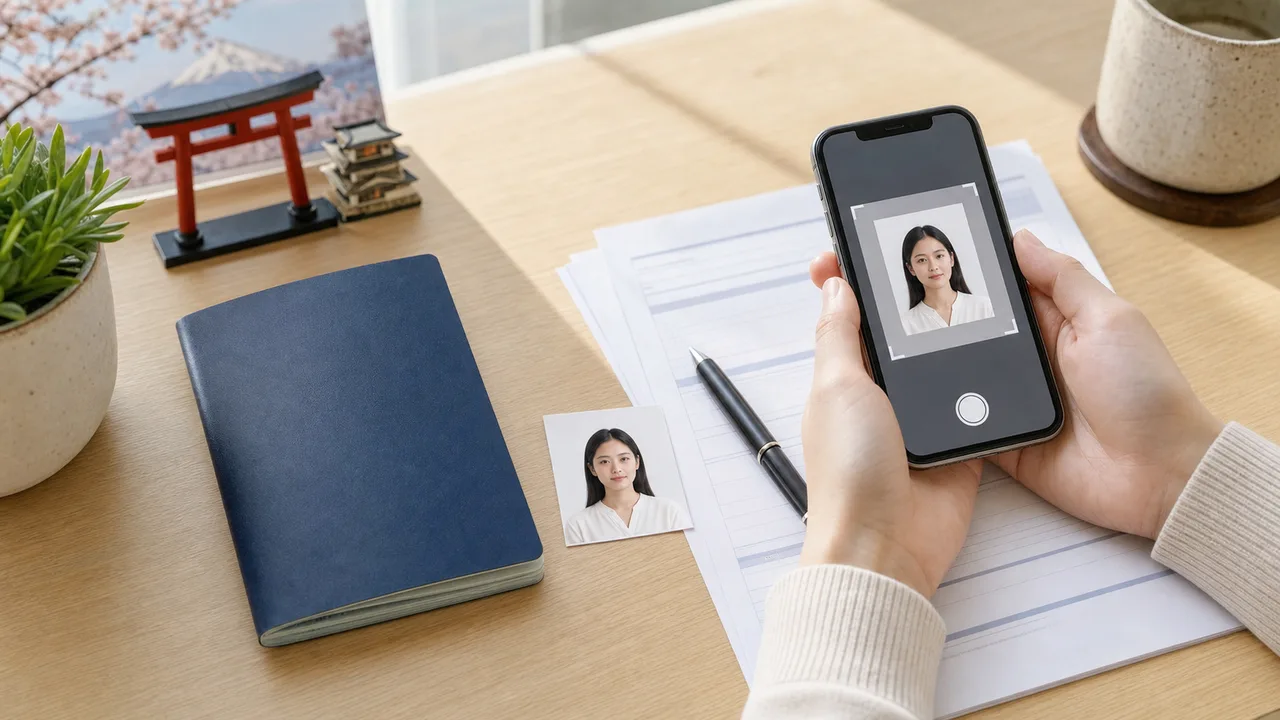 Photo requirements Japan eVISA face photo requirements explained: recent front-facing digital photo, plain white background, no altered appearance, and checks before upload.
 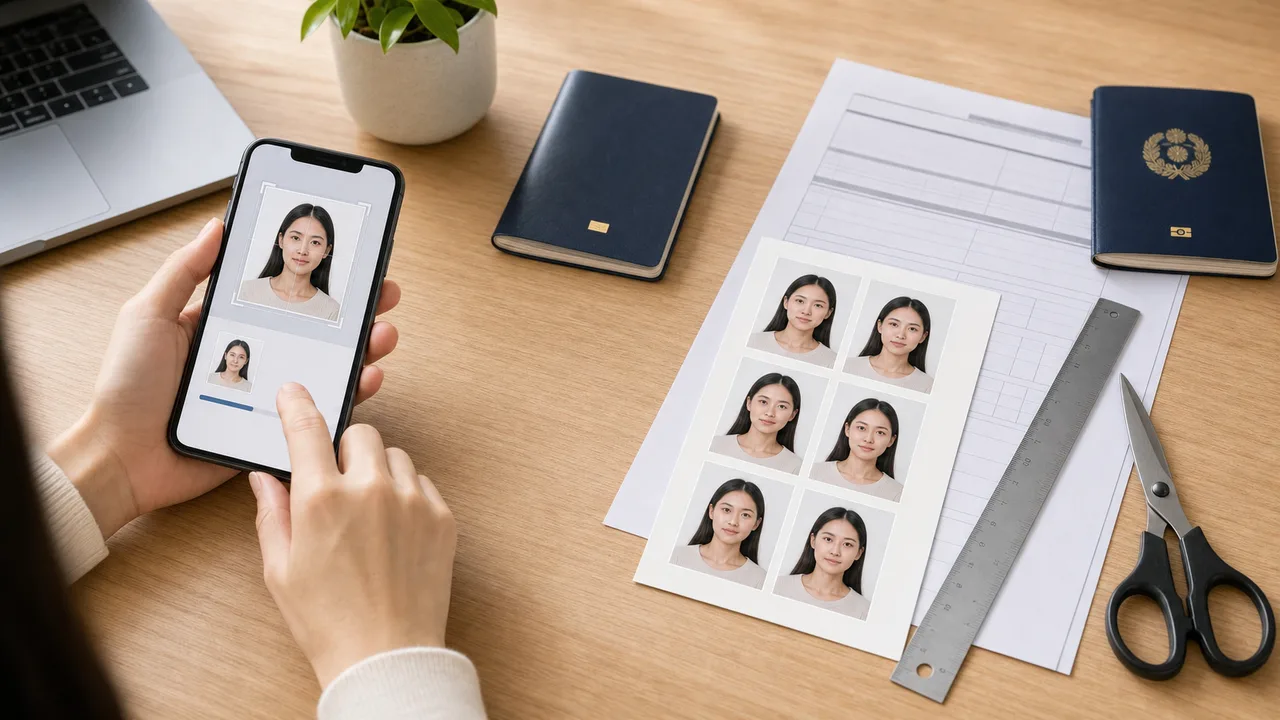 Paper visa photo requirements Japan paper visa applications use a printed photo. Photo sizes are published per application post: the 35 × 45 mm form baseline, 45 × 45 mm posts, and how to confirm the right size.
 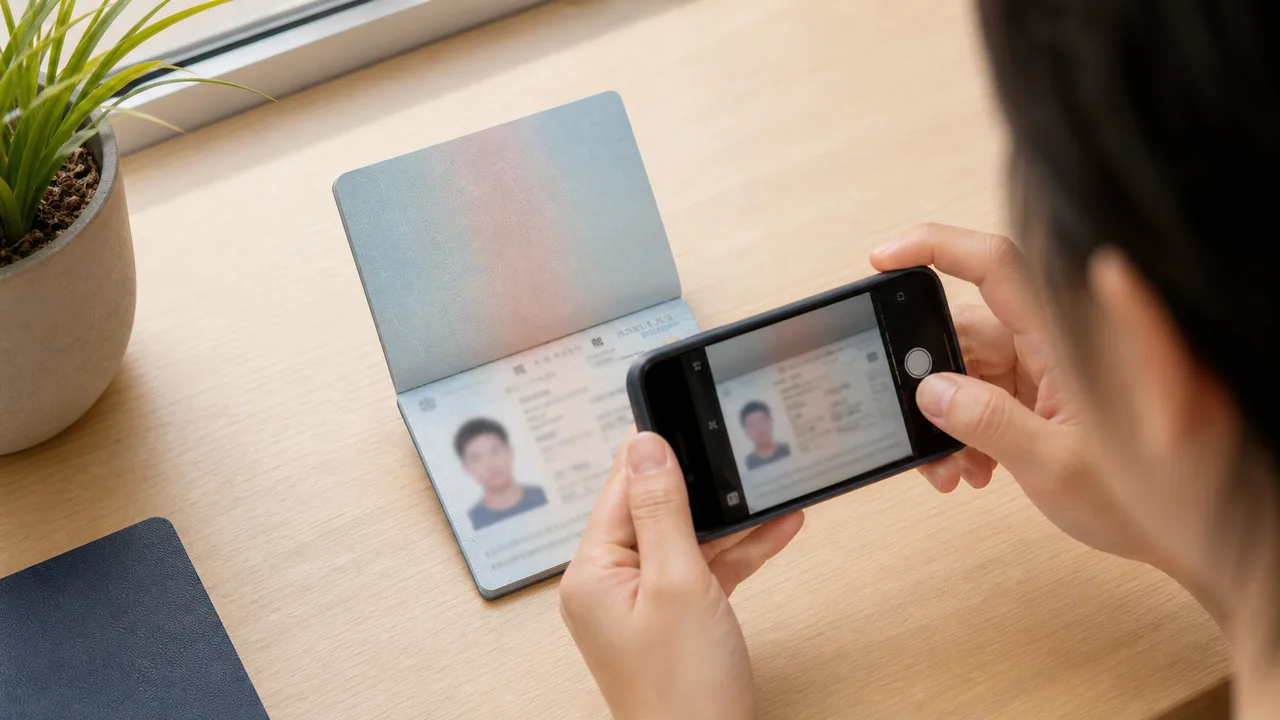 Passport data page How to prepare a readable passport data page image for Japan eVISA: full page, MRZ readability, no glare, no cropping, and file checks.
 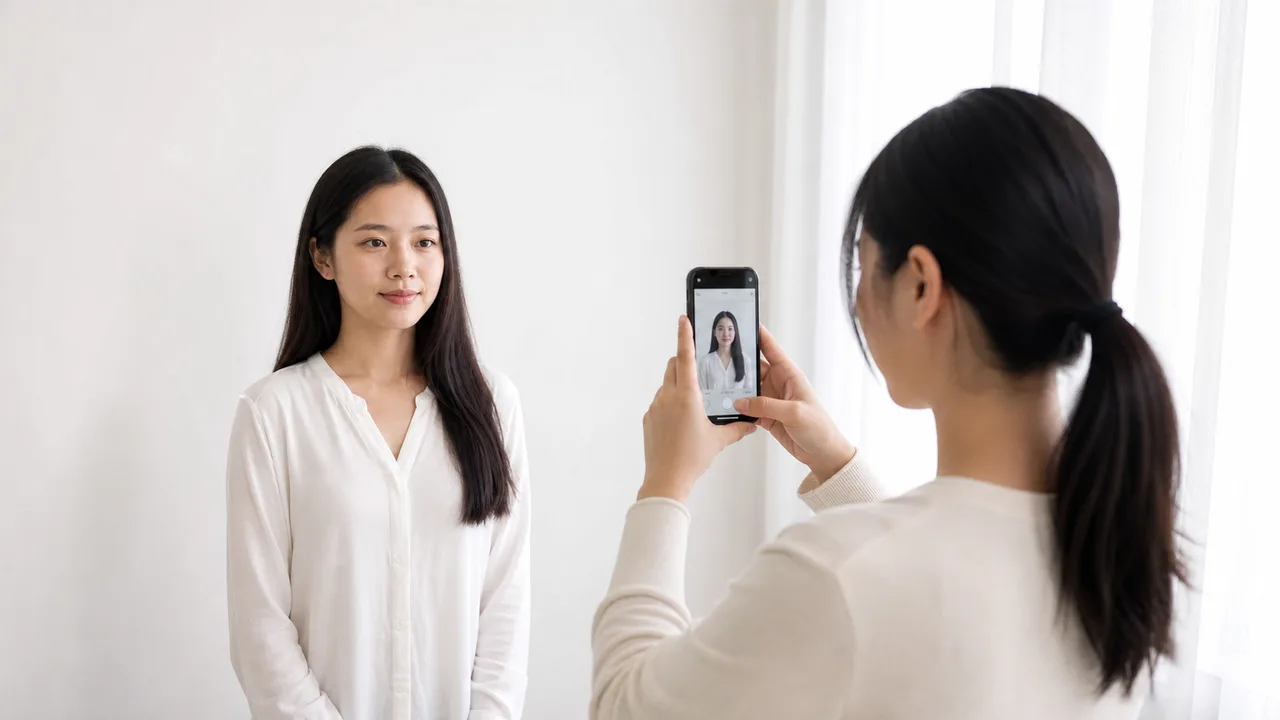 Take photo with iPhone Step-by-step iPhone setup for Japan eVISA photos: wall, lighting, distance, camera height, expression, and export checks.
  White background and face position Prepare the background and face position for Japan eVISA photos: plain wall, no shadows, centered face, enough margins, and no retouching.
 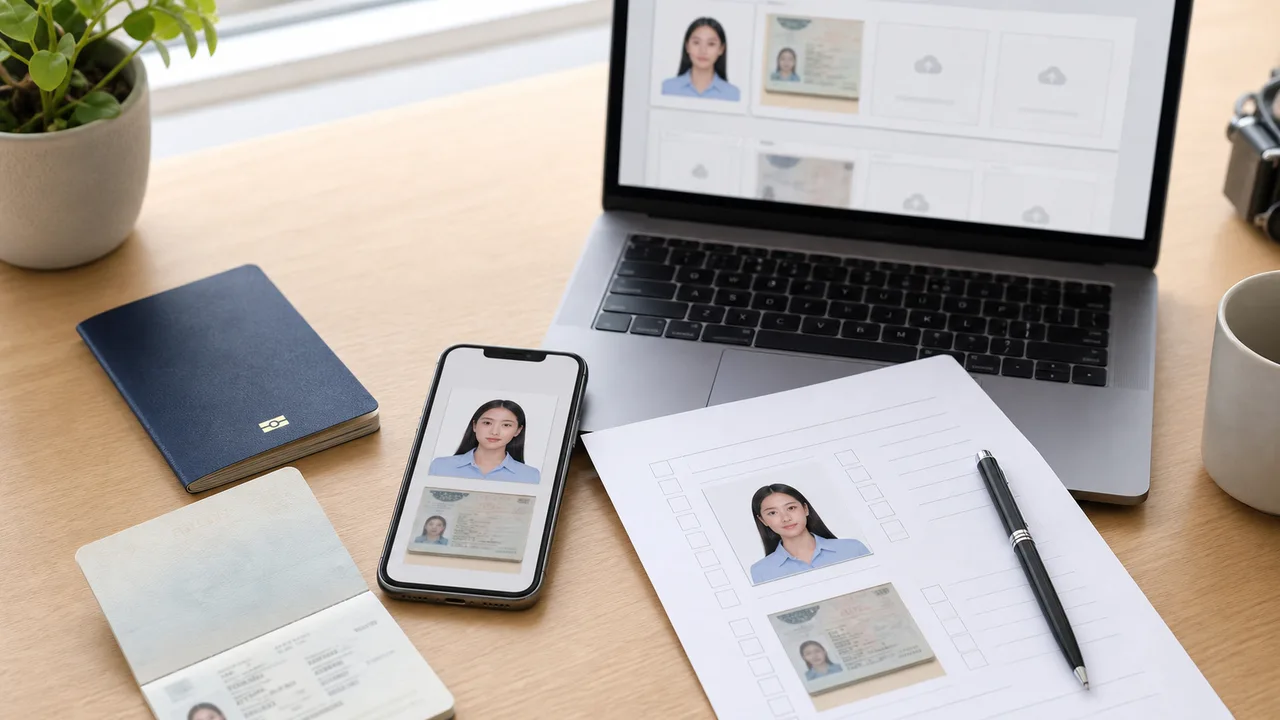 Upload checklist Final checklist before submitting Japan eVISA files: face photo, passport data page, document clarity, route eligibility, and official checks.
 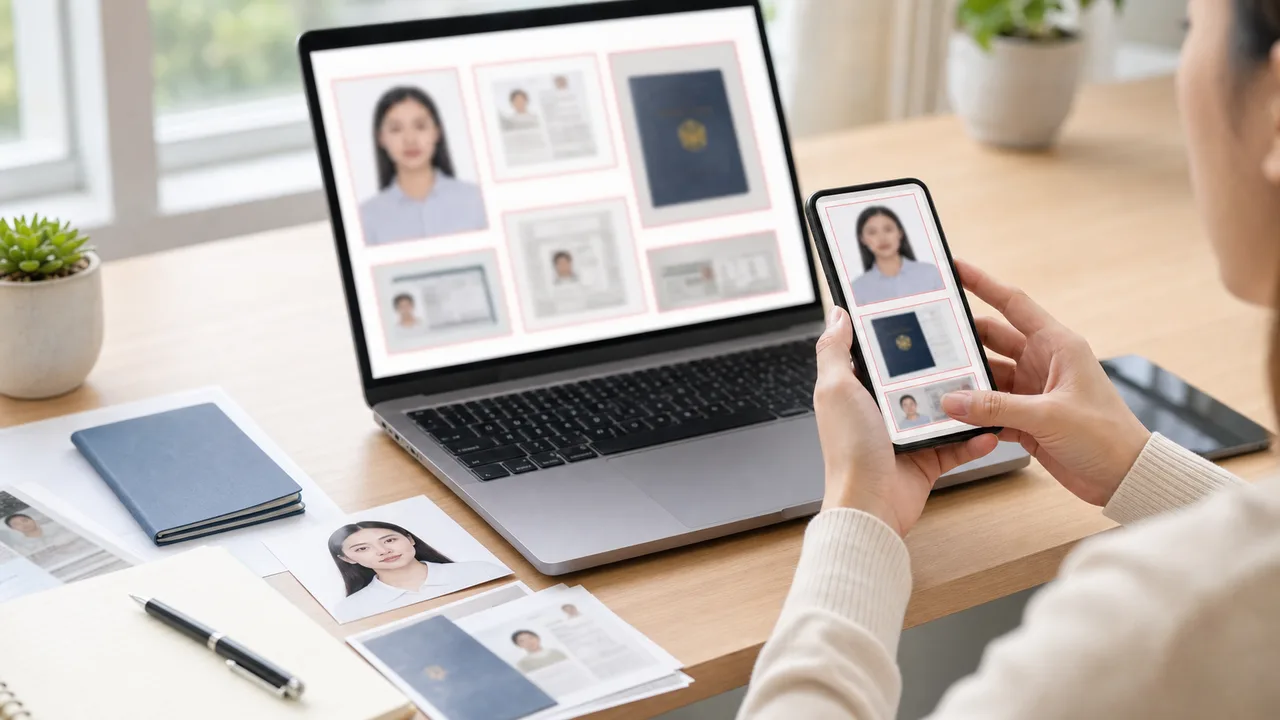 Upload errors Fix common Japan eVISA photo and passport upload problems: passport image errors, printed-photo scans, blurry files, glare, wrong route, and altered appearance. eVISA vs paper photo Compare Japan eVISA online photo preparation with paper visa photos for embassies and consulates, including 35 × 45 and 35 × 45 guidance.
 Official sources
- MOFA - JAPAN eVISA system Checked: September 30, 2026
- MOFA - FAQ about JAPAN eVISA Checked: July 2, 2026
- Consulate-General of Japan in Los Angeles - eVISA requirements checklist Checked: July 2, 2026
- Consulate-General of Japan in New York - Important Notes on eVISA Checked: October 4, 2026
- VFS Global — Japan eVISA (Singapore official provider route) Checked: July 28, 2026
- Consulate-General of Japan in Hong Kong — eVISA guideline (April 2026 eVISA/ENG_202604) Checked: August 27, 2026
- VFS Global — Japan eVISA (Mongolia official provider route) Checked: July 28, 2026
- Embassy of Japan in Saudi Arabia - VISA application Checked: July 2, 2026
- MOFA - Current Japan visa application form Checked: July 28, 2026
- Japan-Taiwan Exchange Association - Taipei general visa route photo standard Checked: July 28, 2026
- Consulate-General of Japan in Jeddah - photo requirements Checked: July 28, 2026
- Embassy of Japan in India / Consulate-General of Japan in Mumbai - photograph standard Checked: July 28, 2026
- Consulate-General of Japan in San Francisco - VISA INFORMATION Checked: September 18, 2026
FAQ
Is JAPAN eVISA available for every Japan visa purpose?
No. MOFA describes JAPAN eVISA as a short-term tourism route for eligible applicants. Family visits, business, study, work, and some other purposes require different instructions or paper applications.
Should I use the same photo for eVISA and paper visa applications?
Not automatically. The visual rules overlap, but the submission route and size instructions can differ. Follow the official instructions for your actual route.
What kind of face photo does JAPAN eVISA need?
A recent, front-facing, clear photo on a plain or white background, not altered to change how you look. Prepare it from the original capture, not a photo of a printed photo.
Can I upload a photo of a printed visa photo?
No. Do not upload a photo taken of a printed photo. Prepare a clean digital file from the original image so the face stays sharp.
What makes a passport data page image acceptable?
The full data page must be readable, with no glare, blur, cropped edges, or hidden MRZ text. Re-shoot under even light if the characters are not crisp.
Can I prepare both the face photo and passport image on iPhone?
Yes. Use the rear camera, keep the passport flat, and check the exported images by zooming in before upload.
Is a white background mandatory?
A plain or white background is the safe choice. Avoid shadows, patterns, and backgrounds that blend with light clothing.
Does shoumei.org submit the visa or guarantee issuance?
No. The app prepares image files only. The application is submitted through the official JAPAN eVISA route, and the decision is made by the relevant Japanese authorities.
Prepare your Japan eVISA photo on iPhone
Create a Japan visa photo JPEG, check the plain background and face position, then confirm the latest instructions from MOFA or your application office before submission.
Download on the App Store