Persiapan file Vietnam e-Visa
Vietnam e-Visa: Incorrect Portrait Photo setelah memotong foto paspor
Portal Vietnam e-Visa meminta potret yang baru diambil dan gambar halaman data paspor dalam dua kolom unggahan terpisah. Pemohon melaporkan bahwa potongan wajah dari gambar paspor yang dipakai sebagai potret ditolak sebagai “incorrect portrait photo”, atau gambar yang sama di kedua kolom menyebabkan pengerjaan ulang atau proses lebih lama; laporan ini bukan larangan resmi.
Diperiksa: 2026-08-14
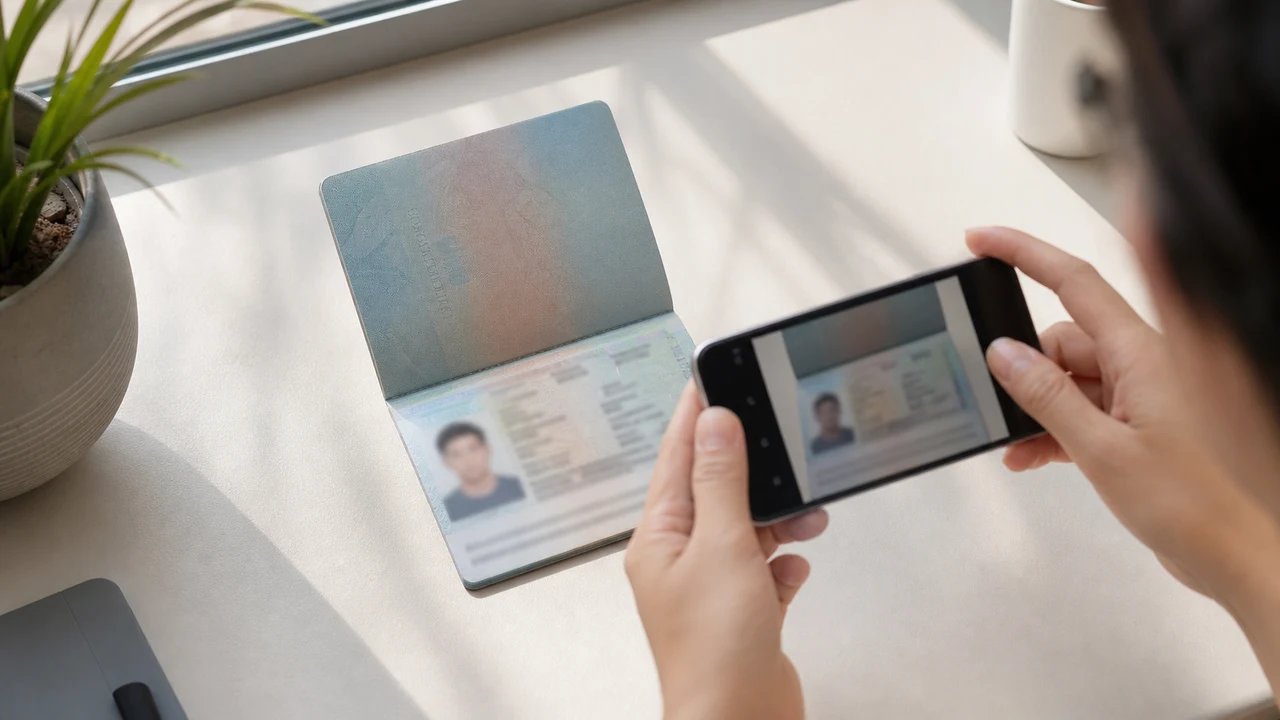
Kondisi foto yang perlu diperiksa lebih dulu
- Portal meminta potret baru dan gambar halaman data paspor sebagai dua unggahan terpisah.
- Laporan pemohon menyebut penolakan potongan foto paspor dan pengerjaan ulang setelah file diduplikasi; ini bukan aturan resmi yang dipublikasikan.
- Siapkan potret baru untuk kolom potret dan gunakan gambar paspor hanya pada kolom paspor.
- Sebelum mengunggah, pastikan setiap file berada di kolom yang benar dan mengikuti petunjuk potret yang dipublikasikan.
Mengapa potongan foto paspor dapat dilaporkan sebagai “Incorrect Portrait Photo”
Across applicant reports, people have described taking the face area from a passport Data Page image and using that crop as the portrait upload. Some reports describe an “incorrect portrait photo” rejection, while others describe rework or longer processing after the same image was selected for both upload fields.
These are observations reported by applicants, not a published official prohibition. The official portal instructions describe the portrait and passport Data Page as separate uploads; they do not state that a passport photo crop is prohibited.
Pisahkan kedua kolom unggahan
The official user manual shows a portrait upload and a passport Data Page upload as separate steps. It also shows automatic validation, personal-data extraction, and a submission block when an image is invalid.
That official flow explains why the two fields should be treated as different files. It does not publish the exact rule that produces an “incorrect portrait photo” message or any processing-time threshold.
Siapkan kedua file dengan benar
- Take a new portrait for the portrait field instead of cropping the face from the passport Data Page image.
- Use the published portrait instructions: 4 × 6 cm, JPG / JPEG, under 2 MB, white background, straight face, no hat, no glasses, and formal clothes.
- Use the passport Data Page image only in the passport upload field, keeping the page clear and its corners visible.
- Before selecting each file, check the preview or filename so the portrait and passport images are not swapped.
- If the portal reports an incorrect portrait, prepare a fresh portrait and keep the two upload fields separate rather than duplicating one file.
Persyaratan potret yang dipublikasikan portal resmi
- The official portal lists a newly taken 4 × 6 cm portrait in JPG / JPEG, under 2 MB, with a white background, a straight face, no hat, no glasses, and formal clothes.
- The portal also asks for a clear passport Data Page image. Keep that image complete and readable; do not treat its face area as the portrait file.
- The official instructions do not publish a pixel similarity score, crop ratio, or other numeric boundary for deciding whether a portrait is accepted.
Apa yang dijelaskan dan tidak dijelaskan oleh laporan potret yang salah
An applicant report can tell you that this combination of files was rejected or required another attempt. It cannot establish that the portal has a universal “passport crop” rule, nor can it reveal the exact automated check behind the message.
Use the report as a reason to separate the files and follow the published portrait instructions, not as evidence of an unpublished government requirement.
Siapkan potret baru tanpa mengubah identitas Anda
A face-photo workflow can help prepare a 4 × 6 cm portrait JPEG from a new capture. It does not decide whether the official portal will accept the file and cannot guarantee the portal’s validation result.
Keep the portrait truthful and use the passport Data Page image as the separate document upload. Do not digitally alter the face to imitate the passport image or to bypass the portal’s checks.
Panduan unggah Vietnam e-Visa terkait
For a broader file checklist, start with the guides below. They stay within the same official portal upload flow.
Buat foto Anda di browser
Siapkan foto untuk e-Visa Vietnam langsung di browser ponsel atau komputer Anda. Membuat dan meninjau gratis.
Buka alat webYang dibuat alat ini
- foto wajah yang dibutuhkan (untuk unggahan digital)
- halaman data biografis paspor (halaman foto) (untuk unggahan dokumen)
Tersedia juga sebagai aplikasi iPhoneBuka App Store
Catatan sumber resmi
Foto potret dan gambar halaman data paspor mengikuti instruksi Sistem Visa Elektronik Nasional Vietnam. Aplikasi menyiapkan file; aplikasi visa itu sendiri dikirimkan pada portal resmi evisa.gov.vn.
Kondisi foto yang dapat menimbulkan masalah
Sejumlah kecil masalah yang berulang dapat menyebabkan penolakan file e-Visa. Pemeriksaan ini mengurangi kesalahan unggah, tetapi tidak menjamin bahwa foto atau aplikasi Anda akan diterima.
-
Latar abu-abu atau berpola
Bayangan, warna, atau tekstur di belakang kepala sering menyebabkan penolakan. Gunakan dinding putih atau sangat terang dan maju sedikit untuk memperhalus bayangan.
-
Refleksi kacamata atau mata tertutup
Refleksi dan bingkai yang menutupi mata adalah alasan utama penolakan foto wajah. Melepas kacamata sebelum memotret adalah pilihan teraman.
-
Halaman data paspor tidak terbaca
Jika baris MRZ, nama, atau nomor paspor kabur atau tertutup refleksi, file dapat ditolak meskipun foto wajah sudah benar.
-
File terlalu besar atau format salah
Ekspor JPG / JPEG di bawah batas resmi 2 MB. File PNG atau yang terlalu besar dapat ditolak saat unggah meskipun gambar terlihat benar.
-
Rambut menutupi mata atau kepala miring
Rambut di alis atau mata dan kepala miring menyulitkan verifikasi. Jaga kepala tetap lurus dan rambut tidak menutupi wajah.
Mengapa menggunakan shoumei.org untuk file Vietnam e-Visa
Ekspor tepat 4 × 6 cm / 2:3
Aplikasi mengekspor JPEG 1200 × 1800 px yang sesuai dengan rasio potret e-Visa Vietnam, sehingga Anda menghindari masalah crop persegi sejak awal.
Di bawah 2 MB dengan detail terbaca
Aplikasi mengompresi JPEG di bawah batas ukuran file resmi sembari menjaga detail wajah dan teks paspor tetap terbaca sejauh yang dimungkinkan oleh gambar sumber.
Panduan latar dan penyelarasan wajah
Panduan bawaan membantu memusatkan wajah, memberi margin yang benar, dan memeriksa latar putih sebelum ekspor.
Privasi pada perangkat
Pemrosesan gambar berlangsung di perangkat Anda. Tidak ada foto atau gambar paspor yang diunggah ke server melalui shoumei.org.
shoumei.org adalah alat persiapan file independen. Tidak berafiliasi dengan Pemerintah Vietnam atau portal evisa.gov.vn, dan penggunaannya tidak menjamin bahwa foto, gambar paspor, atau aplikasi visa Anda akan diterima atau disetujui.
FAQ
Bolehkah saya memakai potongan foto paspor sebagai potret Vietnam e-Visa?
Do not use the passport Data Page image as the portrait upload. The official portal treats the portrait and passport image as separate fields, while applicant reports describe passport-photo crops being rejected as an incorrect portrait; the reports are not an official prohibition.
Mengapa sebaiknya tidak memakai gambar yang sama di kedua kolom unggahan Vietnam e-Visa?
The two fields represent separate uploads in the official portal flow. Applicant reports describe duplicated or swapped files leading to rework or longer processing, but they do not establish a published official processing rule.
Apa yang harus ada dalam file potret Vietnam e-Visa?
Use a newly taken 4 × 6 cm JPG / JPEG portrait under 2 MB, with a white background, a straight face, no hat, no glasses, and formal clothes. Upload the passport Data Page image separately.
Bisakah alat foto menjamin portal menerima potret baru saya?
No. The tool can help prepare the portrait output, but the official portal performs its own validation and acceptance decision. Keep the two upload fields separate and confirm the latest portal instructions before submitting.
Sumber resmi
- Vietnam e-Visa — Official portal photo upload terms (evisa.gov.vn) Diperiksa: 2026-08-14
- Vietnam e-Visa — Official user manual / application instructions Diperiksa: 2026-08-14