베트남 e-Visa 파일 준비
Vietnam e-Visa: 여권 사진을 자른 뒤 표시되는 Incorrect Portrait Photo
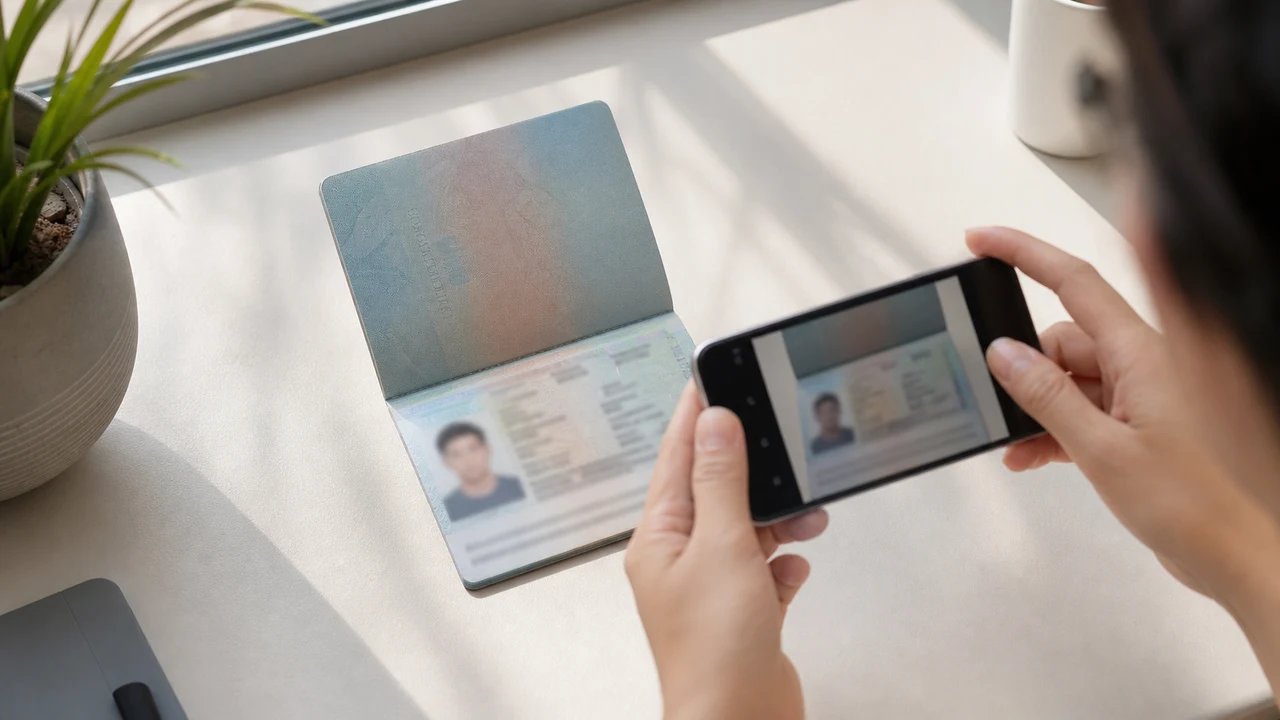
Vietnam e-Visa 포털은 새로 촬영한 초상 사진과 여권 Data Page 이미지를 서로 다른 업로드 칸에 요청합니다. 신청자들은 여권 이미지에서 얼굴을 잘라 초상 사진 칸에 넣었을 때 “incorrect portrait photo”로 거부되었거나, 두 칸에 같은 이미지를 넣어 재작업이나 처리가 길어졌다고 보고했습니다. 이는 공식 금지 규정이 아닙니다.
확인 완료일: 2026-08-14
먼저 확인할 사진 조건
- 포털은 새 초상 사진과 여권 Data Page 이미지를 별도 업로드로 요청합니다.
- 신청자 보고에는 여권 사진 크롭 거부와 같은 파일을 반복한 뒤의 재작업이 나타나지만, 공개된 공식 규정은 아닙니다.
- 초상 사진 칸에는 새 사진을, 여권 칸에는 Data Page 이미지를 준비하세요.
- 업로드 전에 각 파일이 올바른 칸에 해당하고 공개된 초상 사진 안내를 따르는지 확인하세요.
여권 사진 크롭이 “Incorrect Portrait Photo”로 보고될 수 있는 이유
Across applicant reports, people have described taking the face area from a passport Data Page image and using that crop as the portrait upload. Some reports describe an “incorrect portrait photo” rejection, while others describe rework or longer processing after the same image was selected for both upload fields.
These are observations reported by applicants, not a published official prohibition. The official portal instructions describe the portrait and passport Data Page as separate uploads; they do not state that a passport photo crop is prohibited.
두 업로드 칸을 분리하세요
The official user manual shows a portrait upload and a passport Data Page upload as separate steps. It also shows automatic validation, personal-data extraction, and a submission block when an image is invalid.
That official flow explains why the two fields should be treated as different files. It does not publish the exact rule that produces an “incorrect portrait photo” message or any processing-time threshold.
두 파일을 올바르게 준비하세요
- Take a new portrait for the portrait field instead of cropping the face from the passport Data Page image.
- Use the published portrait instructions: 4 × 6 cm, JPG / JPEG, under 2 MB, white background, straight face, no hat, no glasses, and formal clothes.
- Use the passport Data Page image only in the passport upload field, keeping the page clear and its corners visible.
- Before selecting each file, check the preview or filename so the portrait and passport images are not swapped.
- If the portal reports an incorrect portrait, prepare a fresh portrait and keep the two upload fields separate rather than duplicating one file.
공식 포털의 공개 초상 사진 요건
- The official portal lists a newly taken 4 × 6 cm portrait in JPG / JPEG, under 2 MB, with a white background, a straight face, no hat, no glasses, and formal clothes.
- The portal also asks for a clear passport Data Page image. Keep that image complete and readable; do not treat its face area as the portrait file.
- The official instructions do not publish a pixel similarity score, crop ratio, or other numeric boundary for deciding whether a portrait is accepted.
잘못된 초상 사진 보고가 알려 주는 것과 알려 주지 않는 것
An applicant report can tell you that this combination of files was rejected or required another attempt. It cannot establish that the portal has a universal “passport crop” rule, nor can it reveal the exact automated check behind the message.
Use the report as a reason to separate the files and follow the published portrait instructions, not as evidence of an unpublished government requirement.
신원을 바꾸지 않고 새 초상 사진 준비하기
A face-photo workflow can help prepare a 4 × 6 cm portrait JPEG from a new capture. It does not decide whether the official portal will accept the file and cannot guarantee the portal’s validation result.
Keep the portrait truthful and use the passport Data Page image as the separate document upload. Do not digitally alter the face to imitate the passport image or to bypass the portal’s checks.
Vietnam e-Visa 관련 업로드 가이드
For a broader file checklist, start with the guides below. They stay within the same official portal upload flow.
이 도구로 만들 수 있는 것
- 필요한 증명사진 (디지털 제출용)
- 여권 사진·신상 정보 페이지(데이터 페이지) (문서 업로드용)
iPhone 앱으로도 만들 수 있어요App Store에서 열기
공식 출처에 대하여
얼굴 사진 및 여권 정보면 파일 준비 방법은 베트남 전자비자 공식 시스템의 안내에 따릅니다. 앱은 제출용 파일 작성을 지원하는 도구이며, 실제 비자 신청은 공식 포털인 evisa.gov.vn에서 진행해야 합니다.
사진에서 문제가 되기 쉬운 조건
반복되는 몇 가지 문제가 e-Visa 파일 반려로 이어질 수 있습니다. 이 점들을 확인하면 업로드 문제가 줄지만, 사진이나 신청이 접수된다는 보장은 아닙니다.
-
회색·패턴 배경
머리 뒤의 그림자·색·패턴은 반려 사유가 되기 쉽습니다. 흰색이나 매우 밝은 무지 벽을 사용하고 그림자를 줄이려면 벽에서 살짝 떨어지세요.
-
안경 반사 또는 눈 가림
안경 반사와 테가 눈을 가리는 것은 증명사진 반려의 주요 사유입니다. 촬영 전 안경을 벗는 것이 가장 안전합니다.
-
여권 정보면이 안 읽힘
MRZ, 이름, 여권 번호가 흐리거나 빛 반사로 가려지면 얼굴 사진은 괜찮아도 파일이 반려될 수 있습니다.
-
용량 초과·잘못된 형식
공식 상한 2 MB 미만의 JPG / JPEG로 내보내세요. PNG나 용량 초과는 이미지가 올바르게 보여도 업로드에서 걸릴 수 있습니다.
-
머리카락이 눈을 가림·얼굴 기울어짐
눈썹이나 눈에 머리가 닿거나 얼굴이 기울면 확인이 어렵습니다. 머리를 곧게 하고 머리카락이 얼굴을 가리지 않게 하세요.
베트남 e-Visa 파일에 shoumei.org를 쓰는 이유
정확한 4 × 6 cm / 2:3 내보내기
앱은 베트남 e-Visa 세로 비율에 맞춰 1200 × 1800 px JPEG를 내보내므로 처음부터 정사각형 실수를 피할 수 있습니다.
2 MB 미만, 가독성 유지
공식 용량 상한 아래로 JPEG를 압축하면서 원본이 허용하는 한 얼굴 세부 정보와 여권 문자의 가독성을 유지합니다.
배경·얼굴 정렬 가이드
내장 가이드로 얼굴을 중앙에 두고, 여백을 확보하며, 내보내기 전 흰 배경을 확인할 수 있습니다.
기기 내 프라이버시
이미지 처리는 기기에서 이루어집니다. shoumei.org를 통해 어떤 사진이나 여권 이미지도 서버로 전송되지 않습니다.
shoumei.org는 독립적인 파일 작성 도구입니다. 베트남 정부나 evisa.gov.vn 포털과 제휴하지 않으며, 사용이 사진·여권 이미지·비자 신청의 접수나 승인을 보장하지는 않습니다.
자주 묻는 질문
Vietnam e-Visa 초상 사진에 여권 사진 크롭을 사용해도 되나요?
Do not use the passport Data Page image as the portrait upload. The official portal treats the portrait and passport image as separate fields, while applicant reports describe passport-photo crops being rejected as an incorrect portrait; the reports are not an official prohibition.
Vietnam e-Visa 두 업로드 칸에 같은 이미지를 피해야 하는 이유는 무엇인가요?
The two fields represent separate uploads in the official portal flow. Applicant reports describe duplicated or swapped files leading to rework or longer processing, but they do not establish a published official processing rule.
Vietnam e-Visa 초상 사진 파일에는 무엇이 필요하나요?
Use a newly taken 4 × 6 cm JPG / JPEG portrait under 2 MB, with a white background, a straight face, no hat, no glasses, and formal clothes. Upload the passport Data Page image separately.
사진 도구가 포털의 새 초상 사진 수락을 보장할 수 있나요?
No. The tool can help prepare the portrait output, but the official portal performs its own validation and acceptance decision. Keep the two upload fields separate and confirm the latest portal instructions before submitting.
공식 출처
- Vietnam e-Visa — Official portal photo upload terms (evisa.gov.vn) 확인 완료일: 2026-08-14
- Vietnam e-Visa — Official user manual / application instructions 확인 완료일: 2026-08-14